
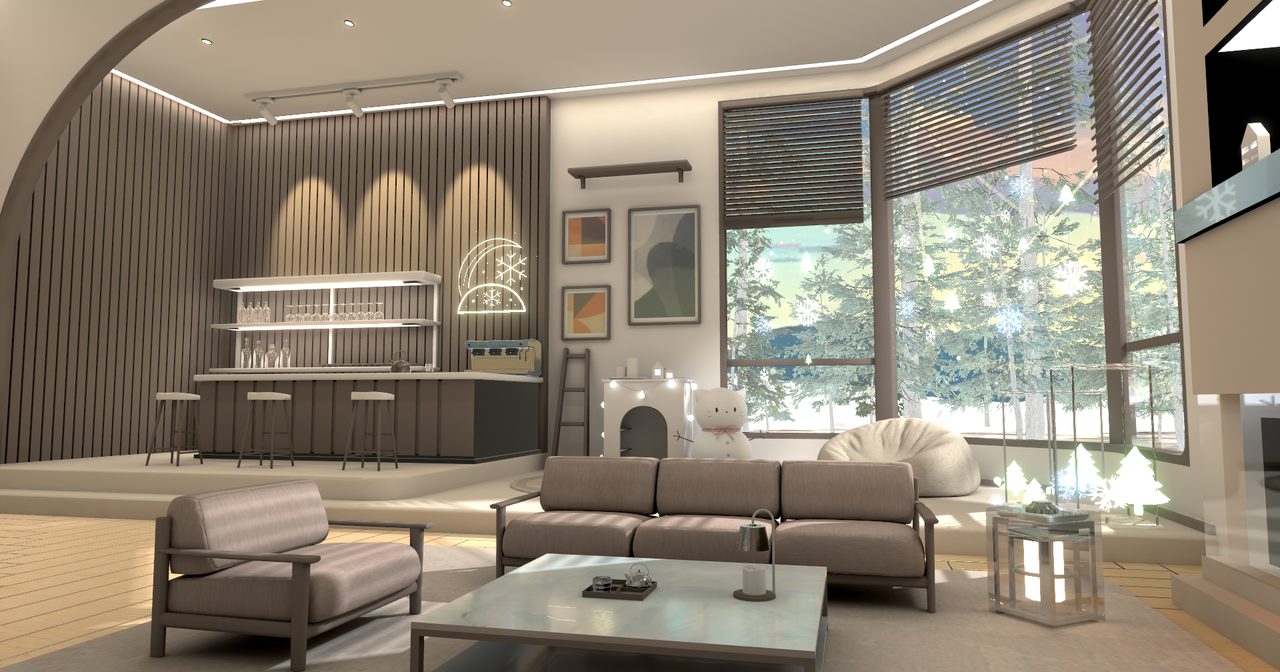
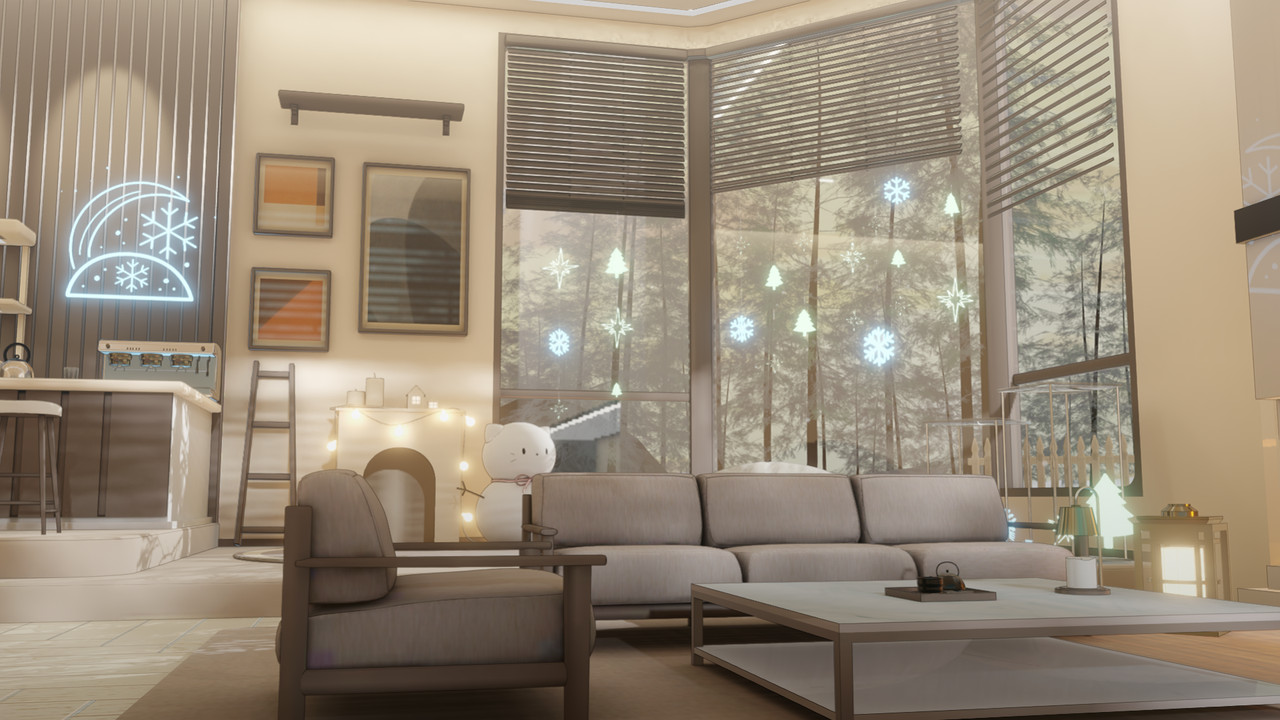
Description
v1.1 Update!
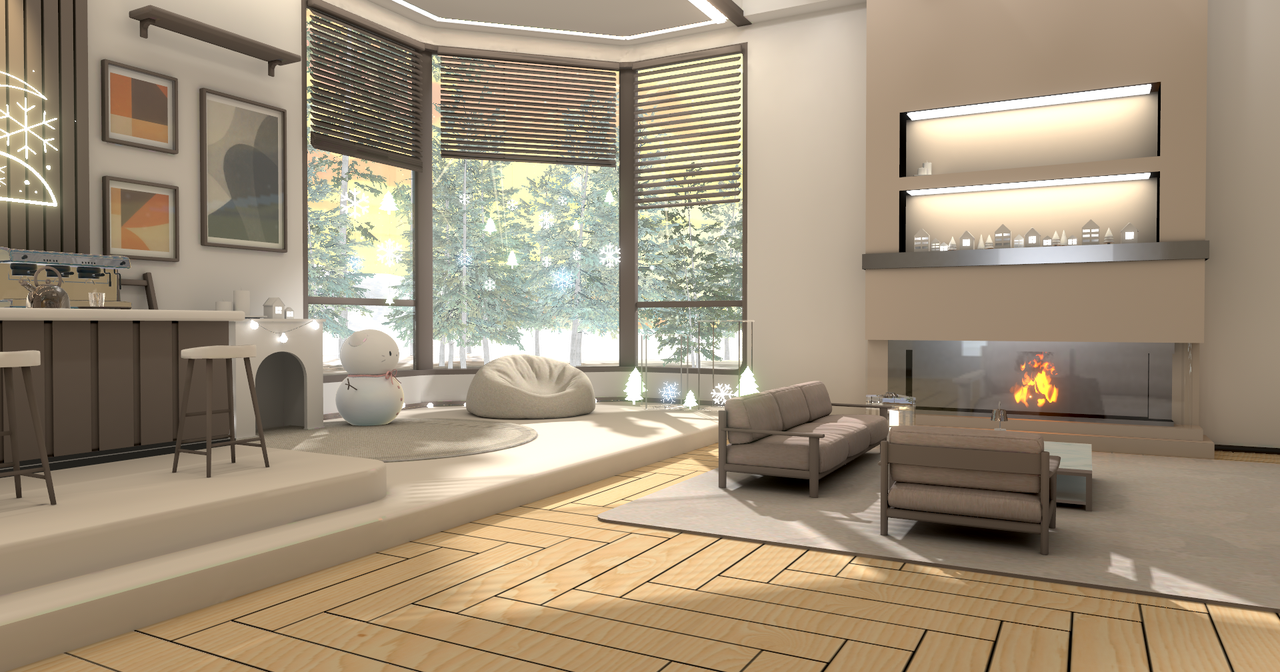
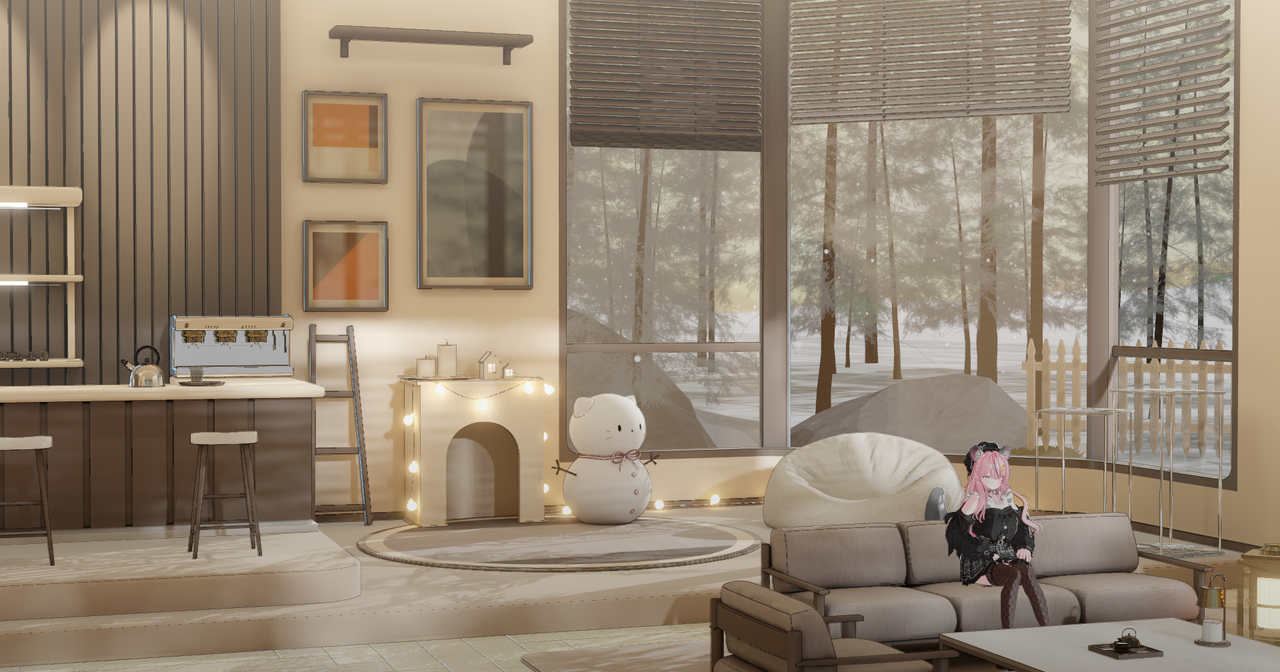
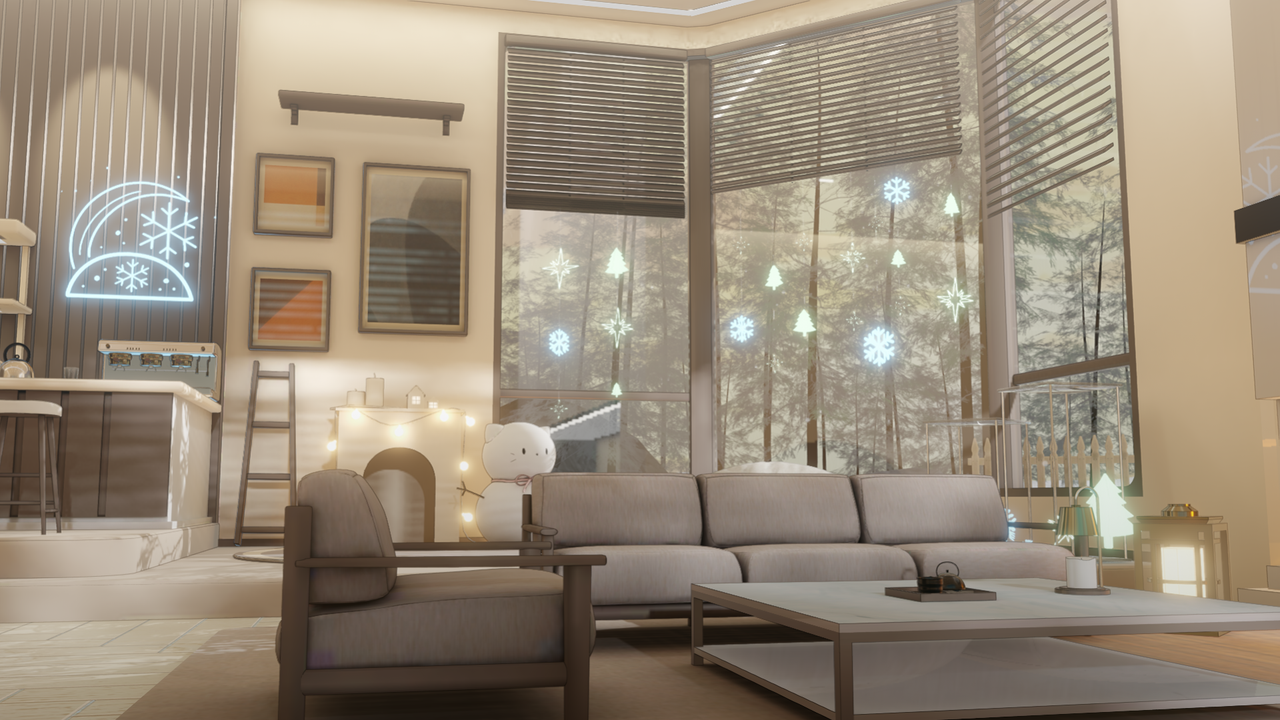
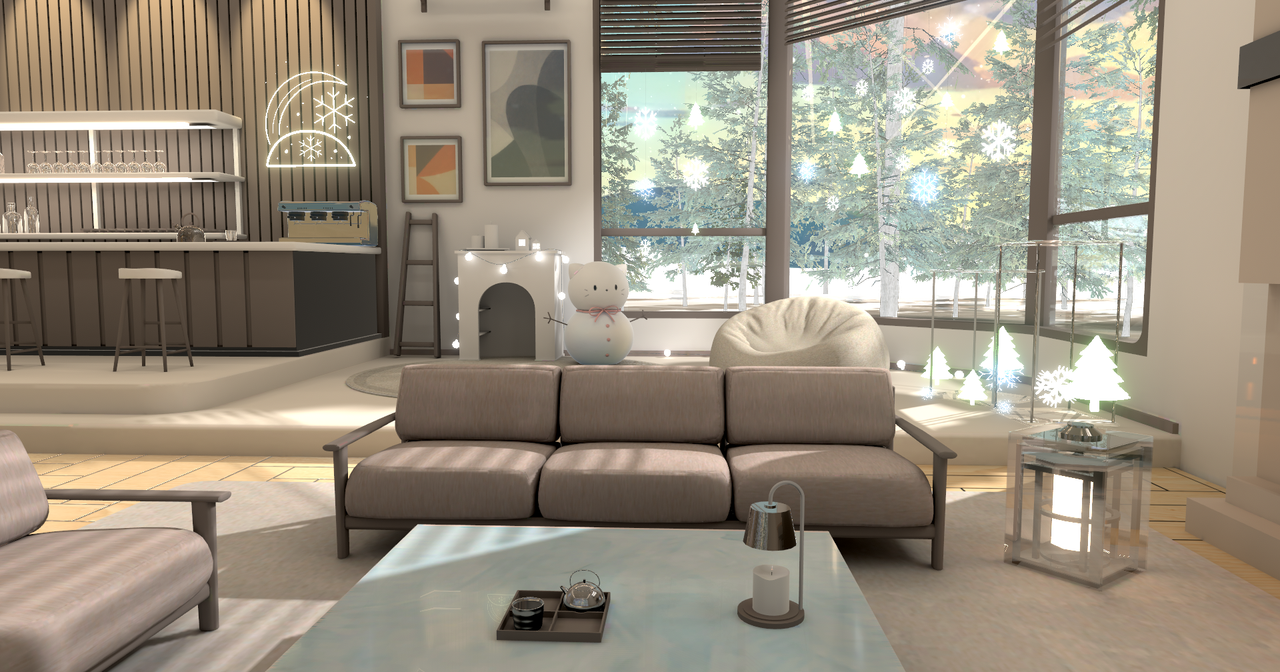
【Warudo】 Winter Room Background
A moody winter-themed stage with versatile camera angles
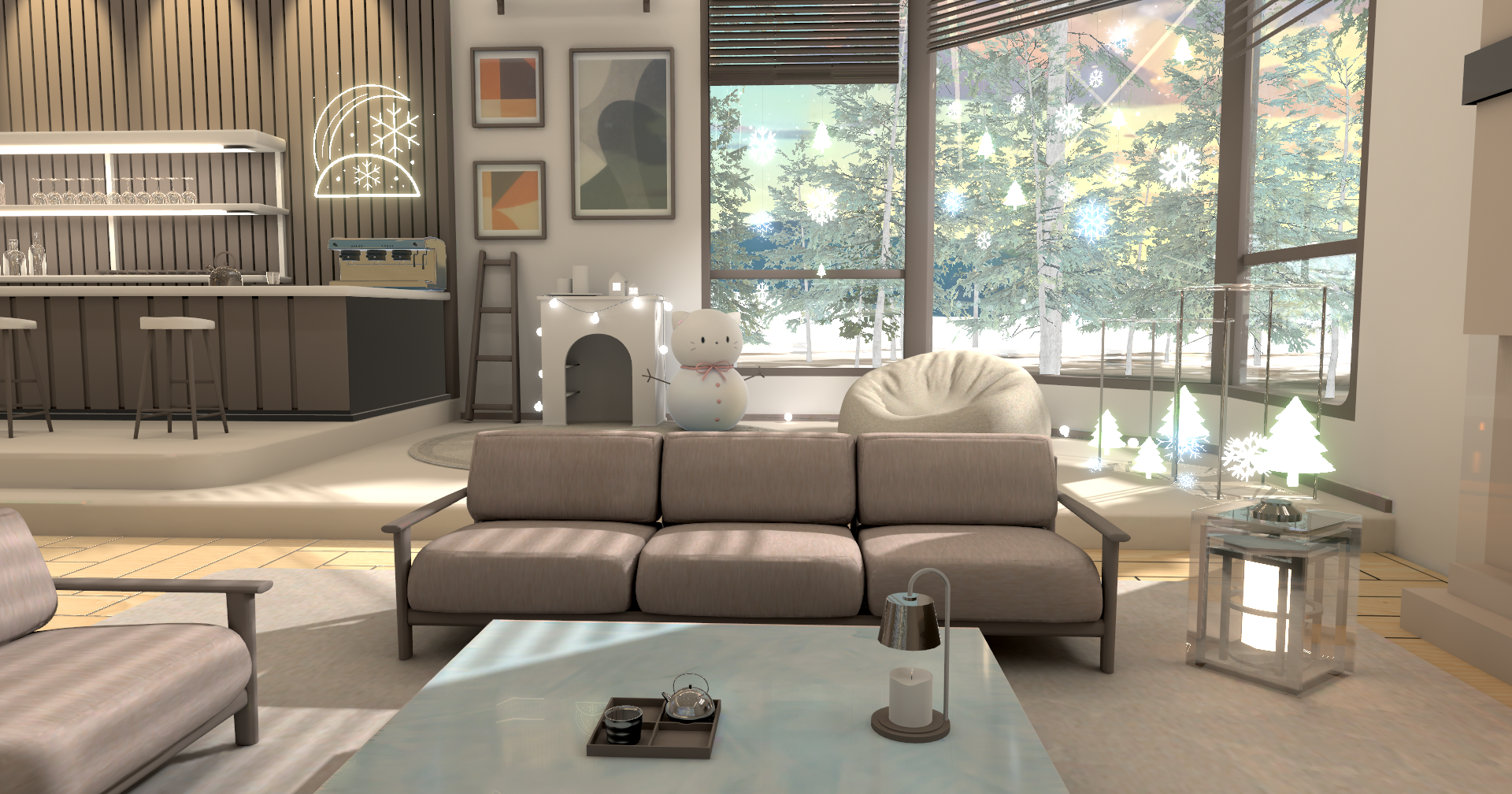
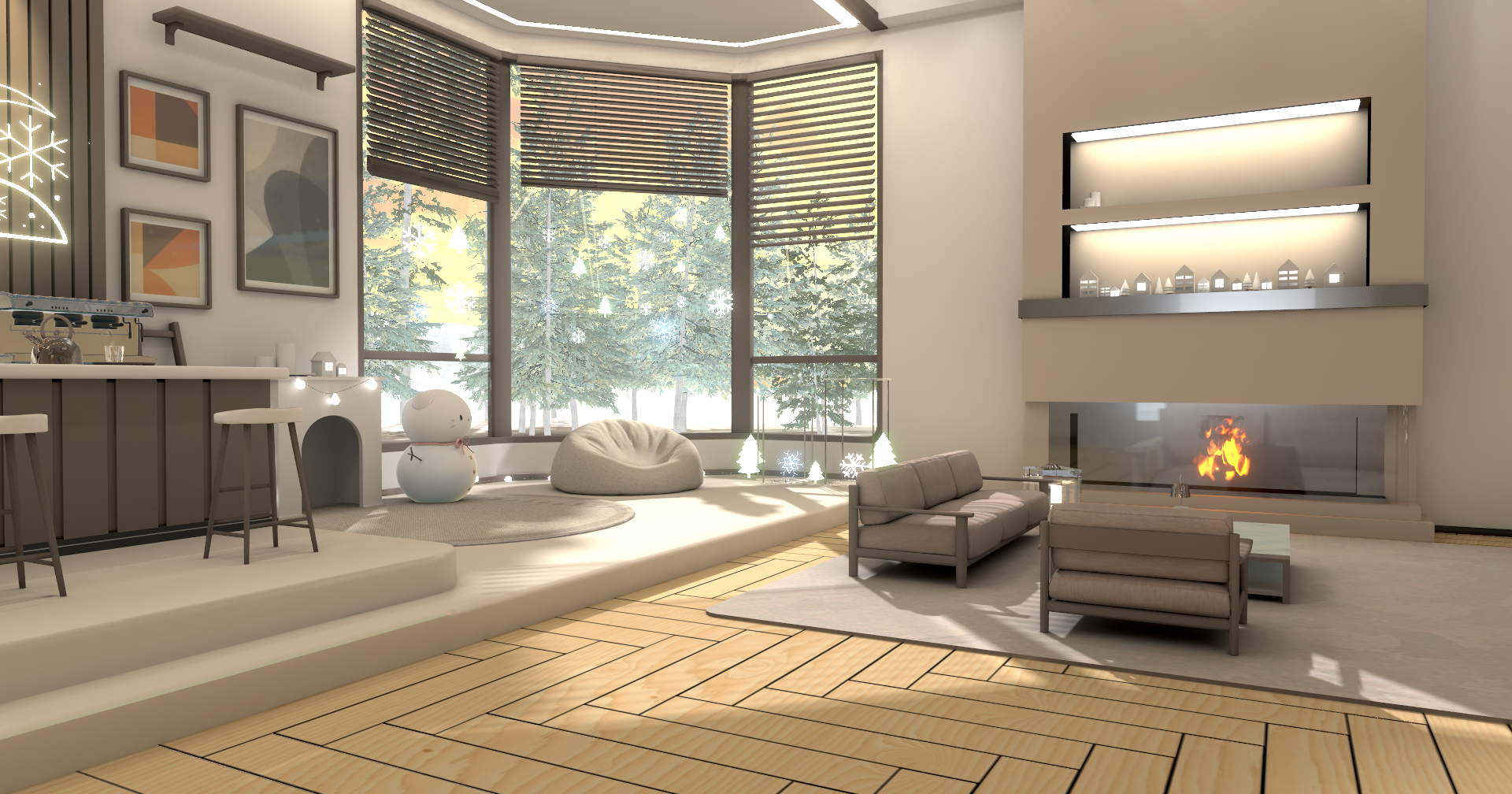
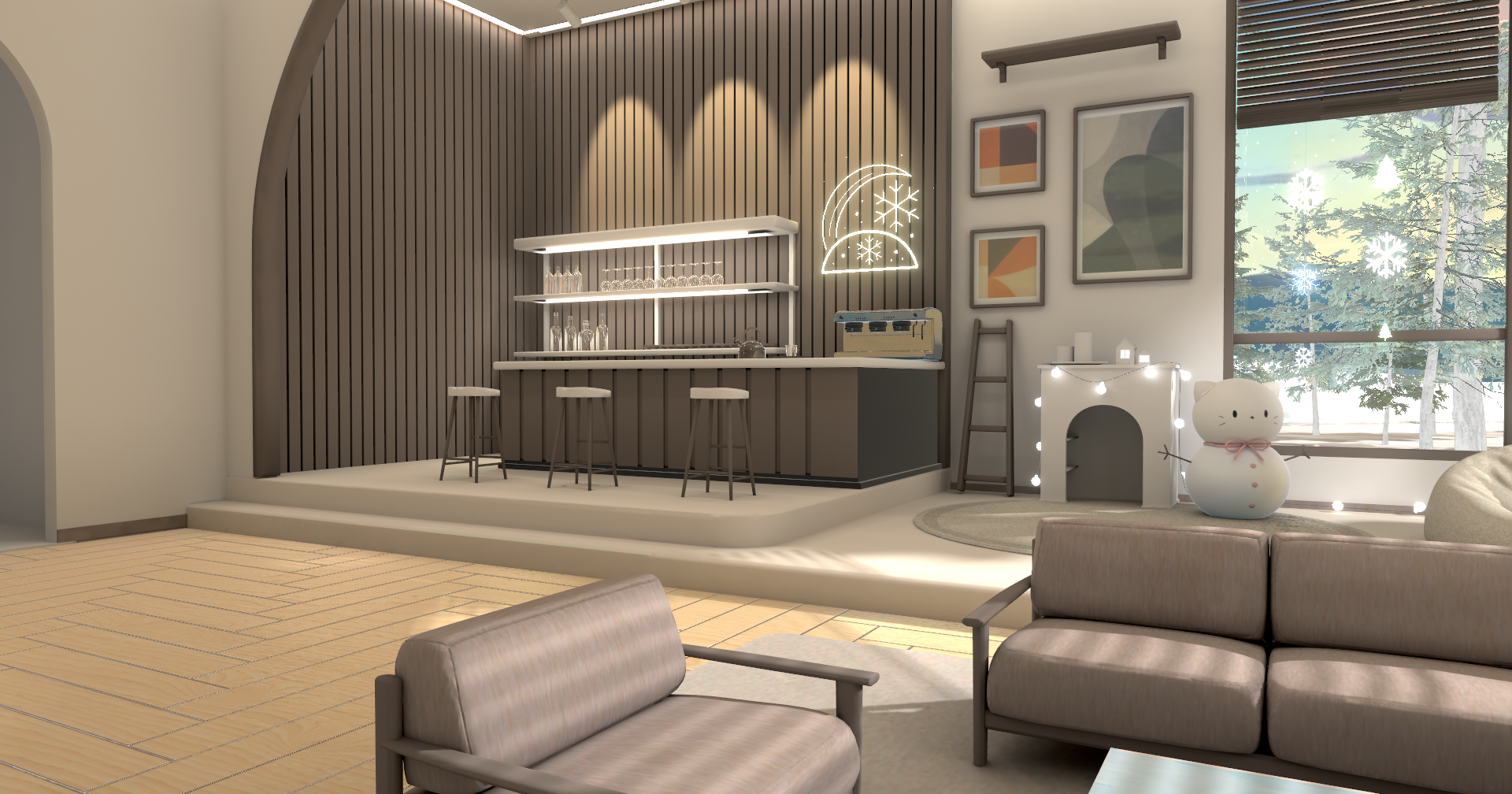
v1.1 Update Details
- Overall optimization and lighting fixes completed.
- Winter Decoration On/Off Feature Added: Use it regardless of the season.
- Toggle decorations with Shift + F1 (Requires blueprint import, hotkey can be changed).
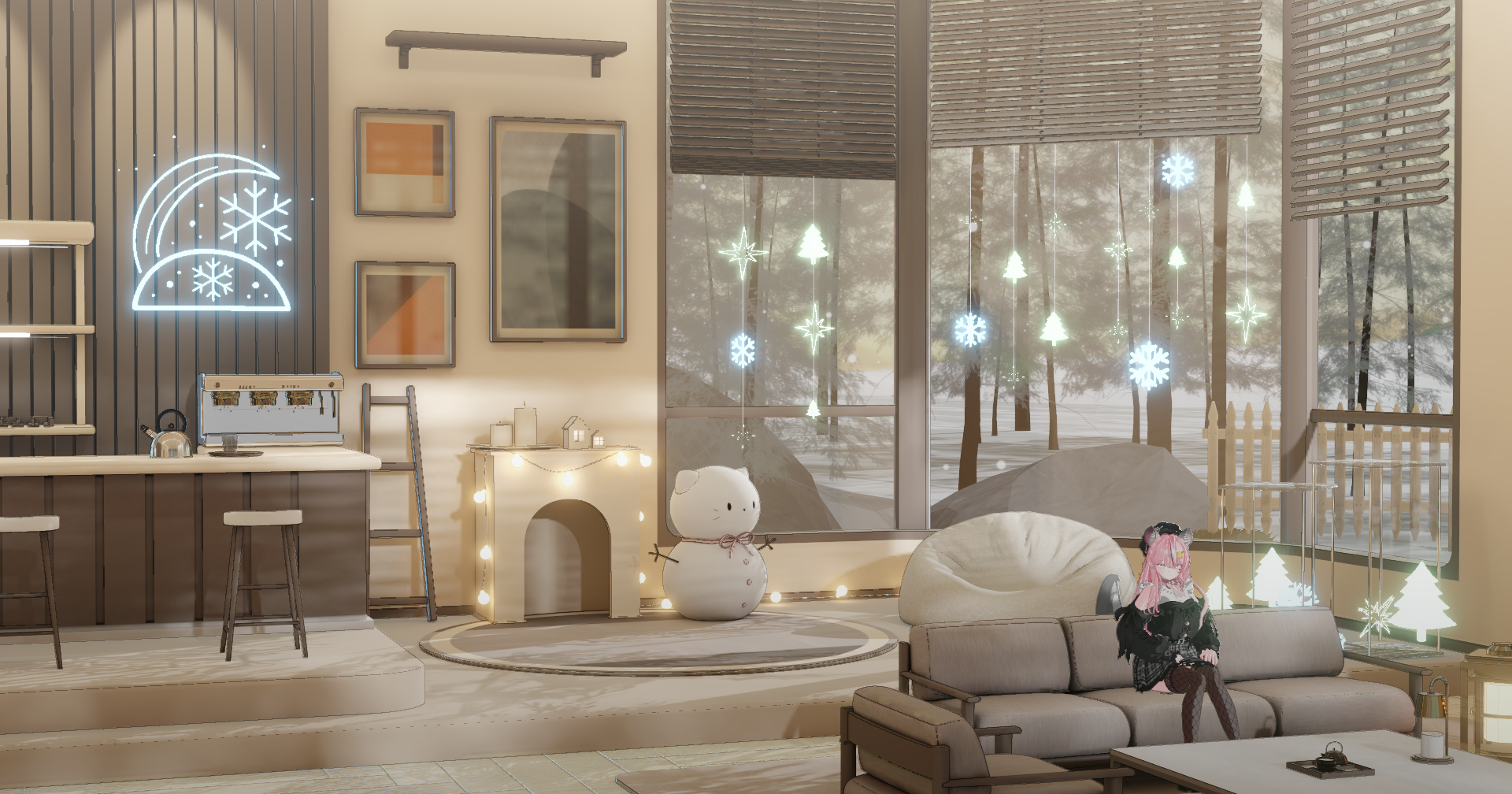 Decorations On
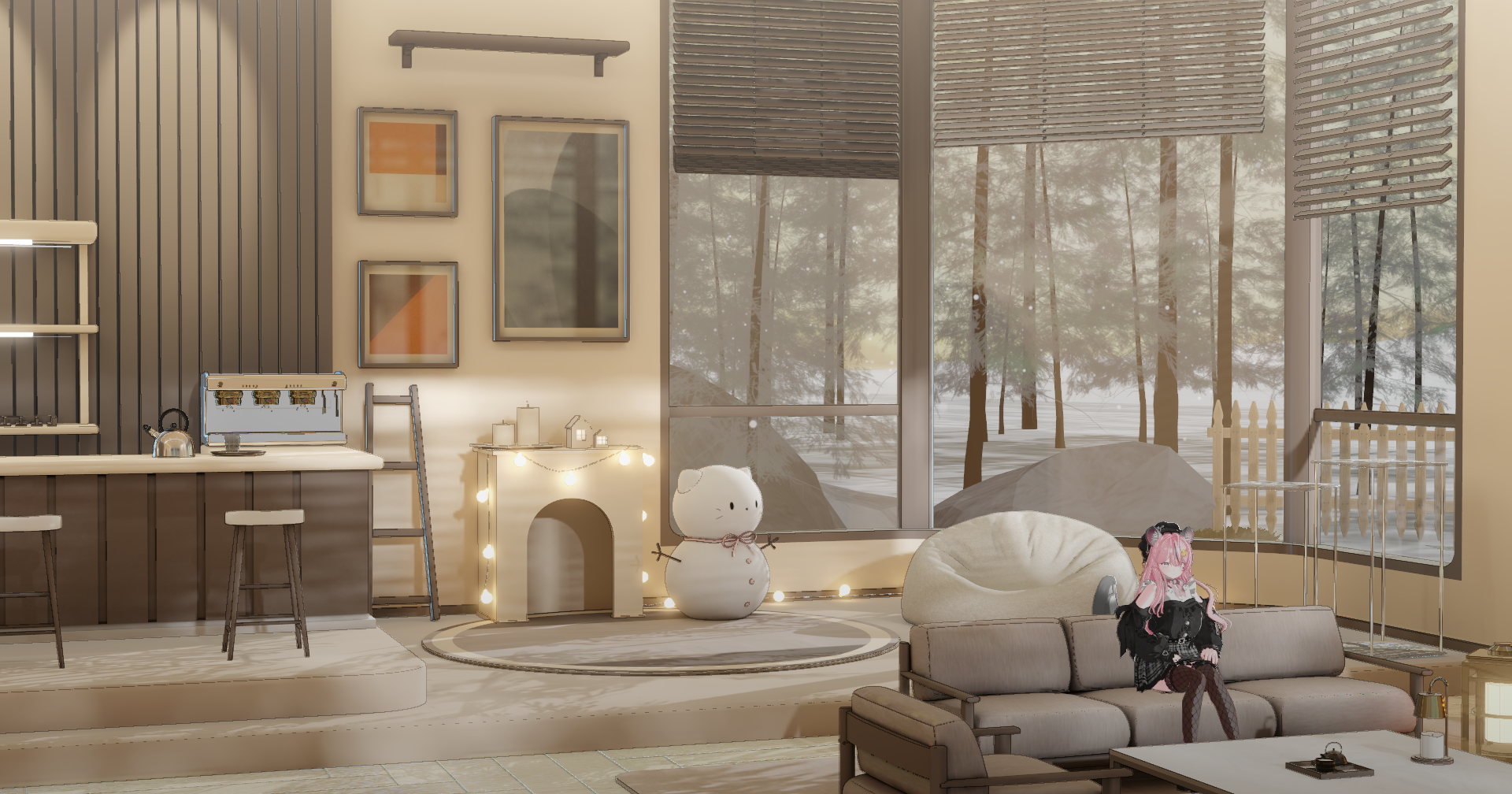 Decorations Off
⚠ Pre-Purchase Notice
- Please double-check the Regular vs. PRO version before purchasing.
- Due to the nature of digital goods, refunds are not possible after purchase/download.
- Subscription to the Animator Plugin is required for optimal use.
[ Subscribe to Required Plugin ]
Warudo Background Setup Guide
Quick and easy environment setup using the Studio Laming Plugin
1
Warudo Background File Setup
By using the Studio Laming Plugin, you can enable automatic downloading and setup of background files.
1. Open Data Folder
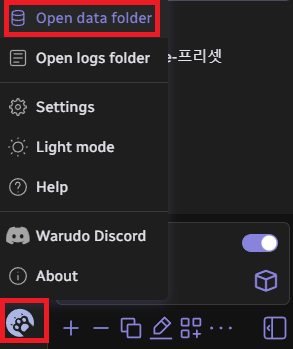
 Click the icon in the bottom-left corner of the Warudo editor and select 'Open data folder'. Then, copy the path of the StreamingAssets folder.
2. Run Auto-Merge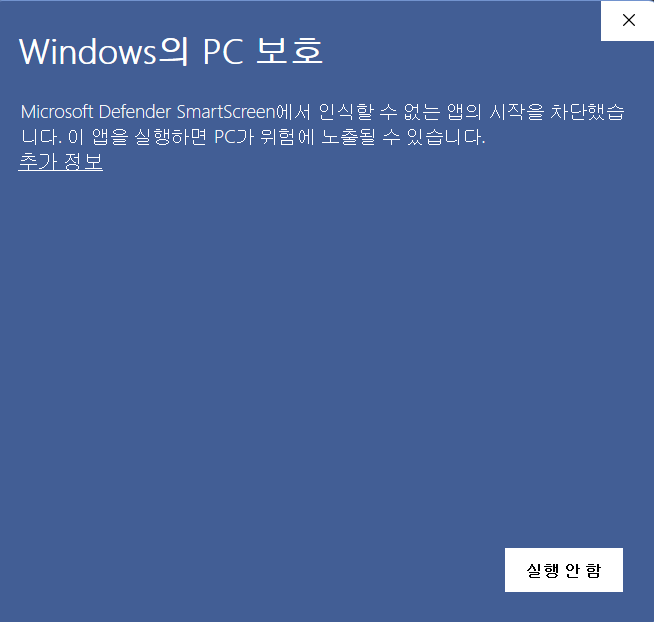 Run the executable file (.EXE) included in your download. If a security window appears, click "More Info" and then select "Run anyway."
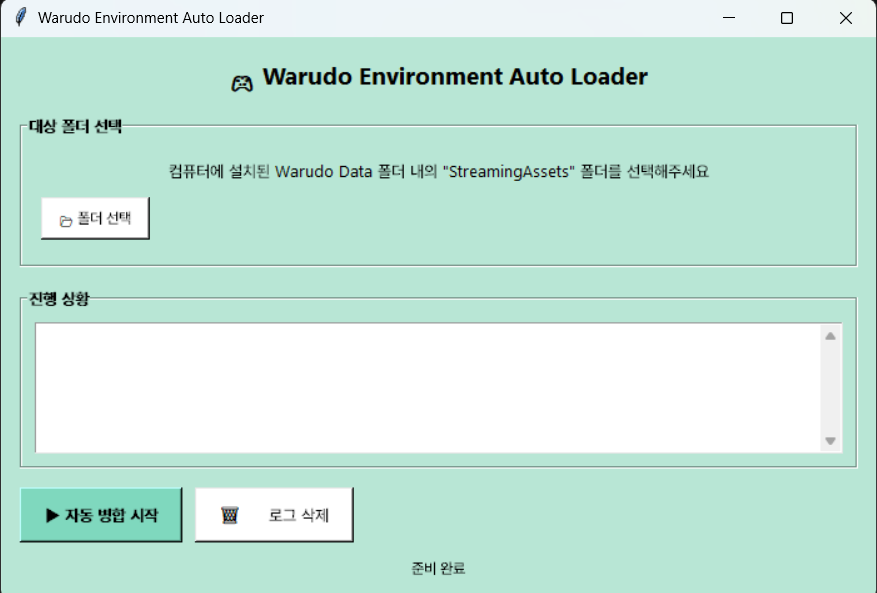 Click "Select Folder" (폴더 선택) and paste the path you copied. Then, click "Start Auto-Merge" (자동병합 시작). The files will be placed in their correct locations automatically!
2
Warudo Environment Setup (Plugin)
1. Subscribe to Plugin
Subscribe on Steam Workshop
Please subscribe to the Studio Laming Plugin on the Steam Workshop.
2. Check for Icon
Once subscribed, the Studio Laming Plugin icon will appear inside Warudo.
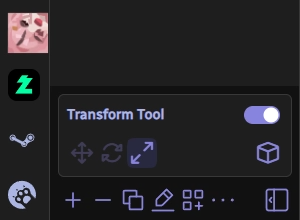
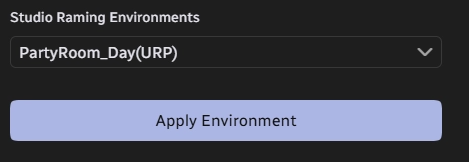
3. Apply Environment
Select your desired background and click Apply Environment to complete the setup.
Terms of Use
● Personal Use
- Usage for non-commercial/commercial broadcasting is permitted.
- Usage for digital goods (profile pictures, savers, etc.) is permitted.
- YouTube uploads are permitted (Contact us for purely promotional/monetized content).
- Creation of physical goods (photo cards, figures, etc.) is prohibited.
● Prohibited Actions
Unauthorized redistribution and resale are strictly prohibited. Legal action will be taken against violators or users without a verified purchase history.
All copyrights and intellectual property rights for the modeling belong to Studio Raming.
© Studio Raming. All Rights Reserved.




