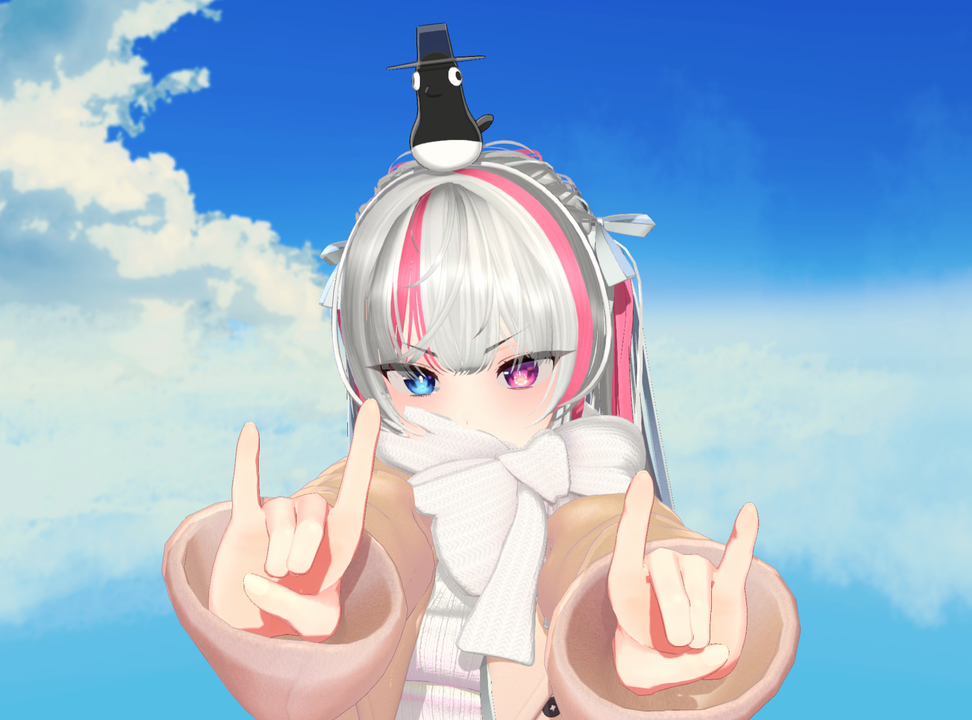
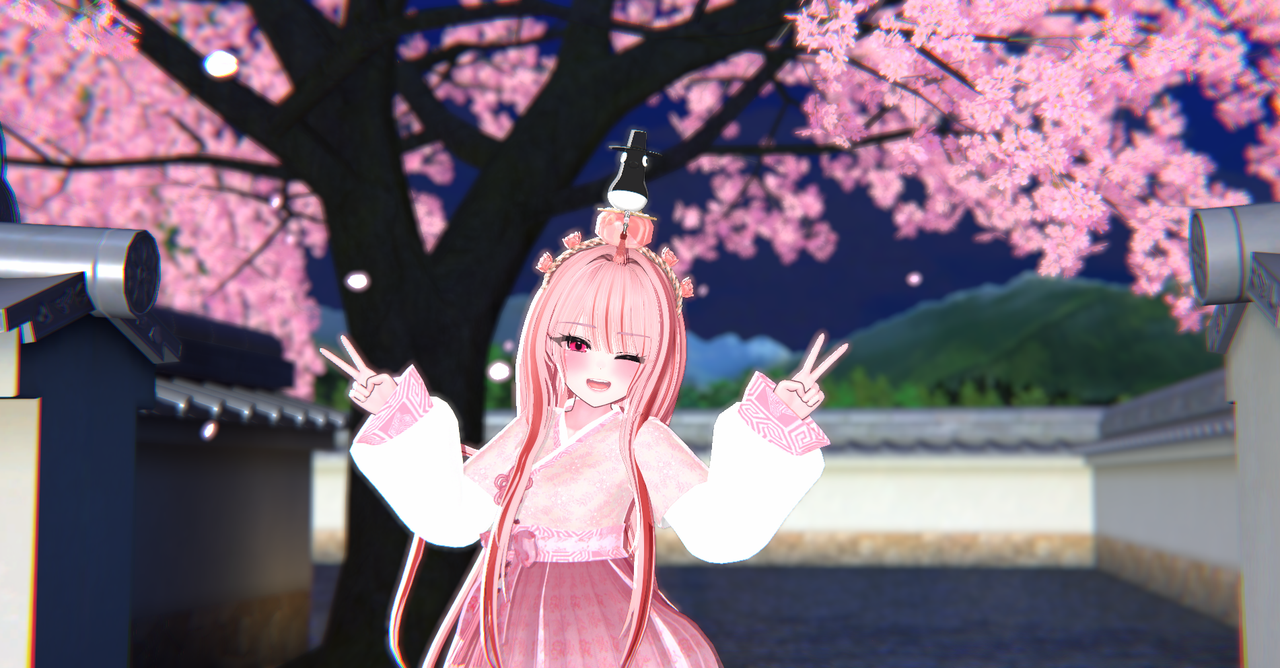
Description
🎮 Magpie Hat & Flying Magpie API – Auto Setup Package
Add API functionality to Warudo in just 1 minute!
Simply run the .exe file — automatic setup included.
This is EDEN’s Warudo broadcasting API setup package.
Easily applicable in both lilToon and NiloToon environments.
💡 Product Contents
1. Full Package
Includes full setup for:
- Magpie Hat
- Flying Magpie API
2. Magpie Hat (Warudo Standard / Pro)
Warudo-exclusive automatic Prop setup
3. Flying Magpie (Warudo Standard / Pro)
Warudo-exclusive automatic API setup
⚙️ How to Use
📖 Detailed Guide:
https://0xseoul.notion.site/EDEN-Warudo-API-2b61bca8582e807d9953eb1badfe19f4?pvs=74
- Launch Warudo and click the 💡 Workshop icon at the top.
- Search for “SOOP” or “Chzzk”.
- Subscribe to the plugin for your streaming platform.
- Run the downloaded .exe file.
- Click the Menu (🐾 paw icon) at the bottom left → Reload Scene (↺).
- Open Blueprints ( Σ ) and confirm that the API appears in the list.
※ Install only the plugin for your streaming platform.
⚠ Installed APIs apply to all scenes within Warudo.
⚠ Important Notice
- All files included are copyright-free resources provided by EDEN.
- Redistribution, modification, and resale are strictly prohibited.
- This is digital content. Refunds and exchanges are not available after purchase.
- The SOOP / Chzzk plugin must be installed from the Warudo Workshop.