Description
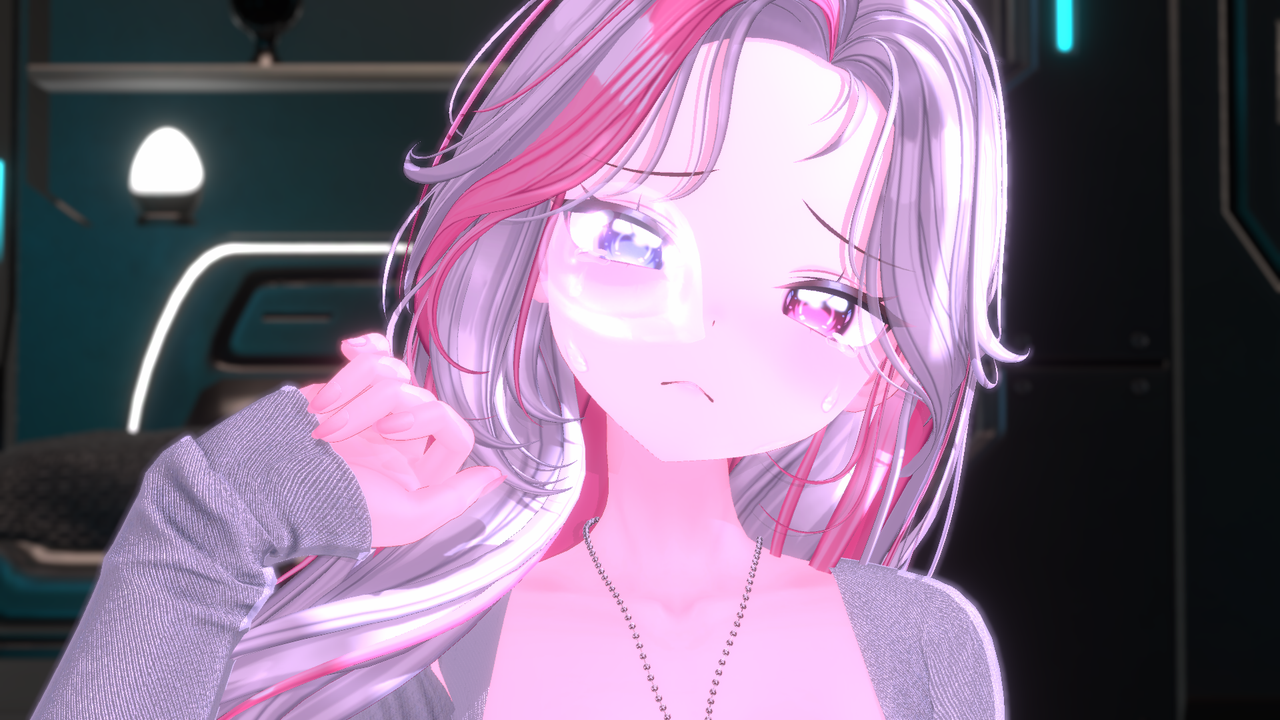
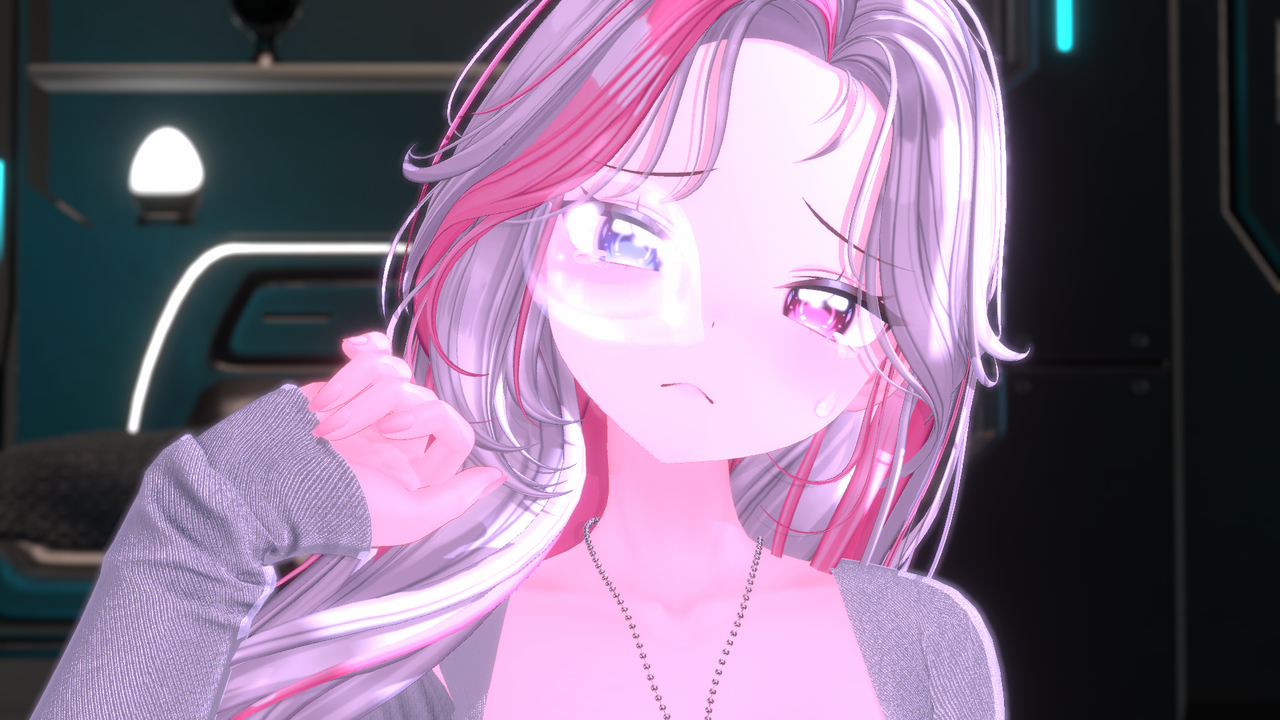
🎮 Nose Bubble API (nose_bubble)
Please be sure to follow the guide document attached with the files!
If you follow the guide, you can use it easily.
🔗 https://0xseoul.notion.site/EDEN-Warudo-API-Manual-2b61bca8582e807d9953eb1badfe19f4?pvs=73
Add API functionality to Warudo in just 1 minute! Setup is possible simply by running the .exe!
This is the Warudo broadcasting API setup package provided by EDEN.
It can be easily applied in both lilToon and NiloToon environments.
💡 Product Composition
1. Nose Bubble (nose_bubble) API: Setup files for lilToon & Warudo nose bubble API
2. API Installation Guide: API Installation Guide.txt
⚙️ How to Use
1. After launching Warudo, click the light bulb icon (Creative Workshop) at the top.
2. Search for ‘SOOP’ or ‘Chzzk’.
3. Subscribe to the plugin for the broadcasting platform you use.
4. Run the downloaded .exe file to install.
5. Click the Menu (cat paw icon) at the bottom left of Warudo, then click Reload Scene (counterclockwise arrow).
6. Click Bluprints (Σ) to check if the API is listed.
※ Only install the plugin for the platform you use.
※ After purchase, be sure to ask the EDEN team on Discord for setup instructions.
🔗EDEN Discord: https://discord.gg/3aQWstWNyD
⚙️ Current Setup (Please refer to the guide for setup changes)
⚠️ Caution
1. All files in this product are copyright-free resources provided by EDEN.
However, redistribution, modification, and secondary sales are prohibited.
2. This product is digital content, so refunds and exchanges are not possible after purchase.
3. The SOOP / Chzzk plugin must be installed in Warudo’s ‘Creative Workshop’.
💬 Customer Support
If you need help during the setup process,
please contact the EDEN team on Discord after purchase, and they will guide you from setup to broadcasting environment construction.
🔗EDEN Discord: https://discord.gg/3aQWstWNyD