Description
Image Background — Warudo Plugin
"Complete your scene with just an image."
A plugin for placing images as backgrounds/foregrounds in your scene.
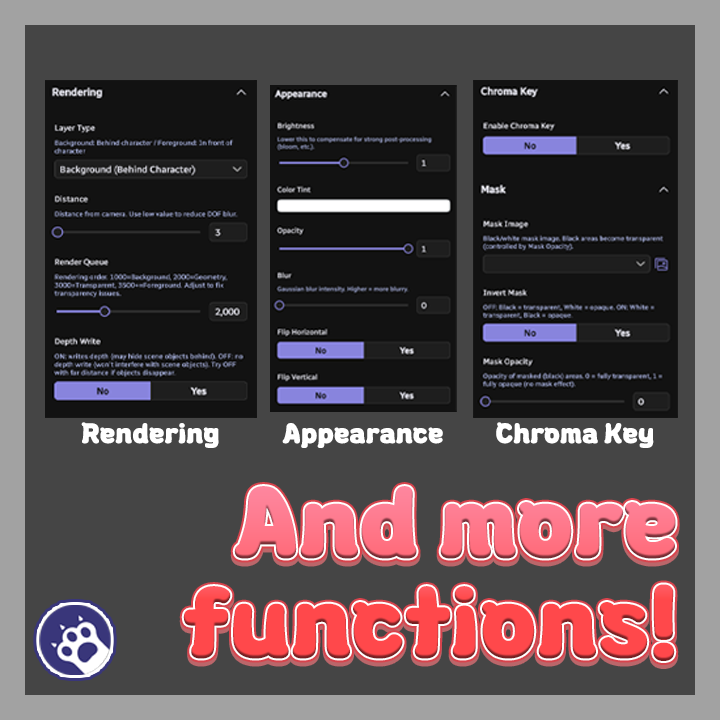
Stack multiple layers with chroma key, masking, blur and more.
◆ Key Features
● Multiple Layers: Stack images as background/foreground layers
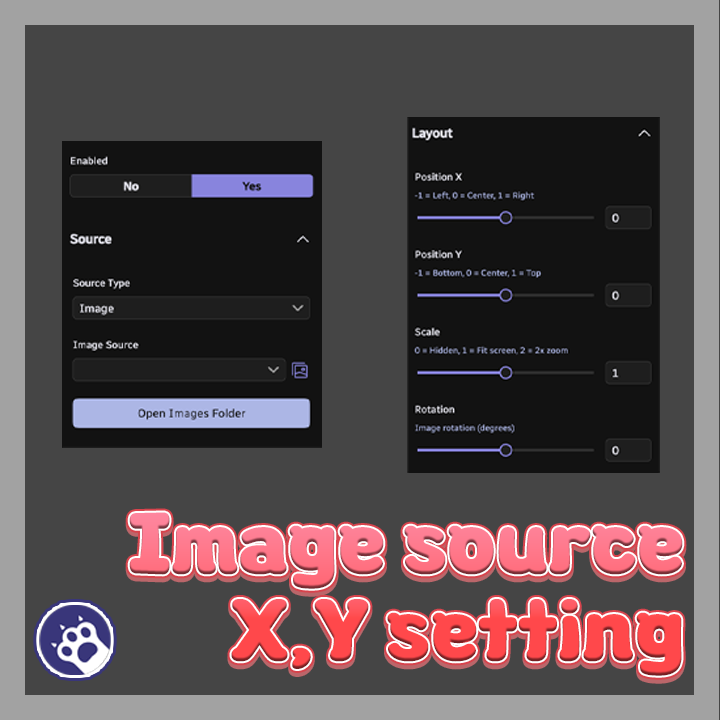
● Multiple Sources: Image files or Screen assets (videos, browsers, etc.)
● Gaussian Blur: Per-layer blur intensity control
● Chroma Key: Remove specific colors with tolerance and edge softness
● Mask: Black/white mask with inversion and opacity control
● Appearance: Per-layer brightness, tint, and opacity
● Layout: Position, scale, rotation, horizontal/vertical flip
● Rendering: Render queue, depth write, camera distance control
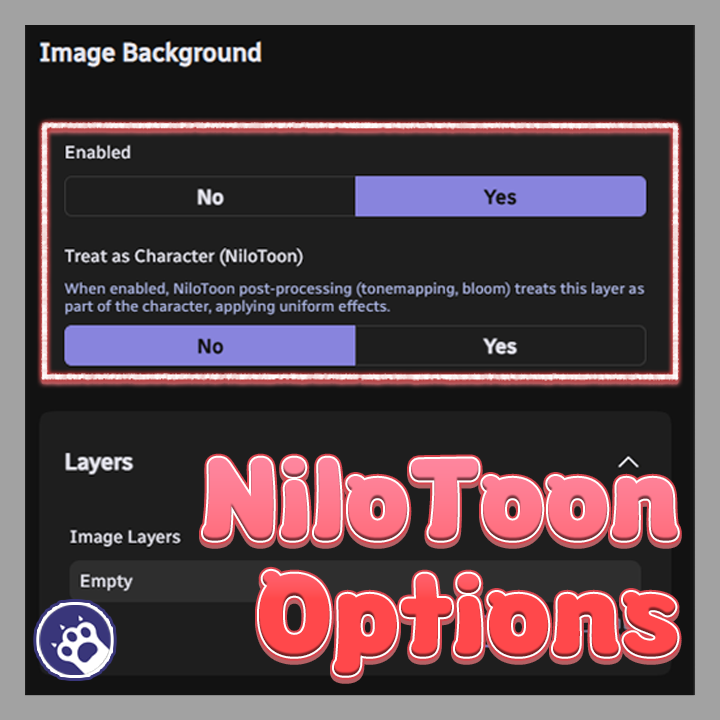
● NiloToon Integration: Uniform tonemapping/bloom across background
● Multilingual: English, Korean, Japanese
◆ Installation
1. Download the .warudo file.
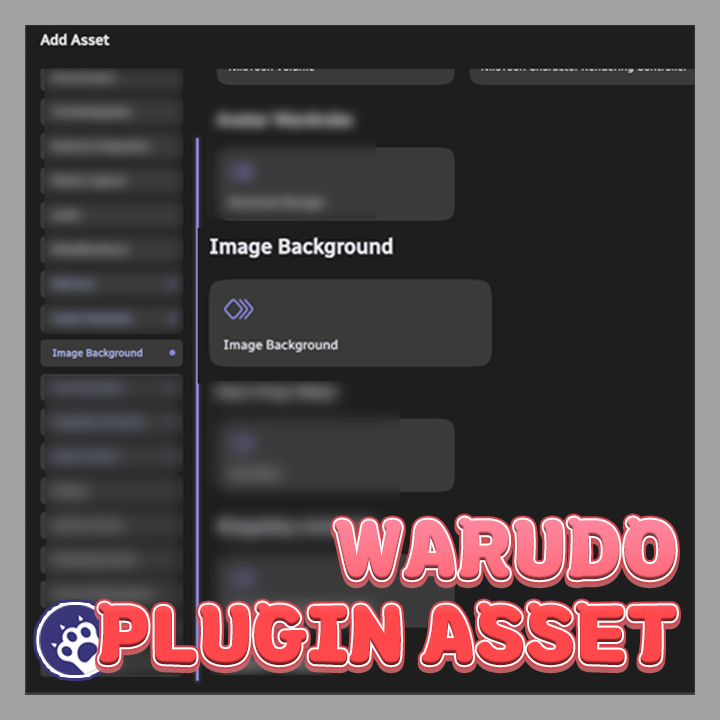
2. Place the file in Warudo data folder → Plugins folder.
3. Restart Warudo.
4. If the "Image Background" category appears in the Add Asset list, installation is complete.
◆ License
● This plugin is licensed per individual user.
● For commission work, both the creator who sets it up and the streamer who uses it must each purchase their own license.
● Sharing a single license between multiple people or redistributing it is prohibited.
● For corporate or business use, please contact us separately.