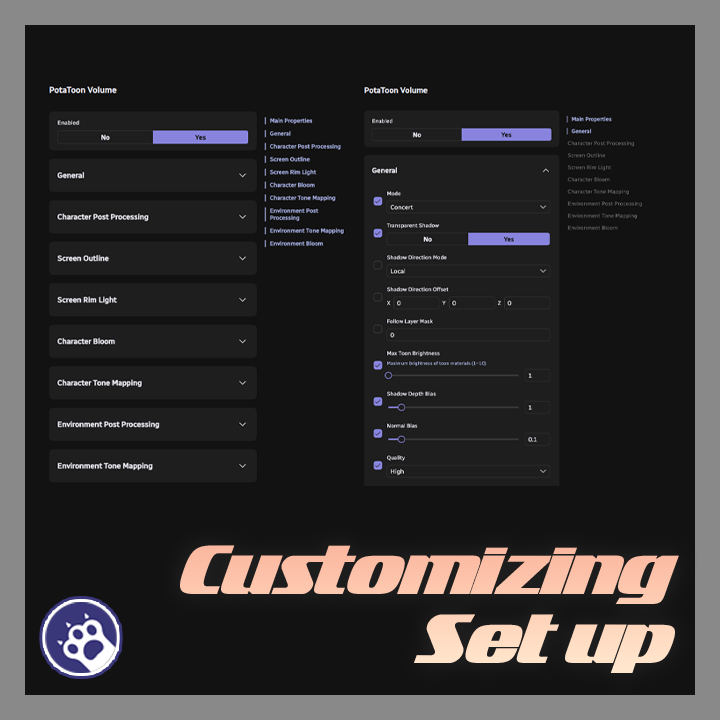
Description
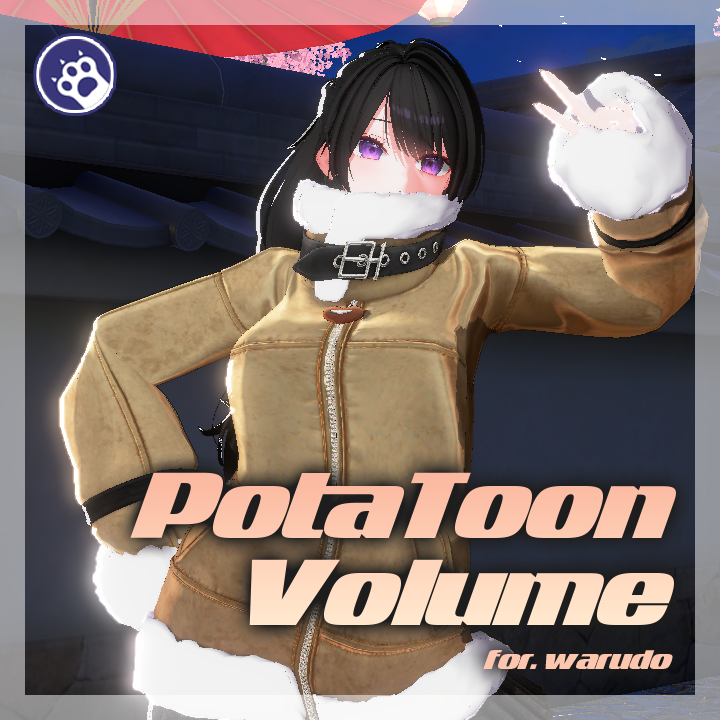
PotaVolume Control — Warudo Plugin
"All PotaToon rendering settings, right inside Warudo."
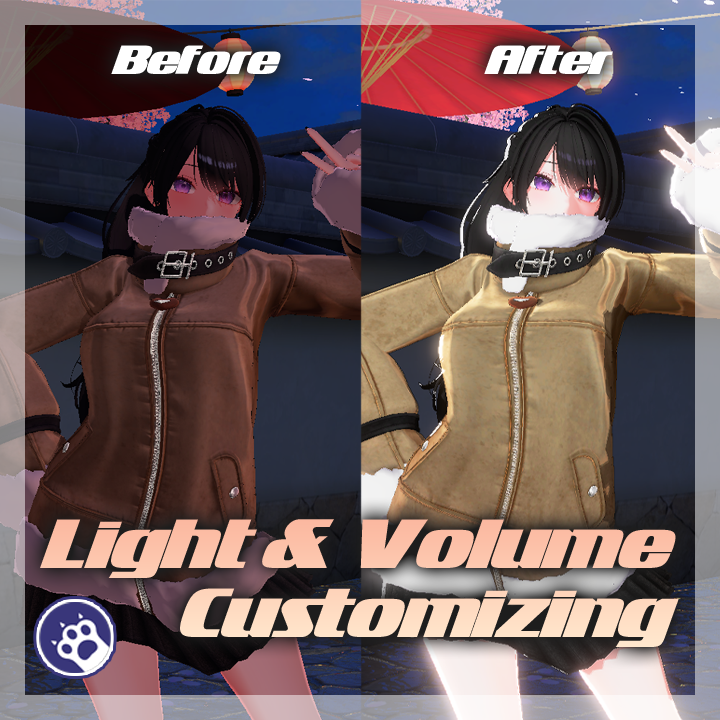
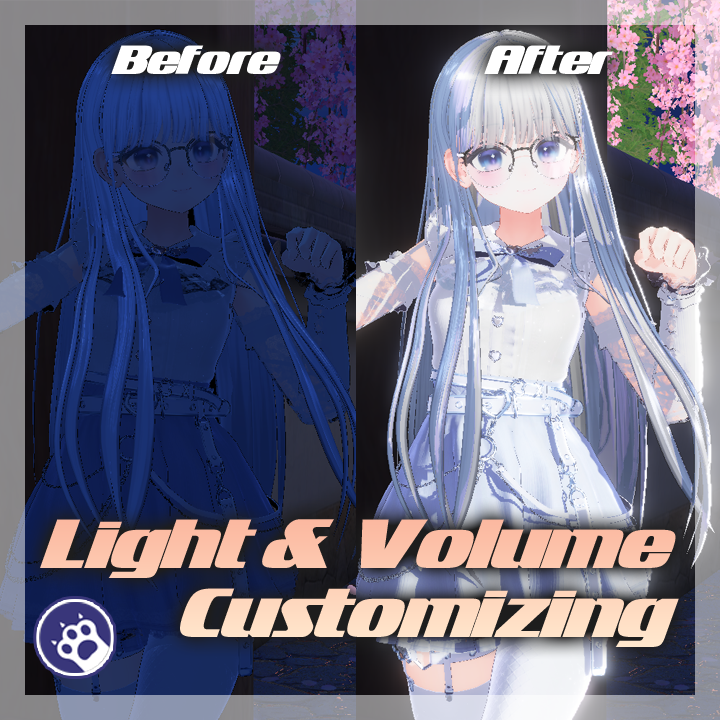
A Warudo plugin that controls PotaToon shader volume (global rendering) properties and character material properties at runtime.
It creates its own Volume that remains stable even when scenes or backgrounds change, and allows you to selectively override each property individually. In the node graph, you can directly read and write shader properties of character materials, enabling transitions and animated effects.
◆ Key Features
● PotaToon Volume Asset
Control all 74 properties of the PotaToon VolumeComponent directly from a Warudo asset.
Creates its own Volume GameObject that remains stable through scene/background changes.
Selectively apply only the properties you want with per-property Override checkboxes.
Supported sections:
- General (mode, shadows, quality, OIT, etc.)
- Character Post Processing (exposure, gamma, contrast, color filter, white balance, etc.)
- Screen Outline (outline color, thickness, edge strength)
- Screen Rim Light (rim width, color)
- Character Bloom (threshold, intensity, scatter, dirt texture, etc.)
- Character Tone Mapping (tone mapping mode, custom curve)
- Environment Post Processing (environment post-processing)
- Environment Tone Mapping (environment tone mapping)
- Environment Bloom (environment bloom)
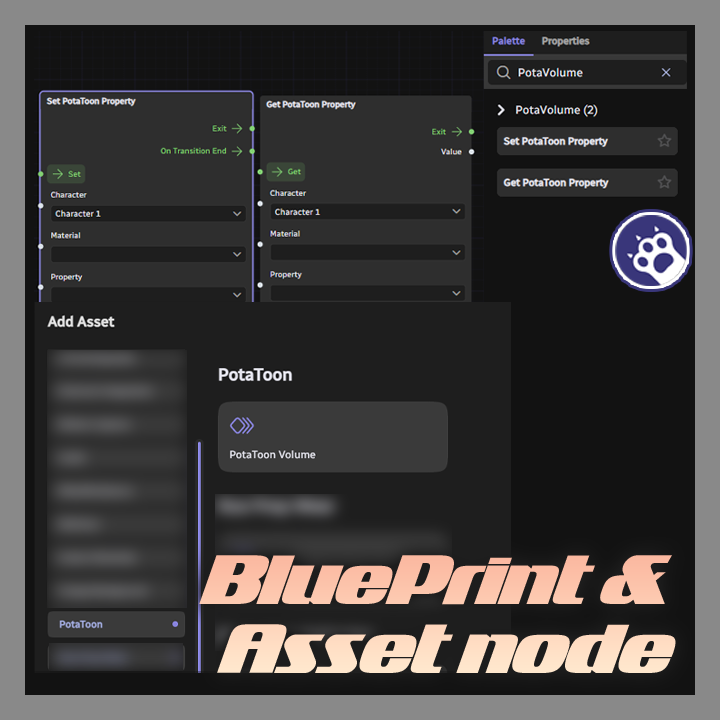
● Set PotaToon Property Node
Set shader properties of character materials using PotaToon shaders from the node graph.
Supports 5 shader property types: Float/Range, Color, Int, Vector, Texture.
Automatically detects property type and shows only the relevant value field.
Automatically sets the current material value as the default when a property is selected.
Supports DOTween-based transition animations (Float, Color, Vector).
Textures are integrated with Warudo's image resource system.
● Get PotaToon Property Node
Read shader property values of character materials from the node graph.
Retrieve current values for all shader property types.
● Multilingual Support
Supports 3 languages: Korean, English, and Japanese.
● Optimization
Uses dirty flag to apply overrides only when values change, reducing unnecessary computations.
◆ Installation
1. Download the .warudo file.
2. Place the file in Warudo data folder → Plugins folder.
3. Restart Warudo.
4. If the "PotaToon" category appears in the Add Asset list, installation is complete.
◆ Setup — Asset
1. In Warudo, Add Asset → "PotaToon" category → select "PotaToon Volume"
2. Enable the Override checkbox for the properties you want to control
3. Adjust to desired values
4. Disabling Override will revert to the original PotaToon default values
◆ Setup — Nodes
1. In the node graph, add "Set PotaToon Property" or "Get PotaToon Property" node
2. Assign the target character
3. Select a material (autocomplete supported)
4. Select a shader property (autocomplete supported, type auto-detected)
5. Set the value and optionally configure transition time and easing
◆ License
This plugin is licensed per individual user.
For commission work, both the creator who sets it up and the streamer who uses it must each purchase their own license.
Sharing a single license between multiple people or redistributing it is prohibited.