Description
■ Product Contents
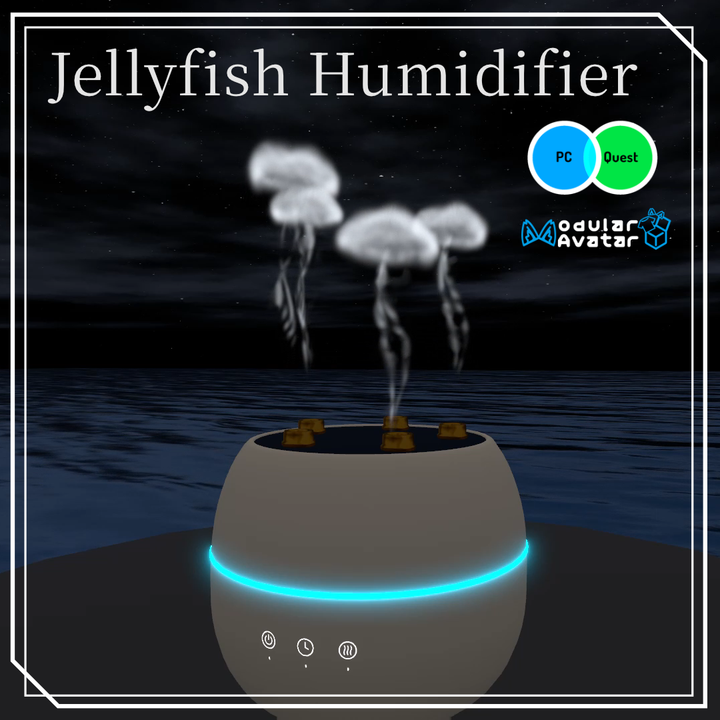
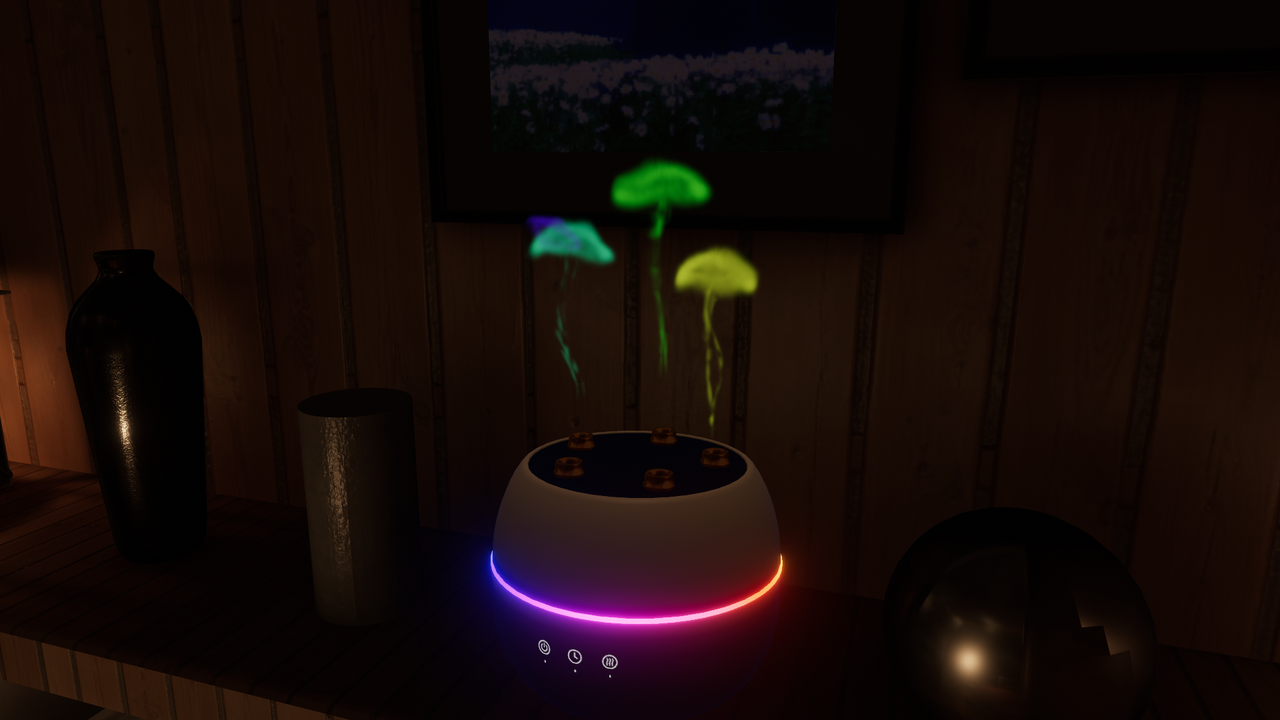
🪼 A humidifier for VRChat that emits jellyfish-like mist
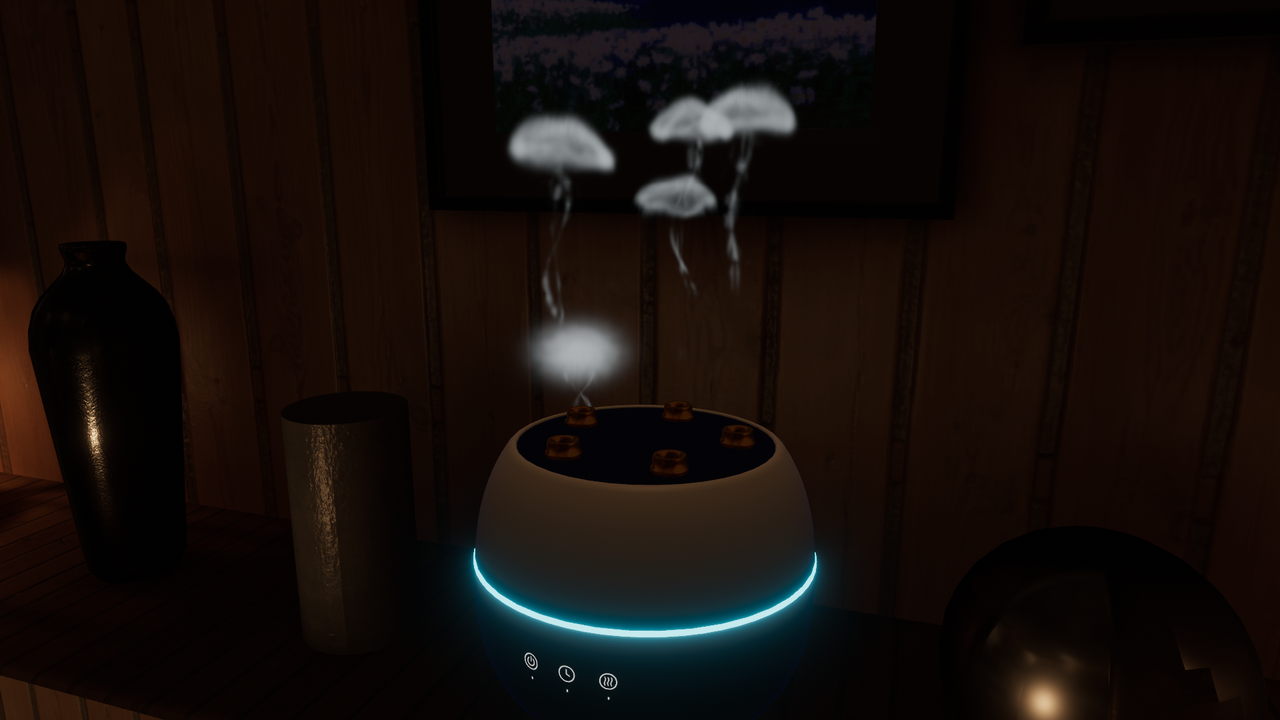
This is a VRChat accessory that gently emits mist resembling jellyfish when placed in a room.
It can be used to create atmosphere in various worlds such as bedrooms, hotels, aquariums, fantasy, and cyber-themed environments.
✨ Usage Examples
🏠 Place in a world
Compatible with PC and Quest.
Simply place the prefab to use.
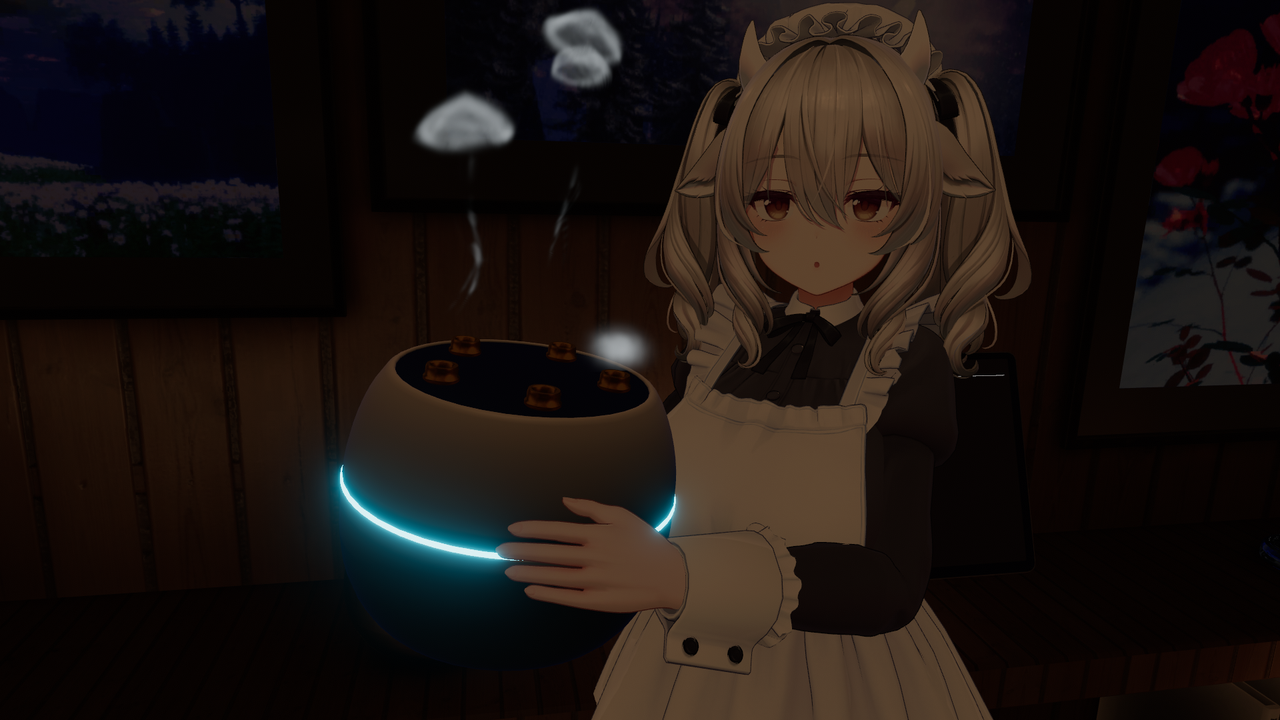
👤 Carry with an avatar
Compatible with PC version avatars.
Prefabs compatible with Modular Avatar are provided, allowing placement at the avatar root for easy integration.
Additionally, it is possible to carry the humidifier with the avatar and fix it in the world.
🎨 Customization
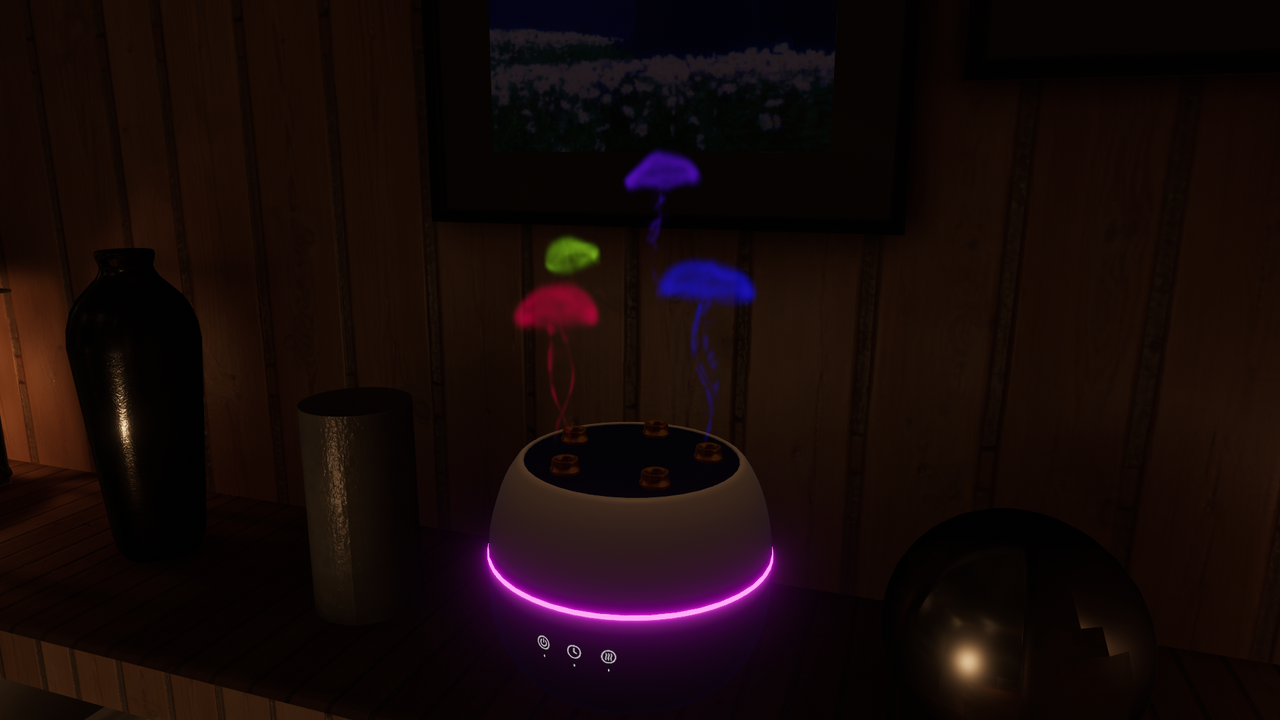
You can change the mist color and the glowing ring color.
In addition to the standard type, two gaming-style designs are included.
The mist color can be changed from the ParticleSystem's Start Color.
The glowing ring color can be changed from the material's emission settings.
The mist part and the humidifier body are separated, so they can be replaced as needed.
The humidifier part consists of the following:
3 objects
3 materials
△5576
Sample World
https://vrchat.com/home/world/wrld_d238d619-0bae-421f-a4b0-03b1b8700db8/info
* Post processing bloom is used in the thumbnail, video, and sample world.
■ Installation Instructions
・World
Import this unitypackage, then place one of the following prefabs located in
Assets/Shop16/JellyfishHumidifier/Prefabs into the hierarchy:
JellyfishHumidifier.prefab (Standard type)
JellyfishHumidifierGaming1.prefab (Gaming type 1)
JellyfishHumidifierGaming2.prefab (Gaming type 2)
・Avatar
Install Modular Avatar
https://modular-avatar.nadena.dev/en
Import this unitypackage, then place one of the following prefabs located in
Assets/Shop16/JellyfishHumidifier/Prefabs at the avatar root:
AvatarJellyfishHumidifier.prefab
AvatarJellyfishHumidifierGaming1.prefab
AvatarJellyfishHumidifierGaming2.prefab
To change the mist color, modify the Start Color of the ParticleSystem attached to PF_JellyfishMist under JellyfishHumidifier → mist. (There are 5, so change each one)
To change the glowing ring color, adjust the emission color in the material settings of Humidifier_Ring under JellyfishHumidifier → humidifier.
■ Tested Environment
・Windows 11
・Unity 2022.3.22
・lilToon v2.3.4
・PCVR
・PC
・Quest
■ Credits
Includes parts of the following assets:
https://booth.pm/en/items/6434701
https://kurone-kito.github.io/launchpad-icons/en/
The following were used in images/videos:
・Original 3D model 'Miltina'
https://booth.pm/en/items/6538026
・for Two
https://vrchat.com/home/world/wrld_b8562984-4c23-4374-9421-47e1495de24b/info
■ Terms of Use
・The creator is not responsible for any troubles or damages caused by using this data.
・Modification and alteration of this data are allowed freely.
・Redistribution and sale of this data are prohibited.
■ Update History
2026/09/20 ver1.3
・Added avatar gimmick support (world fixing function, PC version only)
2026/09/20 ver1.2
・Quest support added
2026/09/13 ver1.0
・Initial release