Description
Product Info
A 3D Environment map for Warudo.
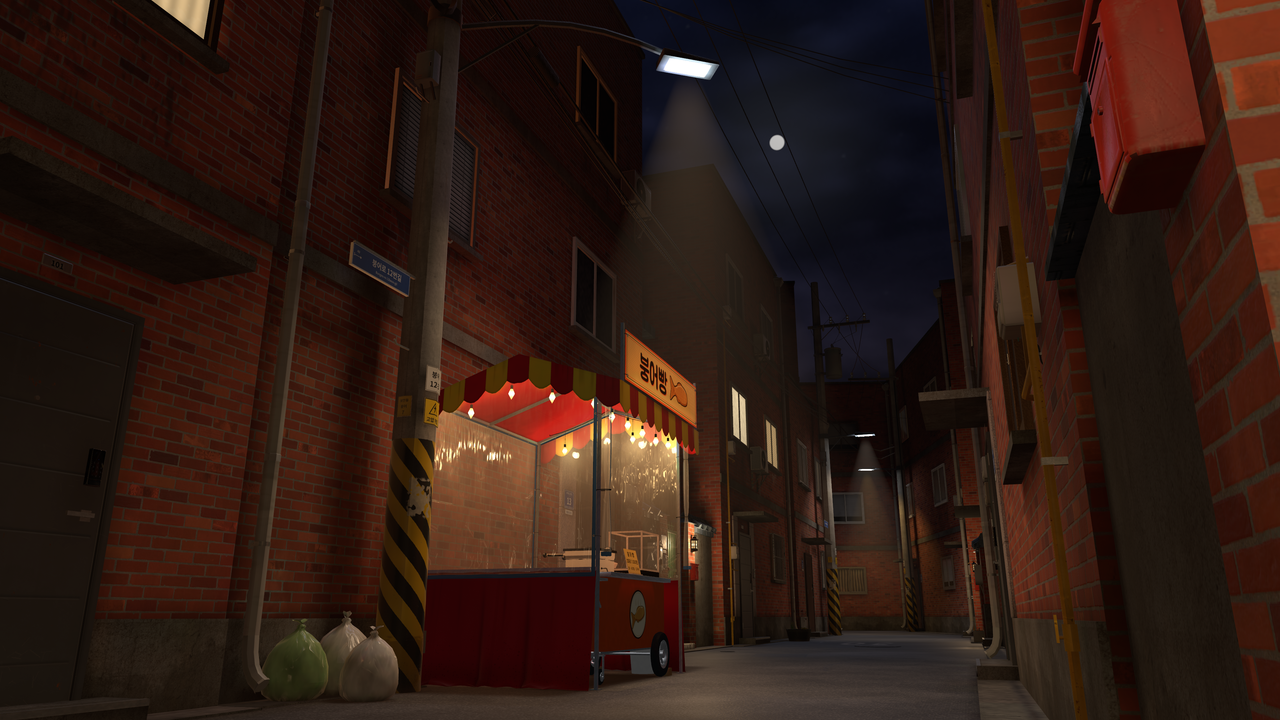
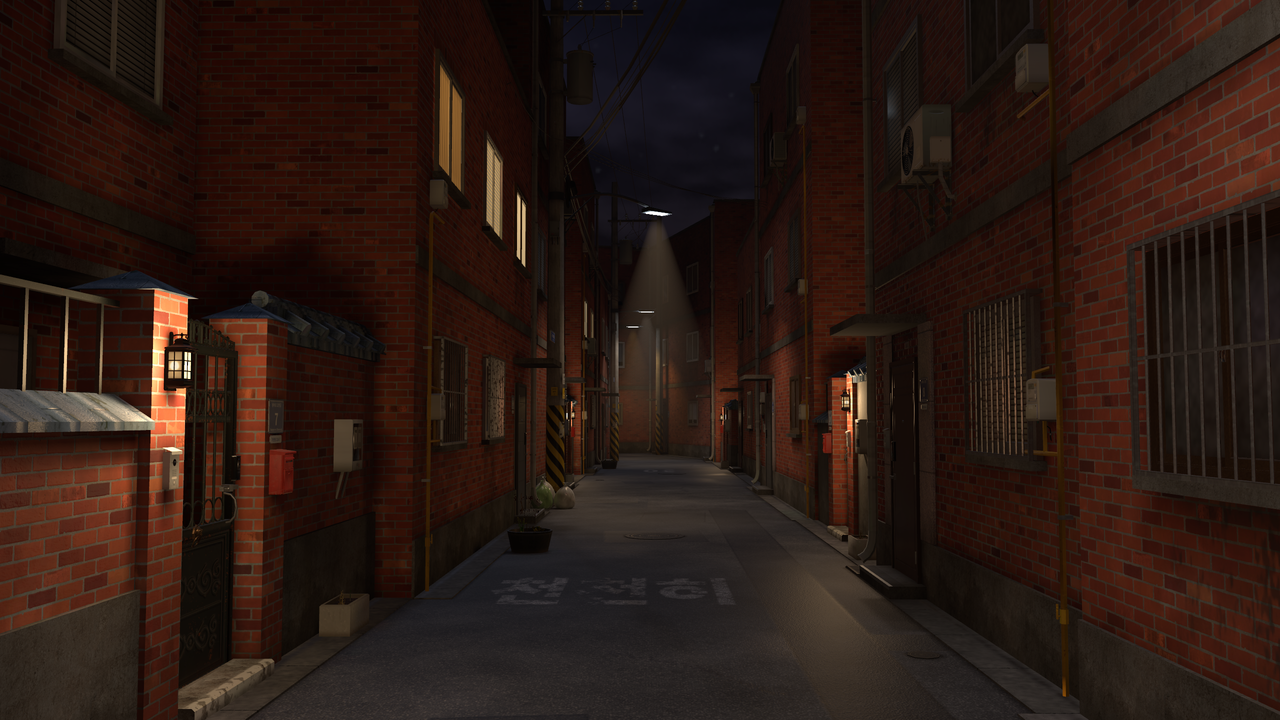
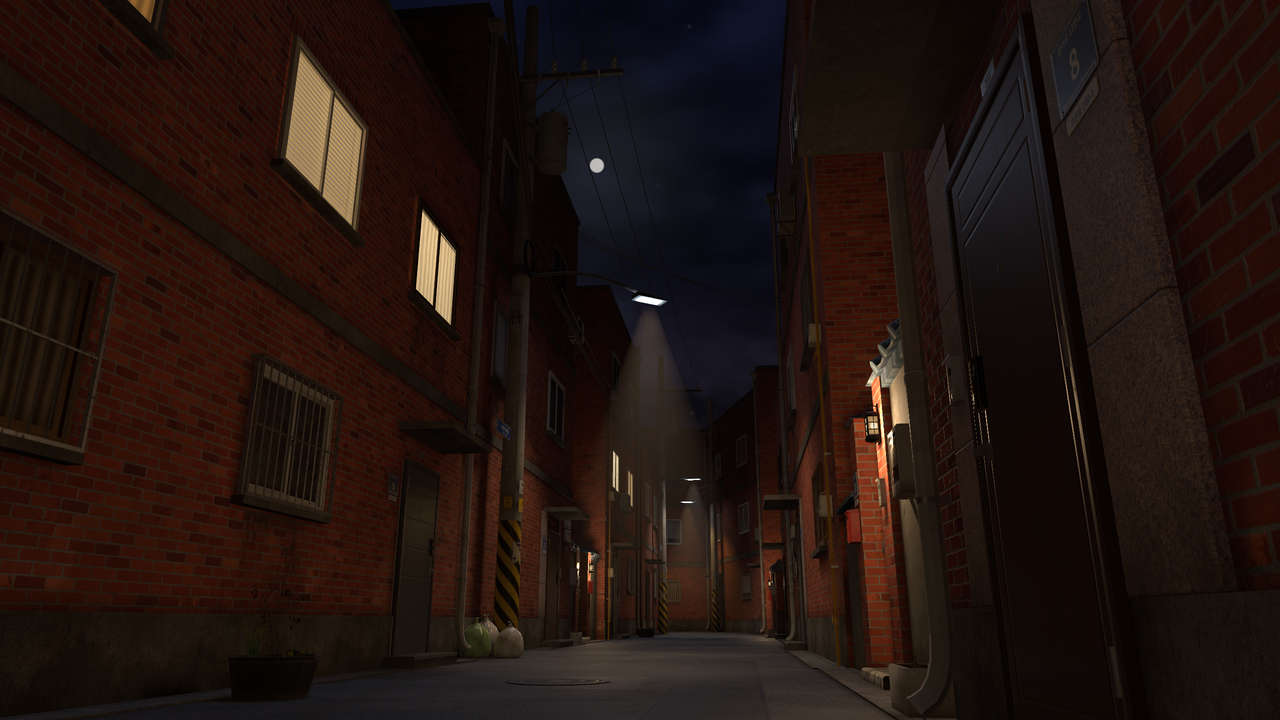
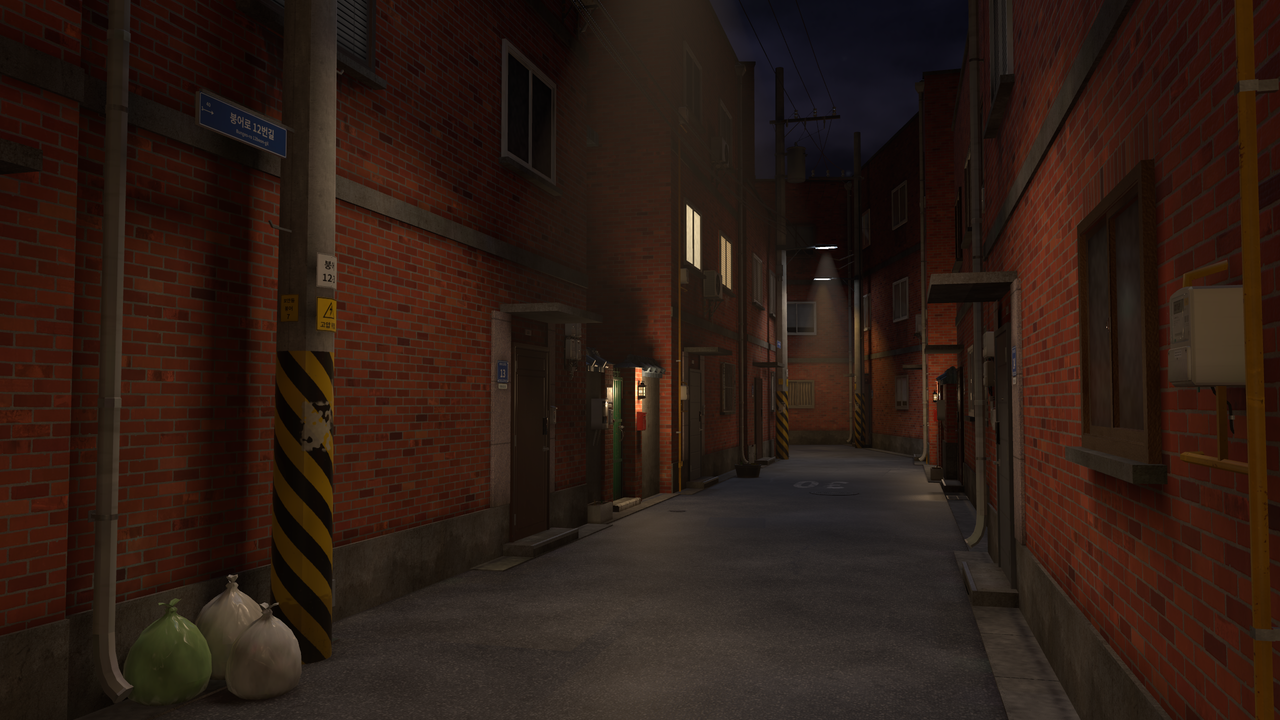
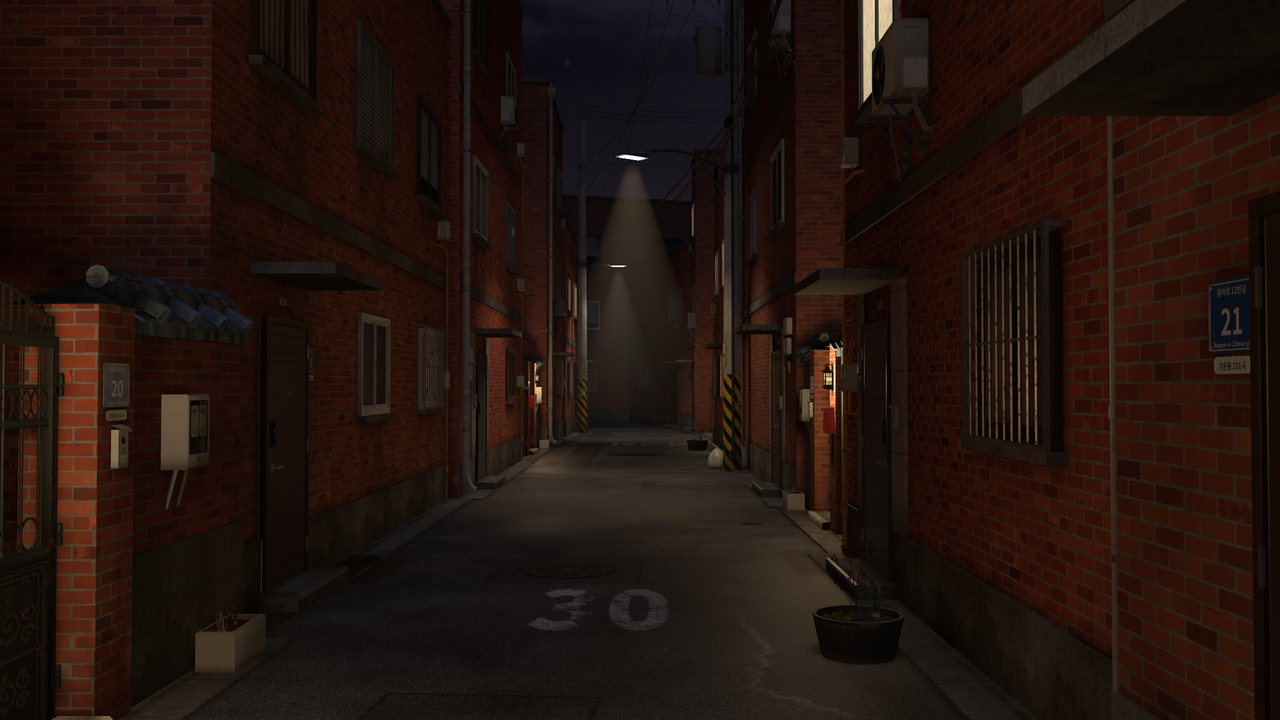
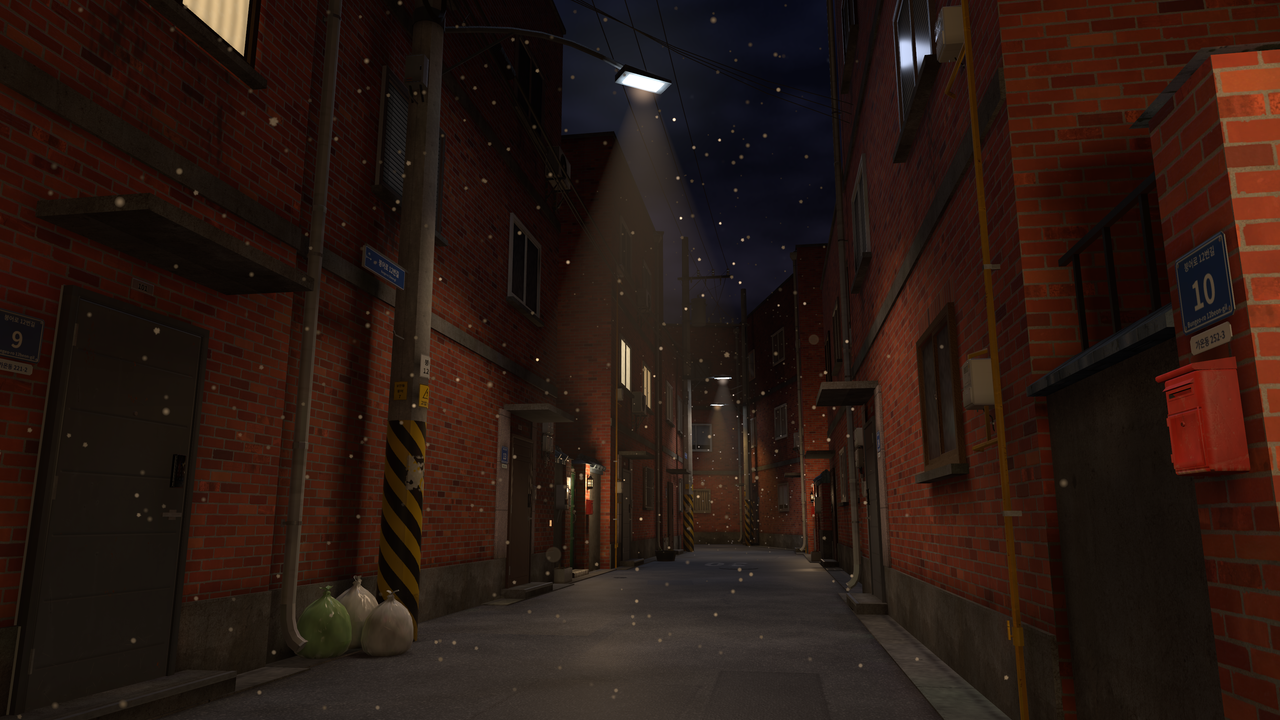
A Korean back alley at night. Enjoy streaming and shooting in a quiet alley with red brick buildings, street lamps, utility poles, gates and a bungeoppang (Korean fish-shaped pastry) stall.
No character is included in the product images.
Contents
* KoreanNightAlley.warudo (Warudo Environment file)
* Manuals (Korean, Japanese, English)
* Shader license documents (lilToon, Light Volumes)
Specs
* File format: .warudo (Environments)
* Checked on: PC Warudo 0.15.1
* Not tested on Warudo Pro.
* Lighting: baked lighting included
Features
* Snow: click the SNOW button on the stall table (next to the bungeoppang machine) with the mouse on Warudo's main screen to toggle it. It is off by default, and the snow takes a few seconds to fill the screen after you turn it on.
* The bungeoppang stall is decoration only. Baking and eating do not work.
* The character stands at the alley entrance, and the default camera looks toward the stall.
Installation
1. In Warudo Editor, open the Environment asset and press the button that opens the environment folder.
2. Put KoreanNightAlley.warudo into that folder.
3. Pick "KoreanNightAlley" from the Environment source list.
Terms of Use
✅ Allowed
* Streaming, videos, photos and social media posts (including monetized use)
* Use by individual VTubers and sole proprietors
❌ Not allowed
* Redistributing, reselling or sharing the files (free or paid, modified or not)
* Claiming it as your own work
* Using it as AI training data
* Illegal or offensive use
Corporations: please contact us first.
Copyright remains with the creator.
Purchased files generally cannot be exchanged or refunded after download.
Credits
Created by 비구름
Contact: INTREE1002@gmail.com