Description
[한국어]
[DINOLABS] 스트리머 오버레이 (StreamerOverlay)
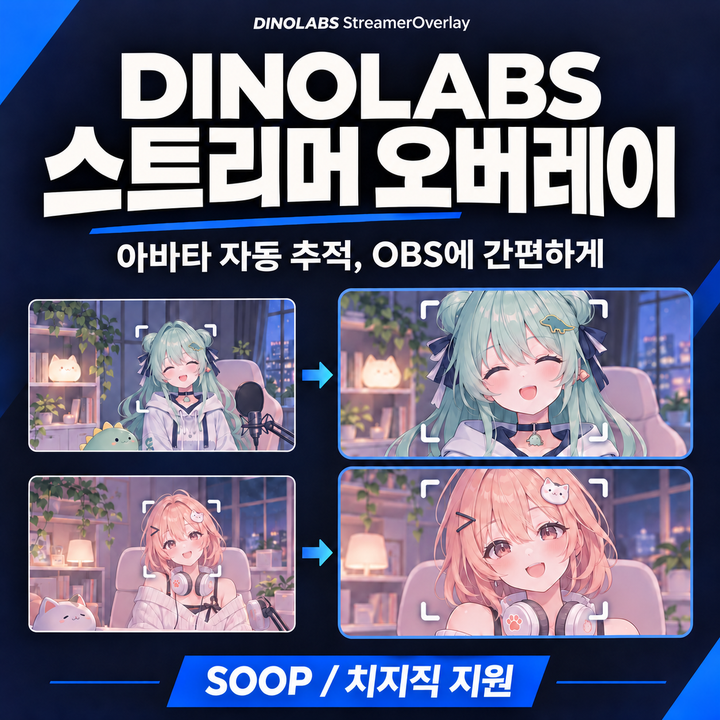
SOOP 방송의 아바타를 자동으로 추적해 OBS에 간편하게 띄워보세요.
기존에는 방송 링크를 OBS 브라우저 소스로 추가한 뒤, 아바타나 얼굴이 있는 부분을 직접 잘라 맞춰야 했습니다. 위치나 크기가 바뀌면 다시 조절해야 했죠.
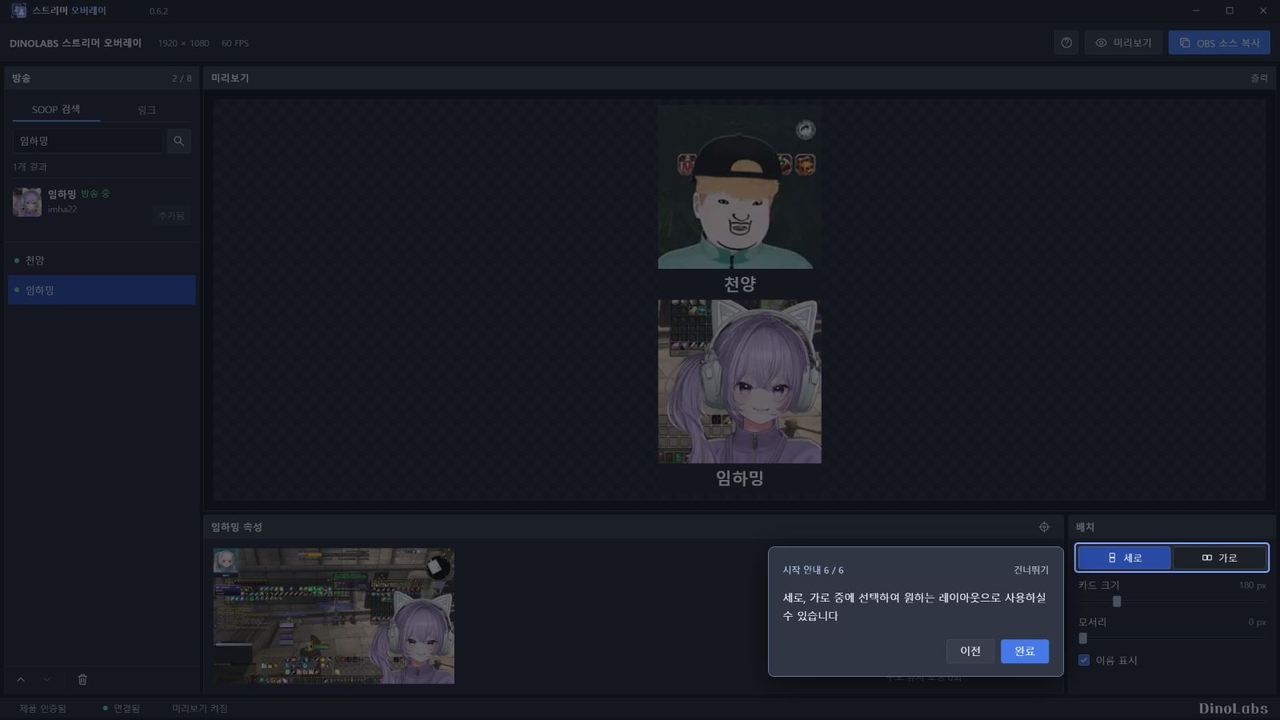
StreamerOverlay는 아바타나 얼굴을 자동으로 추적해, 움직이거나 크기가 바뀌어도 OBS에서 일정한 크기와 구도로 보여줍니다.
SOOP 및 치지직에서 전부 사용 가능합니다. (씨미는 지원하지 않습니다)
캠 방송 및 버츄얼 방송 모두에서 사용이 가능합니다.
주요 기능
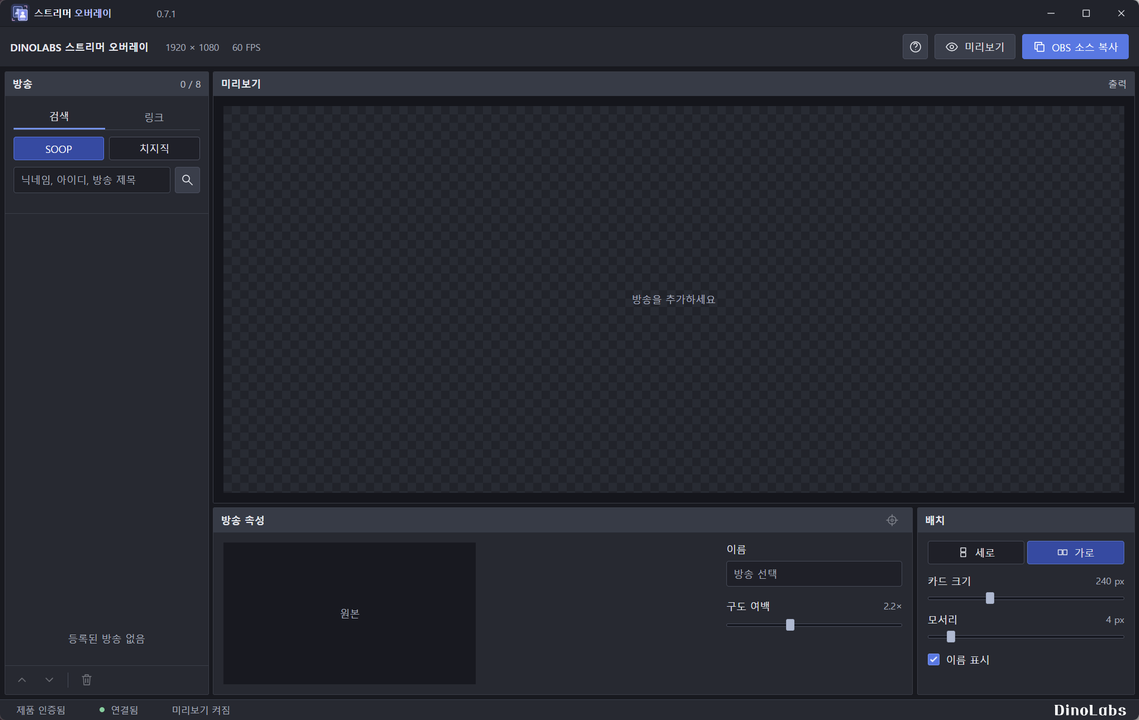
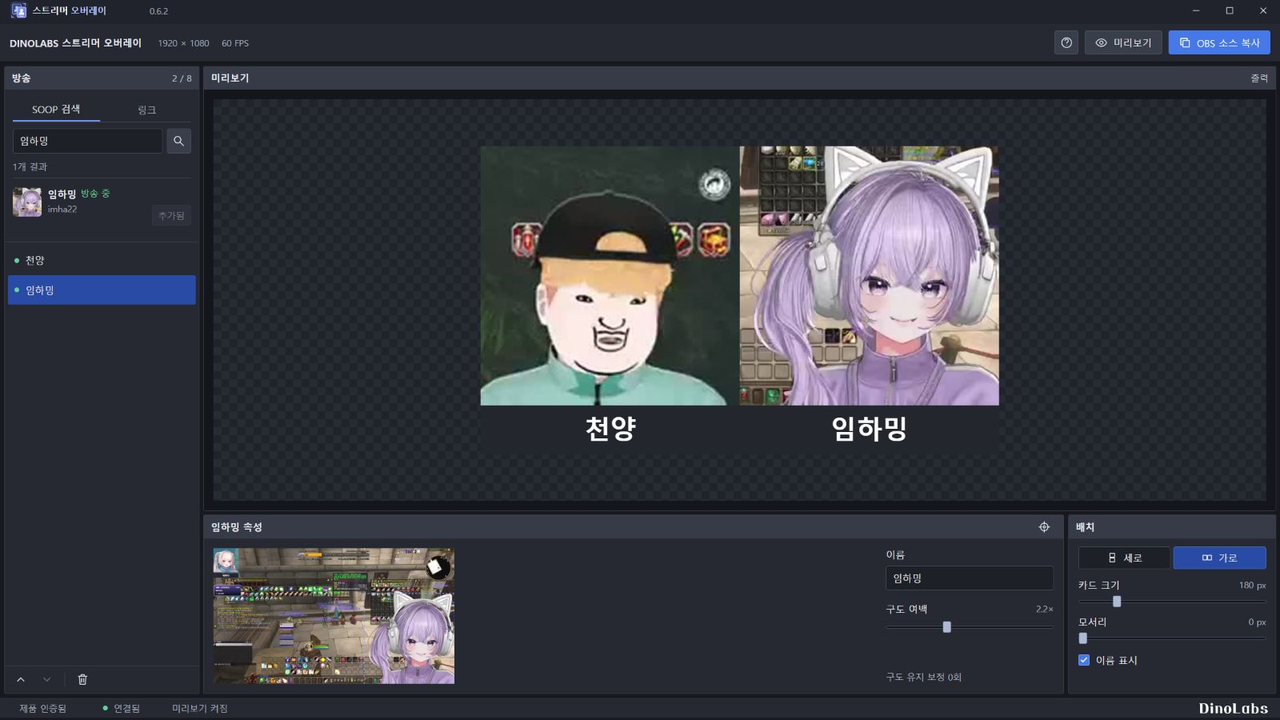
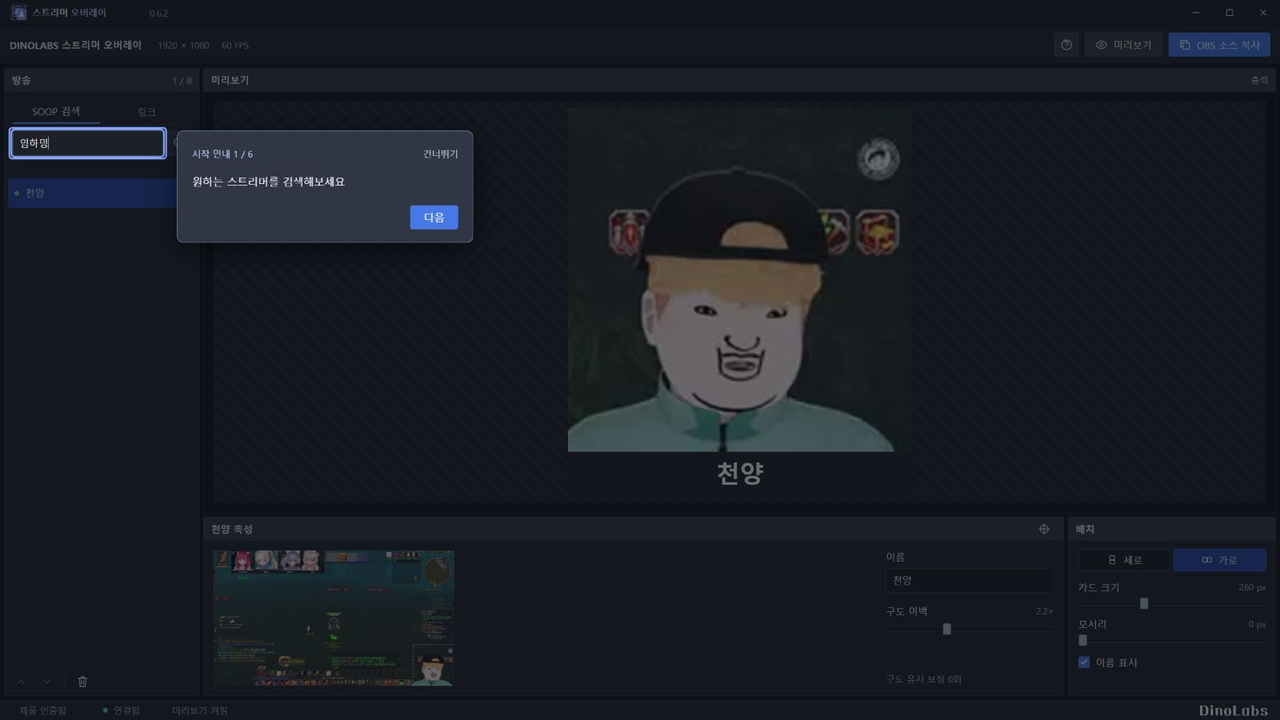
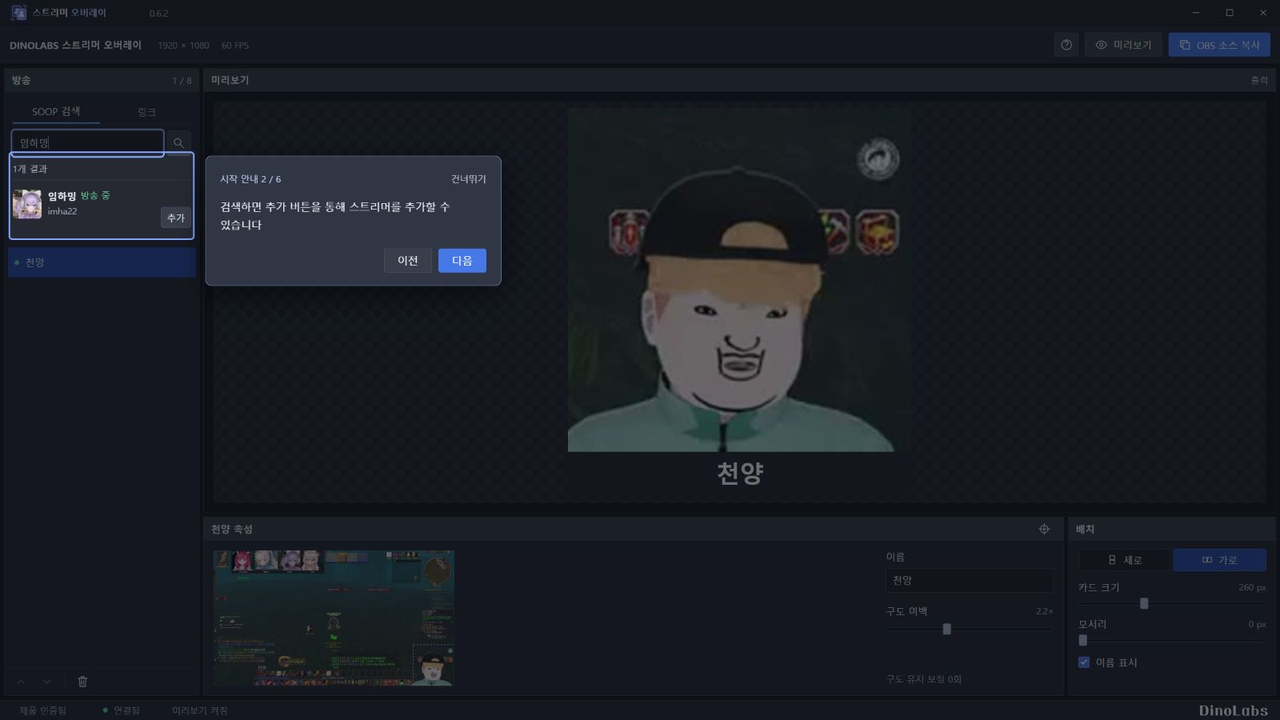
- 닉네임이나 방송 링크로 방송 추가
- 아바타 자동 추적
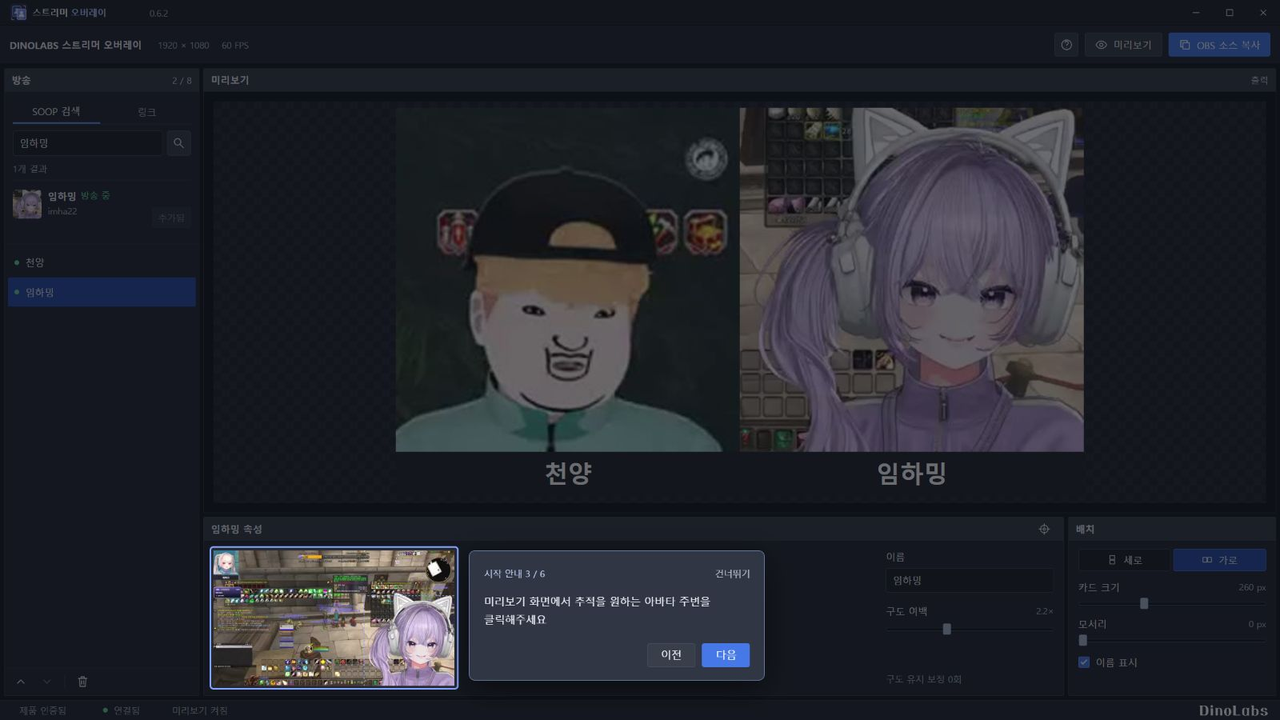
- 원하는 인물을 클릭해 추적 대상 변경
- 여러 아바타를 가로 또는 세로로 배치
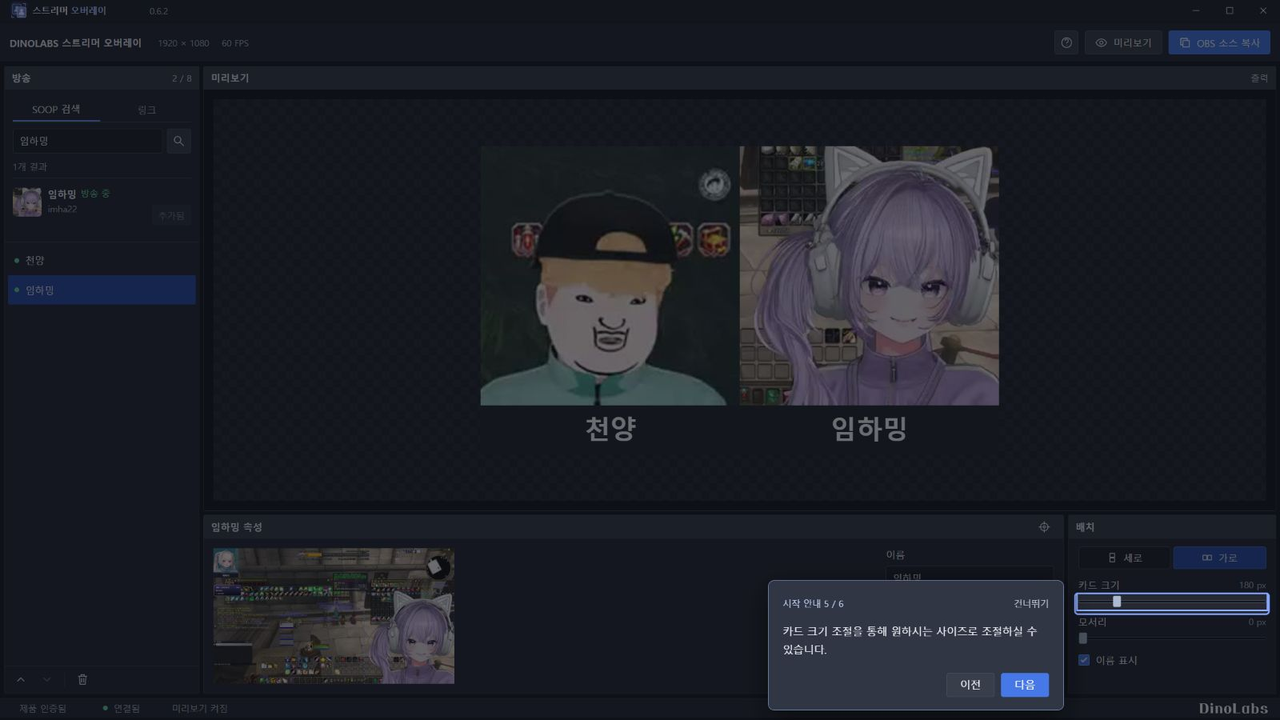
- 크기, 여백, 이름 표시 조절
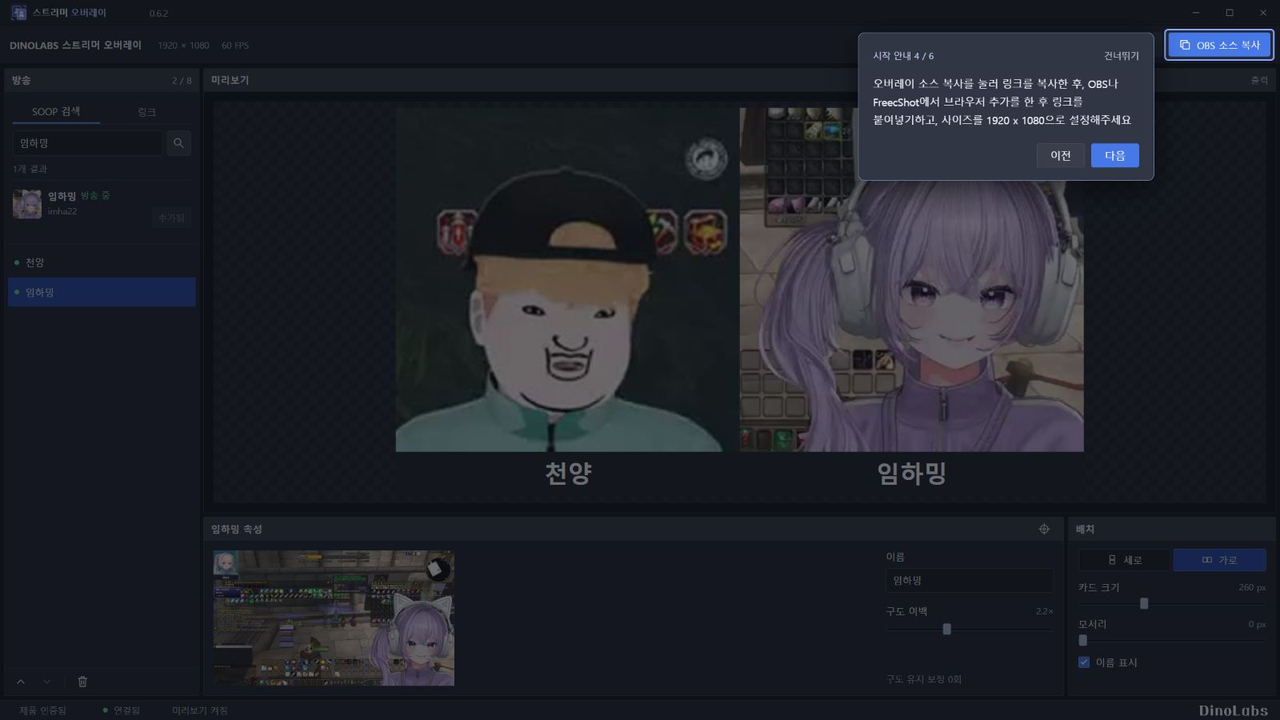
- OBS 소스 주소를 복사해 간편하게 연결
구매 안내
- Windows 10/11 64비트용입니다.
- 최대 8개 방송을 추가할 수 있습니다. 원활한 사용 범위는 PC와 방송 상태에 따라 달라집니다.
- 배경 제거와 방송 소리는 제공하지 않습니다.
- 공개 SOOP 방송을 지원합니다. 로그인이 필요한 방송은 지원하지 않습니다.
- 구매 후 인증센터에서 키를 발급받아 최대 2대의 PC에서 인증할 수 있습니다.
- 인터넷 연결이 필요합니다. 프로그램 화면은 한국어입니다.
- 인터넷 상태가 불안정하거나 안좋을 경우 로딩이 걸릴 수 있습니다
인증센터
https://verify.dinolabs.studio/
ㅡㅡ
[日本語]
[DINOLABS] ストリーマーオーバーレイ (StreamerOverlay)
SOOPやCHZZKの配信に映るアバターを自動で追跡して、OBSに手軽に表示できます。
これまでは、配信リンクをOBSのブラウザソースに追加してから、アバターや顔の部分を手動で切り抜く必要がありました。位置や大きさが変わるたびに、調整し直す手間もかかります。
StreamerOverlayはアバターや顔を自動で追跡し、動いたり大きさが変わったりしても、OBS上で一定のサイズと構図を保って表示します。
SOOPとCHZZKの両方に対応しています。「씨미」には対応していません。
実写の顔出し配信でも、バーチャル配信でも使用できます。
主な機能
- 配信者名や配信リンクで配信を追加
- アバターや顔を自動で追跡
- 追跡したい人物をクリックして対象を変更
- 複数のアバターを横または縦に配置
- サイズ、余白、名前の表示を調整
- OBS用のソースURLをコピーして簡単に接続
ご購入前の確認事項
- Windows 10/11の64ビット版に対応しています。
- 最大8つの配信を追加できます。快適に使用できる数は、PCの性能や配信の状態によって異なります。
- 背景の除去と配信音声の出力には対応していません。
- SOOPとCHZZKの公開ライブ配信に対応しています。ログインが必要な配信には対応していません。
- 購入後、認証センターでライセンスキーを発行し、最大2台のPCで認証できます。
- インターネット接続が必要です。アプリの表示言語は韓国語です。
認証センター
https://verify.dinolabs.studio/
ㅡㅡ
[English]
[DINOLABS] Streamer Overlay (StreamerOverlay)
Automatically track avatars in SOOP and CHZZK streams and display them in OBS with ease.
Previously, you had to add a stream link as an OBS browser source, then manually crop the area around the avatar or face. Whenever its position or size changed, you had to adjust the crop again.
StreamerOverlay automatically tracks the avatar or face, keeping it at a consistent size and framing in OBS—even as it moves or changes size.
Works with both SOOP and CHZZK. “씨미” is not supported.
Supports both webcam streams and virtual avatar streams.
Key Features
- Add streams by streamer name or stream link
- Automatically track avatars and faces
- Click a person to change the tracking target
- Arrange multiple avatars horizontally or vertically
- Adjust size, padding, and name visibility
- Copy the OBS source URL for easy setup
Before You Buy
- Requires Windows 10/11, 64-bit.
- Add up to 8 streams. The number that runs smoothly depends on your PC and stream conditions.
- Background removal and stream audio are not supported.
- Supports public SOOP and CHZZK live streams. Streams that require login are not supported.
- After purchase, get your license key from the Verification Center and activate it on up to 2 PCs.
- An internet connection is required. The app interface is in Korean.
Verification Center
https://verify.dinolabs.studio/