
Description
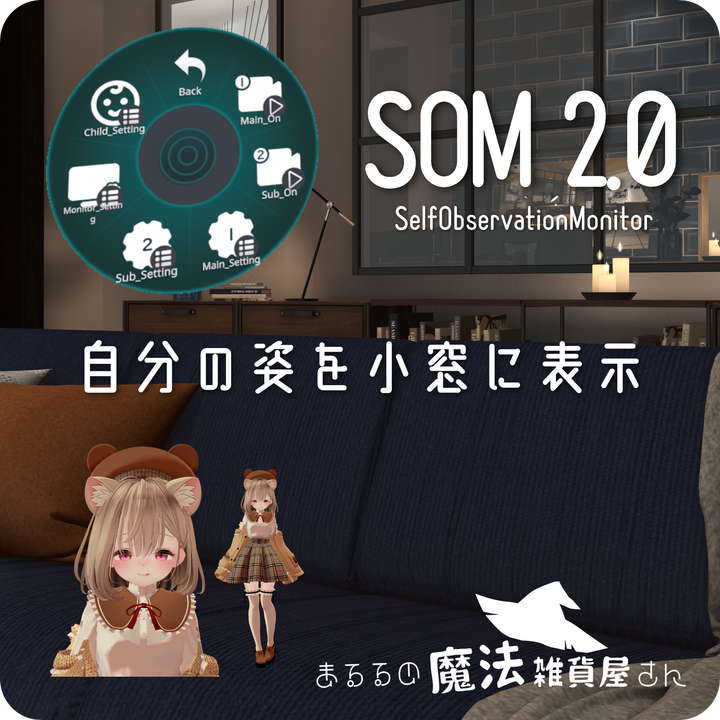
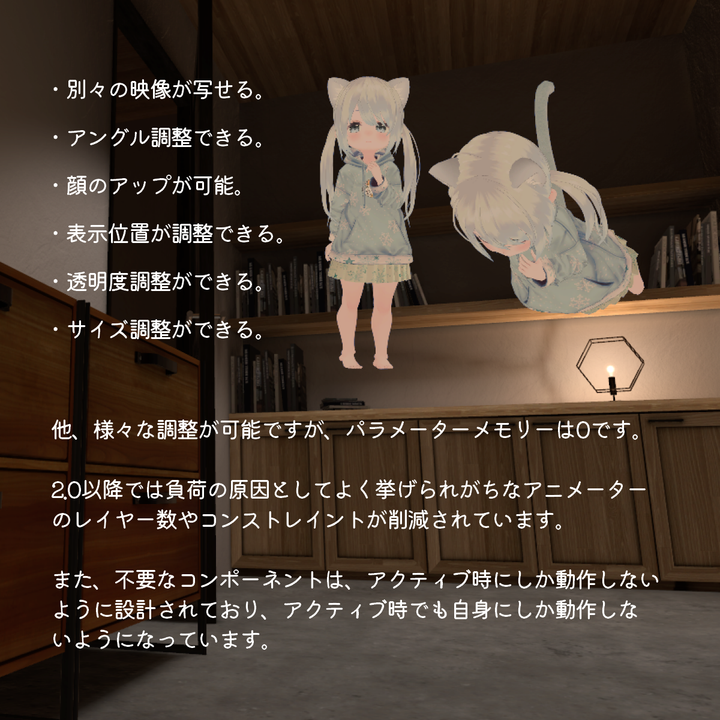
This gimmick allows you to display your avatar in a small window. The monitor size and position can be adjusted, as well as the angle and zoom of the avatar. You can also display two thumbnail-like views of your avatar, so you can check different angles at the same time.
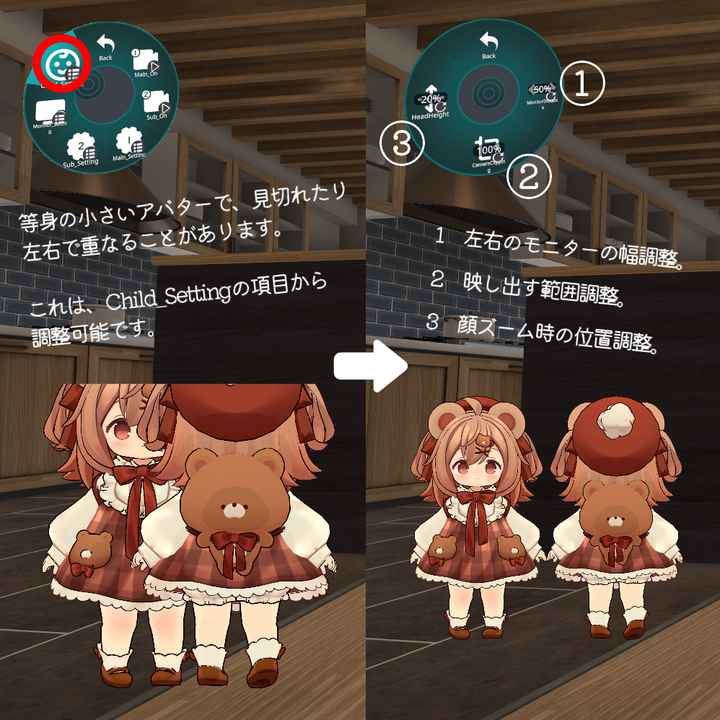
If part of the avatar is not visible or the left and right images overlap, please adjust the Child_Setting item (as shown in the second video).
Modification Guide. Default position when resetting avatars, etc.
https://docs.google.com/document/d/1pi4-NVbYA0PmvJVm5K9IDvcudmN7-lV7qfLUPdY7UtI/edit?usp=sharing
■ How to introduce
・Import ModularAvatar beforehand.
・Import SOM in Unity project.
・In to the SOM to your avatar.
・End.
■ Operation Methods
Only excerpts that are difficult to understand are shown. Please check the video for details.
Main_Setting: Settings for the left side image can be made.
Sub_Setting: Settings for the right side image can be made.
Monitor_Setting: Settings for both images. Size, transparency, position, etc.
Child_Setting: Settings for problems that can occur mainly with small avatars, such as blurred vision or overlapping of two images, etc. Please refer to the second video.
■ Cautions
・This information is provided using translations and may not be appropriate.
・Avatars using some shaders may be transparent. Also, we are not sure if avatars that are not humanoid will work properly.
・We have not fully tested the operation in a full-tracking environment.
・World objects and avatar gimmicks that are set to appear only in the mirror may appear in the mirror due to specifications.
・We have received a report that the avatar “Chibitora” does not function properly.
WriteDefalts for the state called Controller must be On even if the animator is made with WriteDefalts Off base. It is said that there is no problem in mixing them specially for this type of assembly.
・If you have any problems or improvements, please feel free to report them to us. However, we may not always be able to fix them.
■ License
・In order not to cause problems due to incomplete translations, the following text is given in the original. By downloading the software, you agree to this license.
・再配布や商用を許可します。むしろ推奨しています。アバターに組み込んでの販売や、パブリック化も可能です。単体でそのまま配布することも許可しますが、その場合は私のショップへのリンクを記載してください。ただし、アイコン用の画像については次項の通りです。
・EXMenuに使われているアイコン画像はMingCute Icon様が無料配布されているもので、Apache 2.0ライセンス(https://www.apache.org/licenses/LICENSE-2.0)で配布されていますので、Icon画像も含めて配布する場合は該当ライセンスに準拠してください。確認が面倒であれば、アイコン画像を削除して配布してください。
・アイコン画像は、インポートしたUnityフォルダー内の、SeloObservationMonitor > Texture内の、Icon1~13です。これらを削除すれば、Apache 2.0ライセンスに関係なく自由に配布可能です。
■ Update
2023.09.11 Released.
2023.09.16 Enabled to adjust transparency.
2023.10.13 Prevented overwriting by TPSCamera distributed separately.
2024.03.10 Reduced the number of animator layers from 13 to 2. Reduced the number of constraints from 4 to 3. Added some adjustments.



