
Description
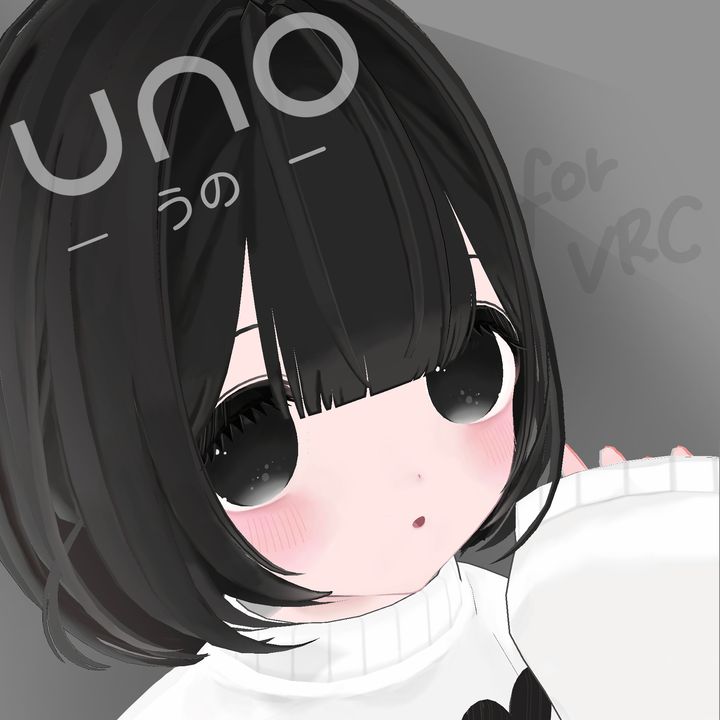
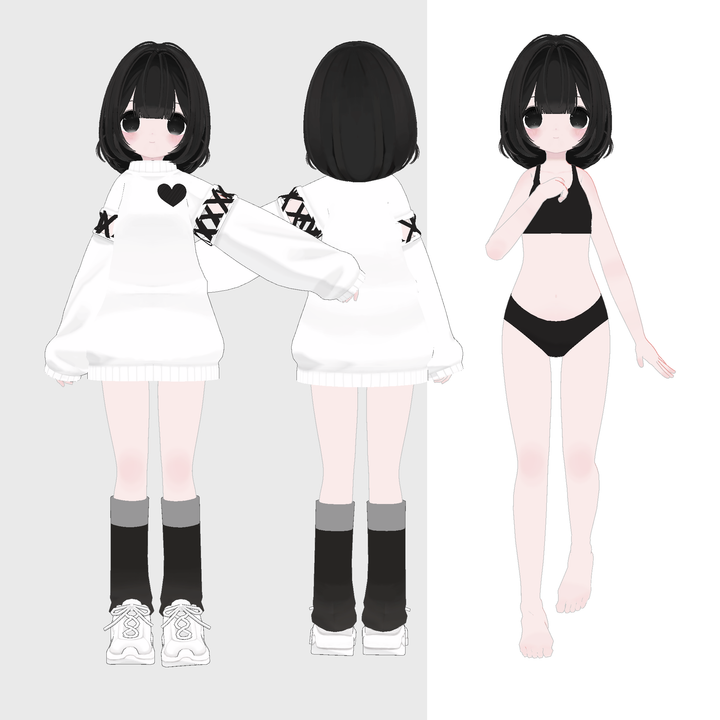
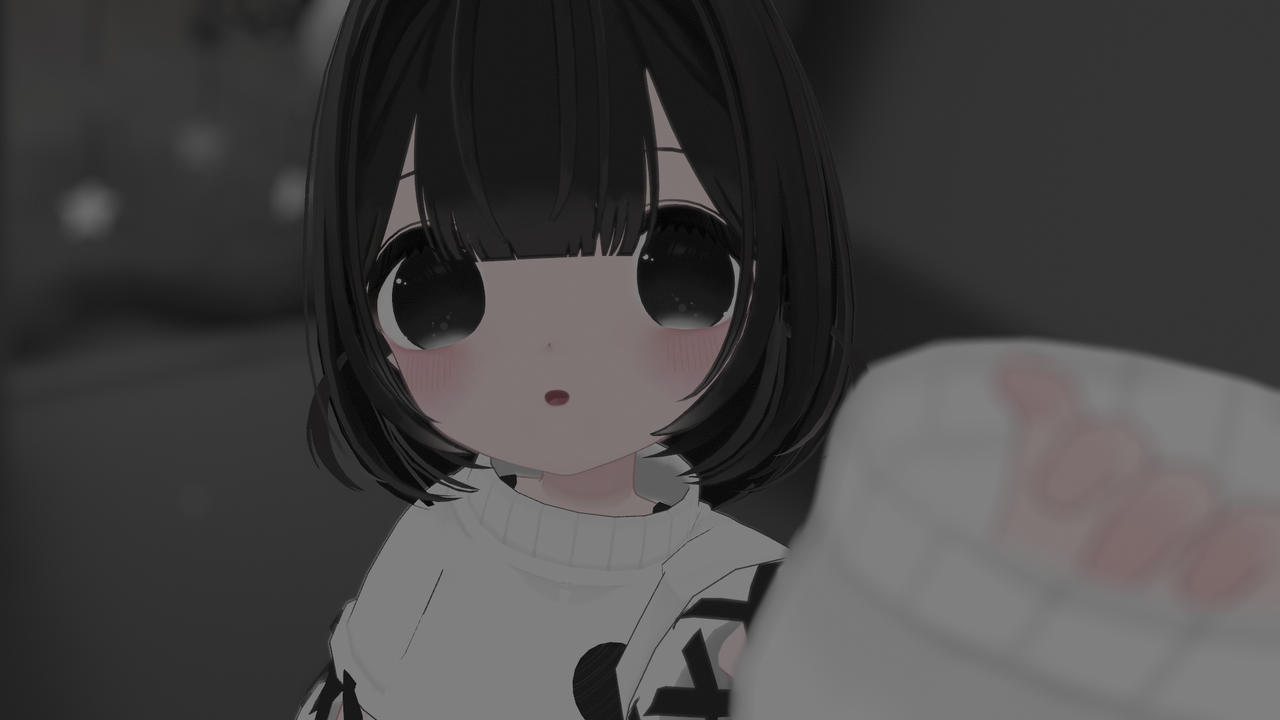
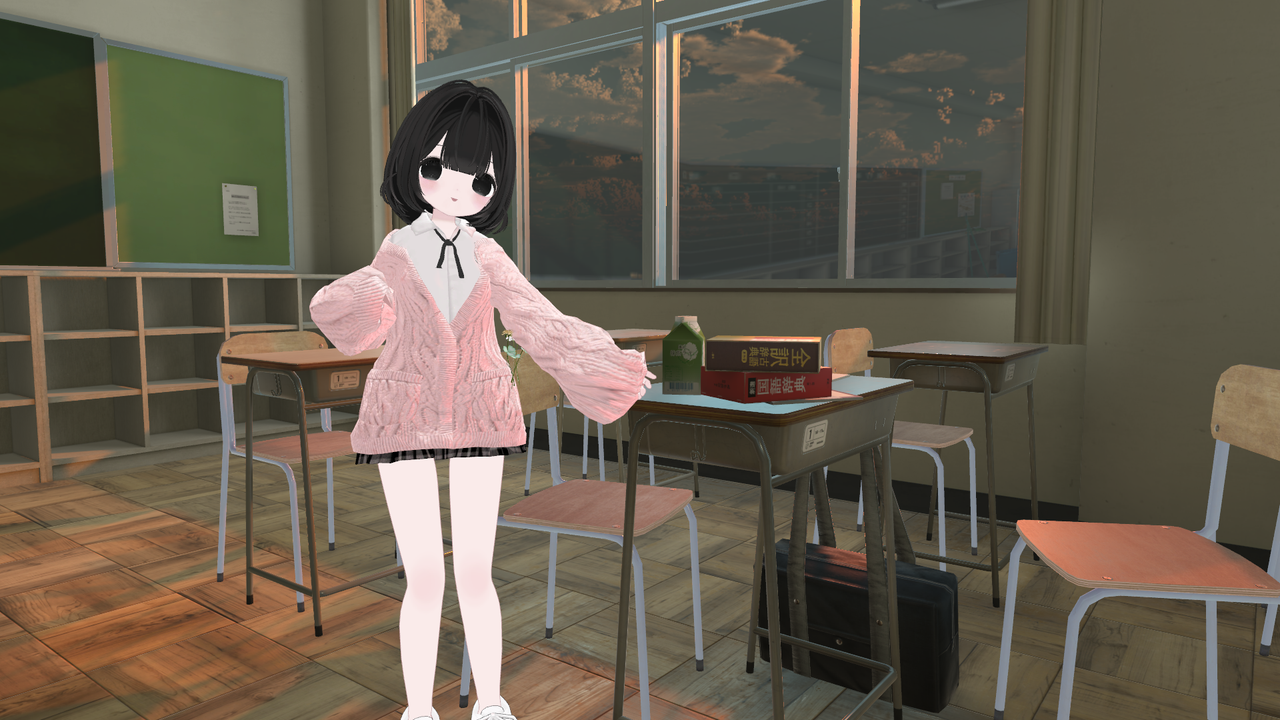
Original 3D Model "Uno"
Designed for use in VRChat.
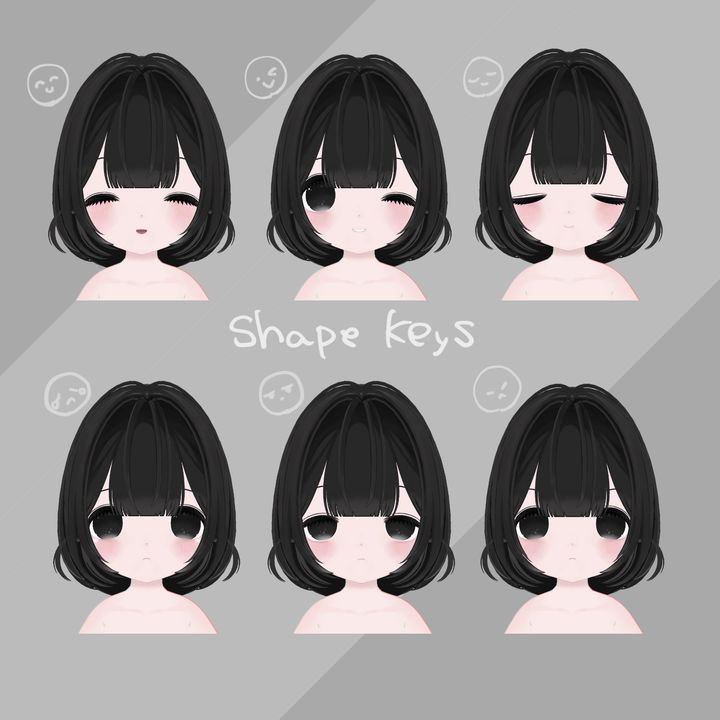
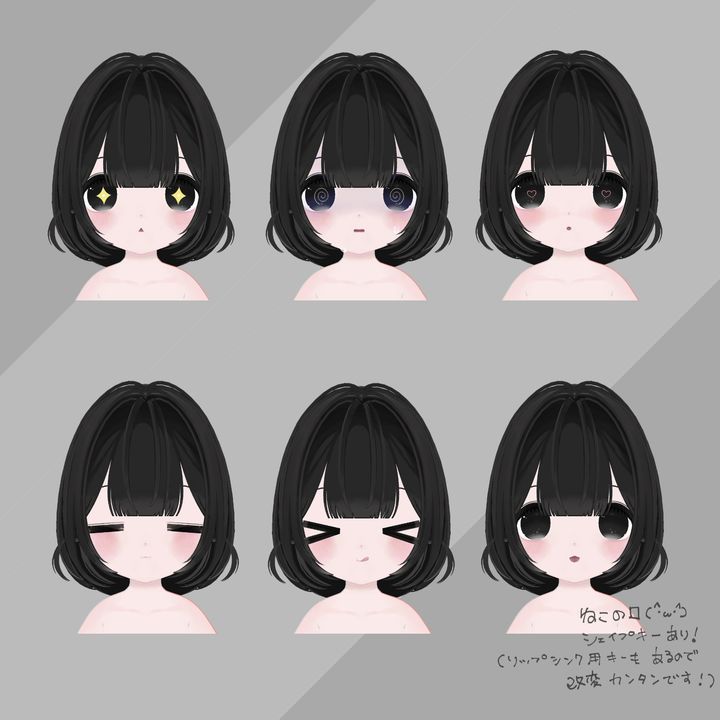
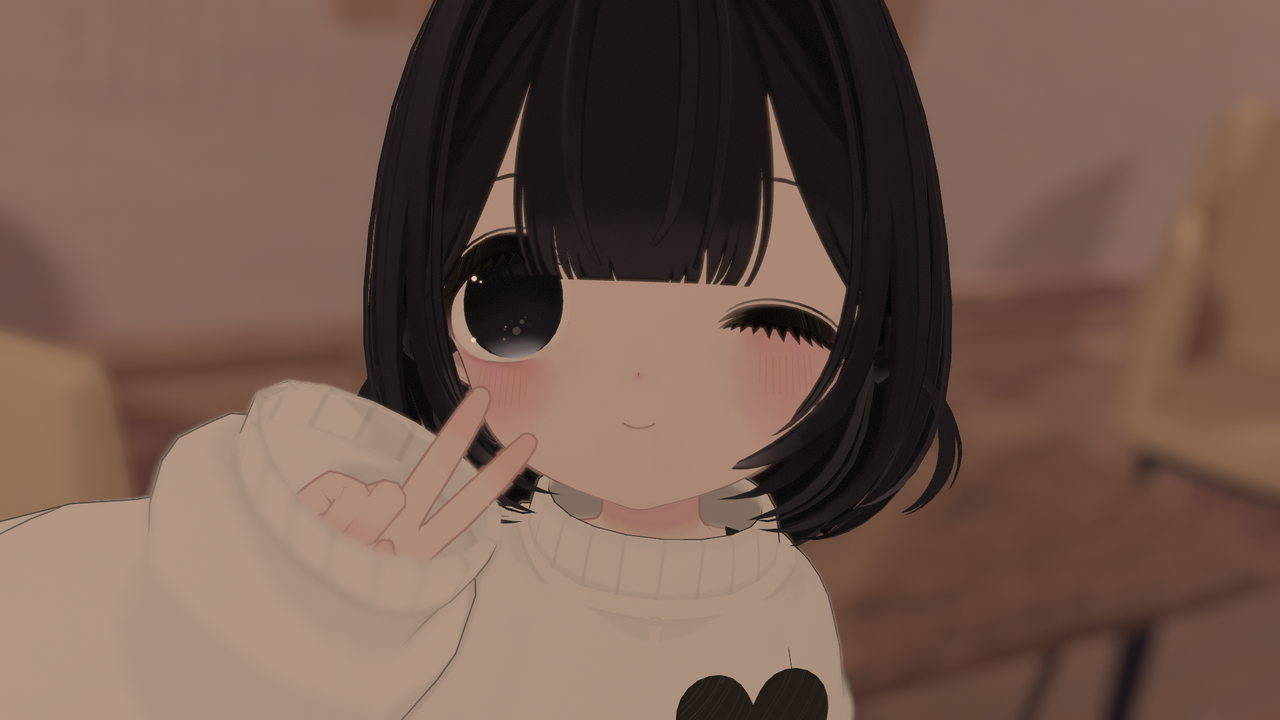
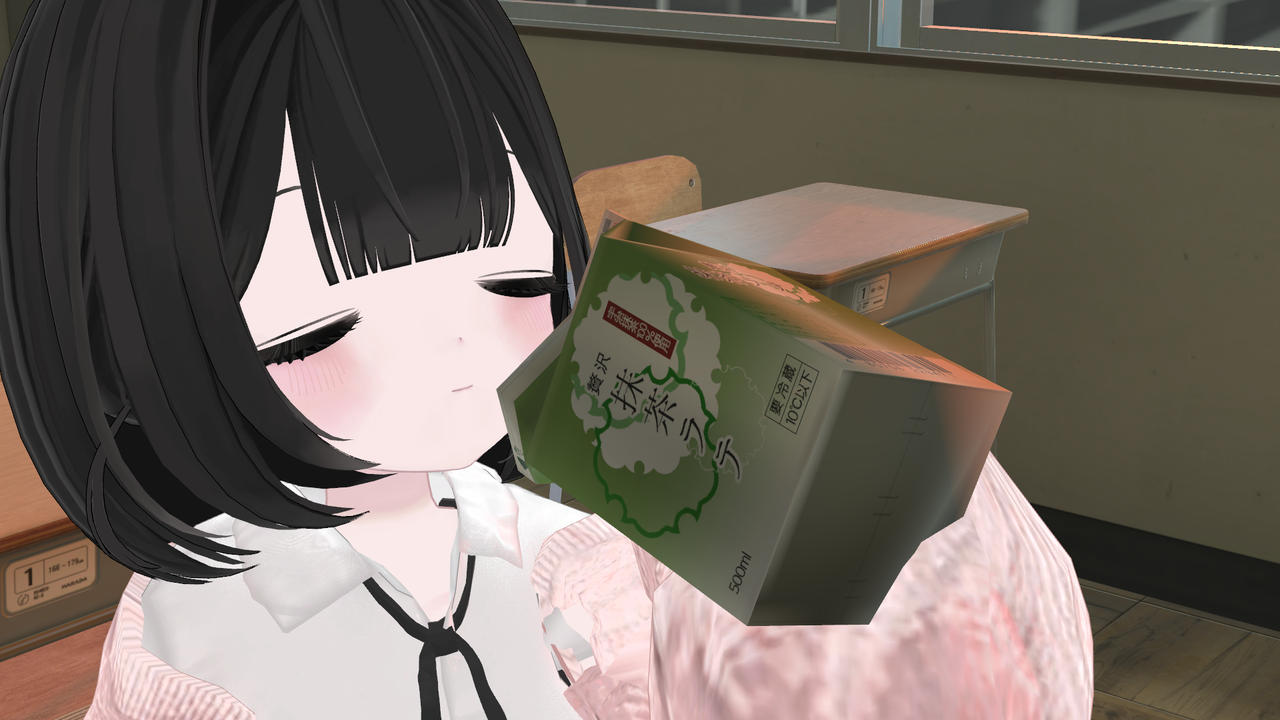
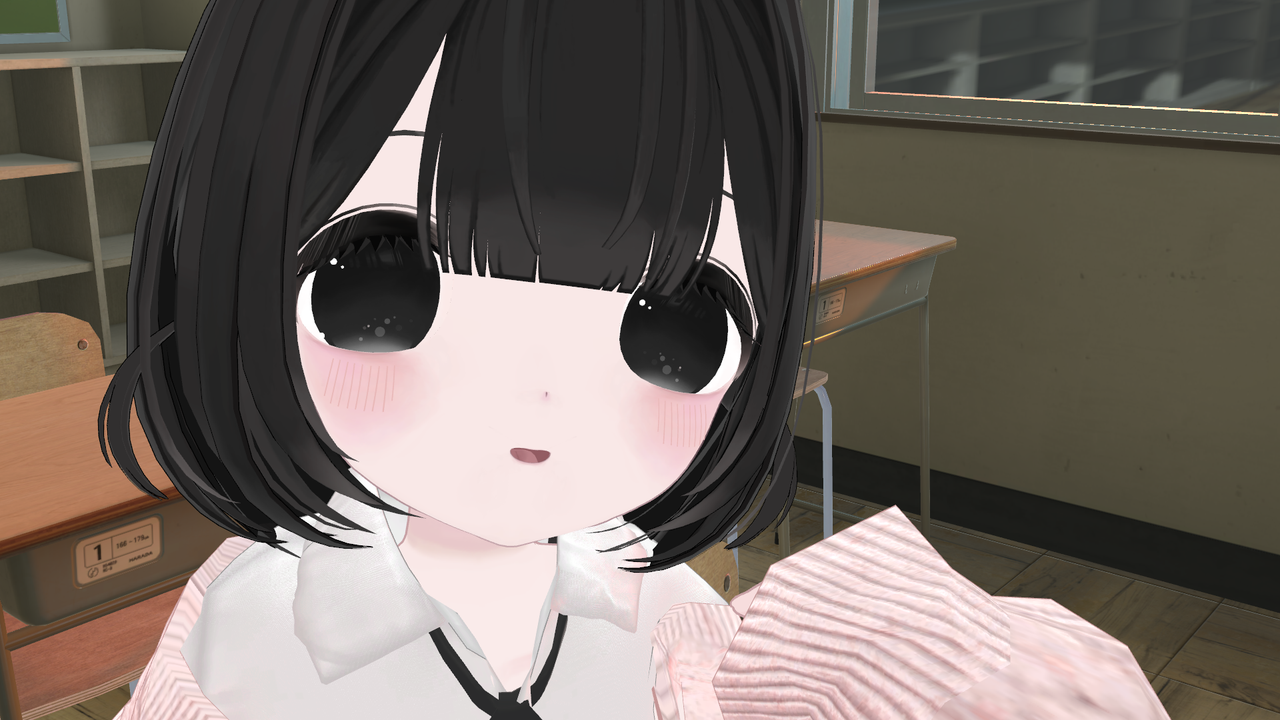
Uno is a cute and fluffy girl. The face is especially detailed, featuring fluttery eyelashes and a rounded design, giving her a slightly doll-like appearance.
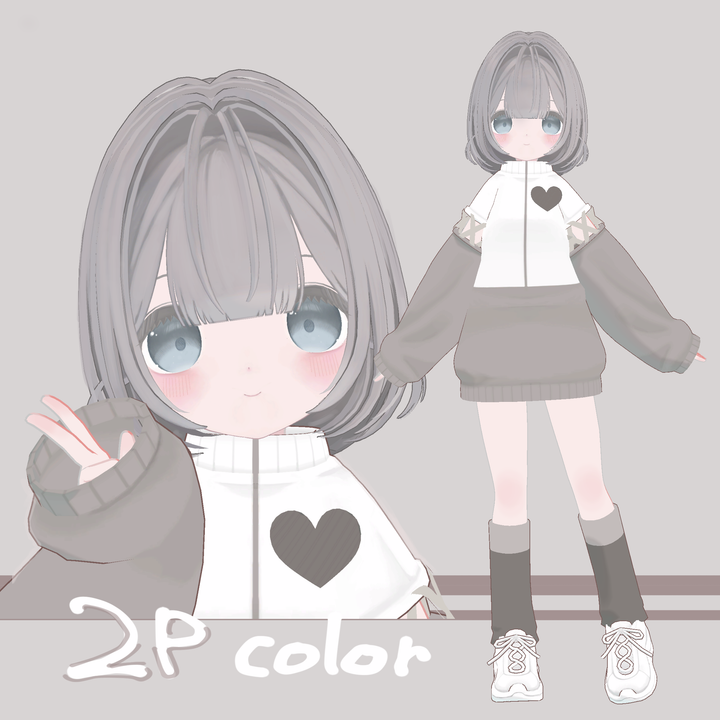
*Note: The last three images are modification examples.
The outfits used for the photoshoots are from Ever After (Shop: ALICE).
Update Information
- 05/01 ver1.01
- Fixed settings, adjusted weights and meshes.
- 05/10 ver1.02
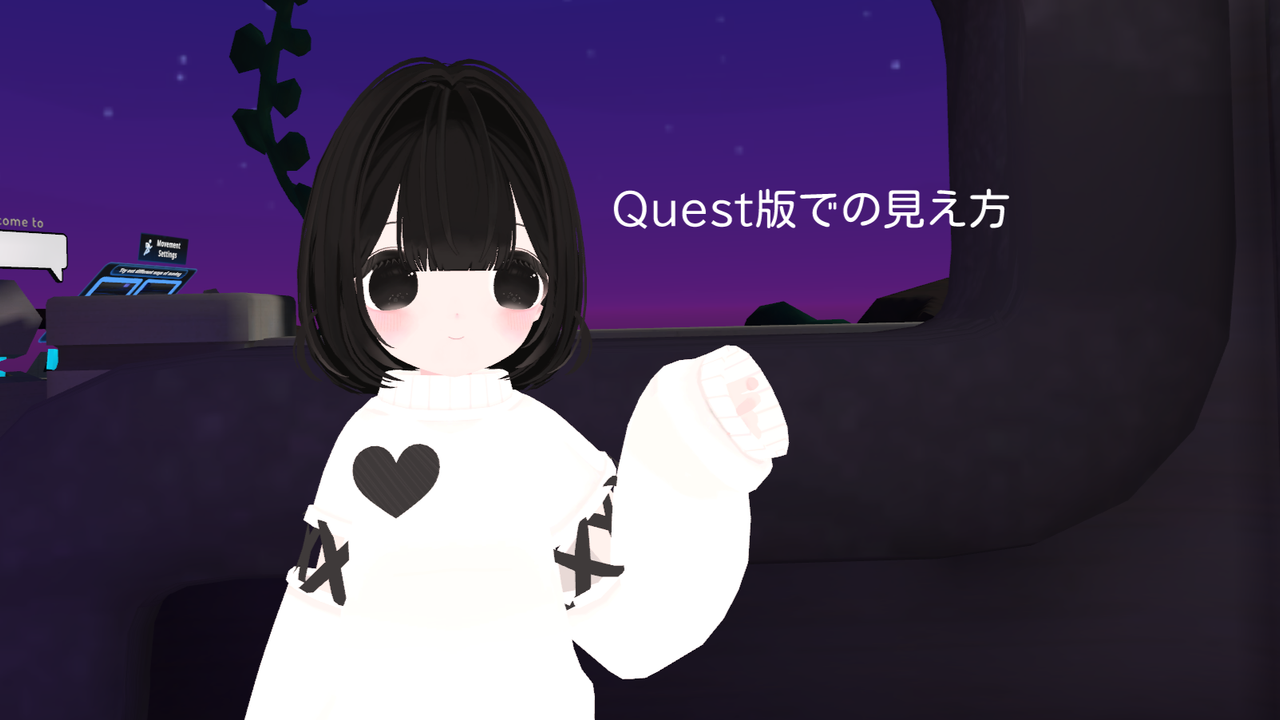
- Added Quest version.
- Fixed PhysBone settings, added facial expressions to the pie menu, and improved texture quality.
- 05/27 ver1.03
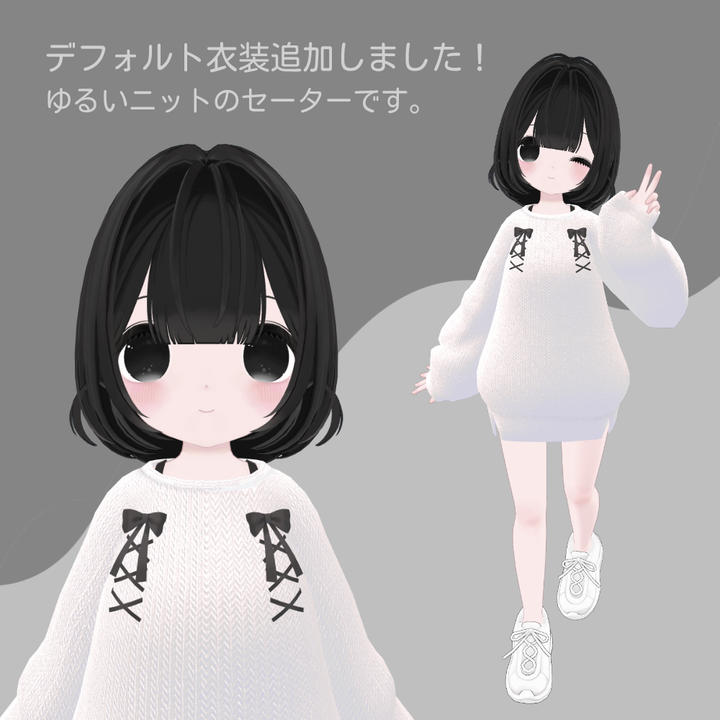
- Added a new default outfit (see third product image, PC only).
- Adjusted face balance (lowered the mouth slightly), UV, texture, body and outfit weights, added a shape key to make the outline smaller, edited the pie menu for better visibility, fixed PhysBone settings (corrected floating outline), added Blender file and prefabs for the base model.
Model Information
[PC Version]
- Polygon Count:
- Outfit 1: 39,632 (total when worn, not just the outfit)
- Outfit 2: 37,154
- Base Model: 34,568
- Rank: Poor
- Shape Keys: 100+
- Shader Used: liltoon 1.7.3
- Avatars 3.0
- PhysBone settings configured
- Lip sync supported
[Quest Version]
- Polygon Count: 19,768
- Rank: Poor
- Note: Sample avatar is rated VeryPoor due to a slight data difference
- Note: Examples of how the Quest version looks can be found in the images section. The Quest version lacks outlines and may lose colors depending on the world’s lighting.
You can perform sitting, chair sitting, lying on your back, and prone poses from the action menu.
Contents
- FBX
- UnityPackage
- Textures (PNG, modifiable PSD)
- Usage Terms
- Blender file (base model)
Try On
You can try on the model from 5/12 at JPT (JPTutorialWorld).
"I designed it to look the cutest when worn in VR, seen up close, and in motion, so please try it on!"
Hashtag
When posting photos on X, please use the hashtag #Uno_3D. The creator will be very happy to check them out!
How to Upload to VRC
- Install Unity (version 2022.3.6f1).
- Import liltoon 1.7.3 (shader) and VRChat SDK.
- Import these two before the model.
- Import the model’s Unity package and drag & drop the prefab into the hierarchy.
- Upload to VRChat via SDK.
Terms of Use
The terms of use are created in accordance with the VN3 license (https://www.vn3.org).
Due to the nature of downloadable products, cancellations and exchanges are not accepted.
By purchasing this data, you agree to these terms. In the event of discrepancies between translations, the Japanese terms will apply.
Contact
This is my first avatar sale, so I apologize for any shortcomings.
If you encounter any errors, have questions, or concerns, please feel free to contact me.



