

概要
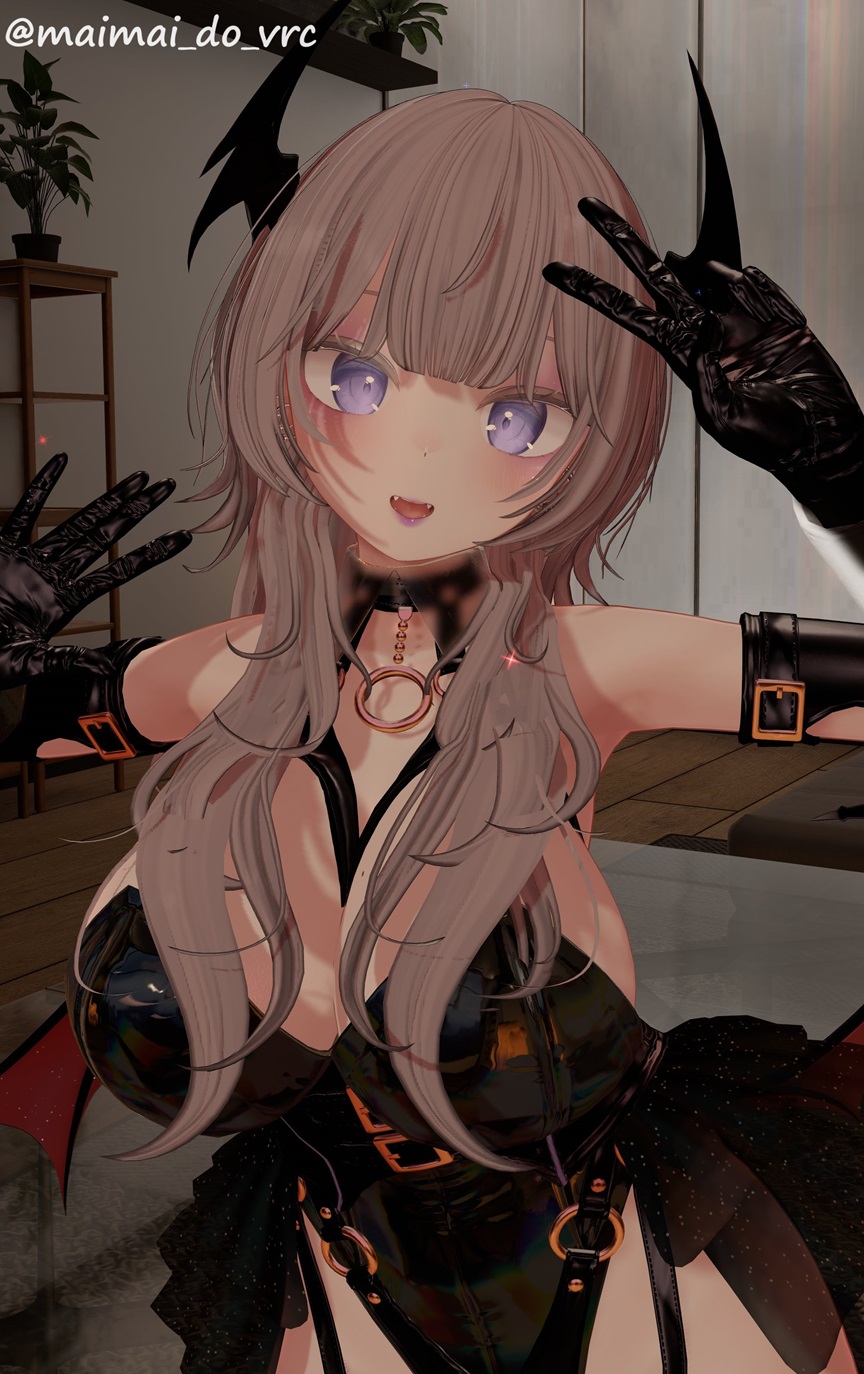
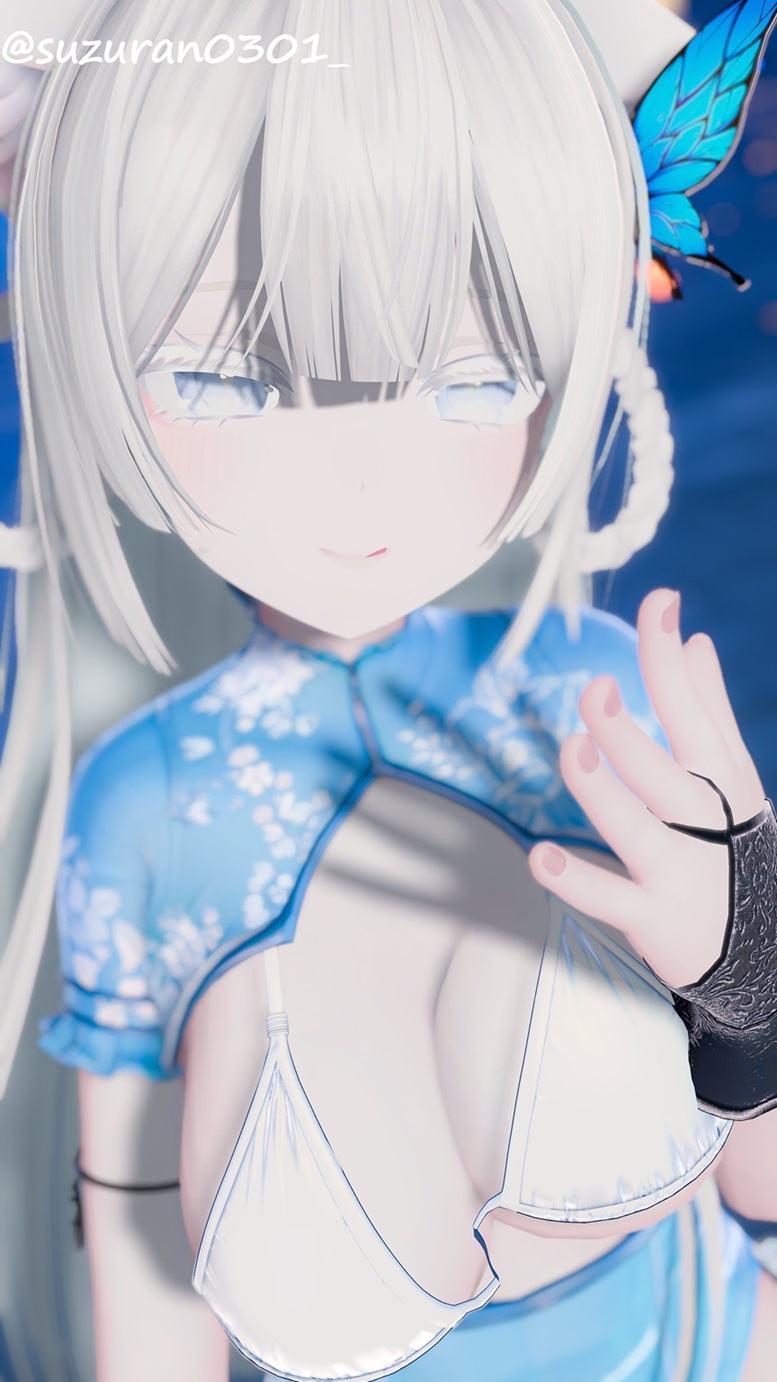
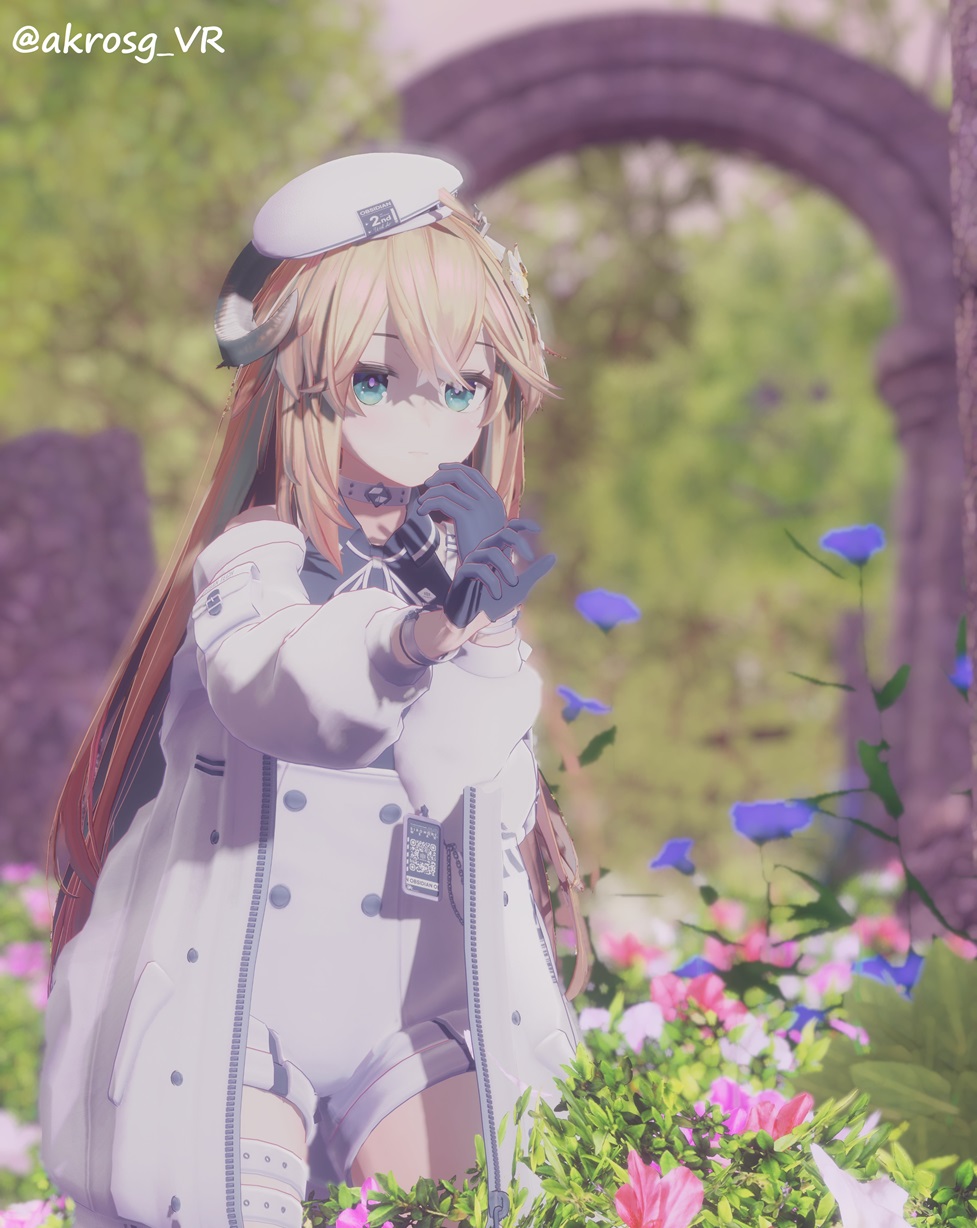
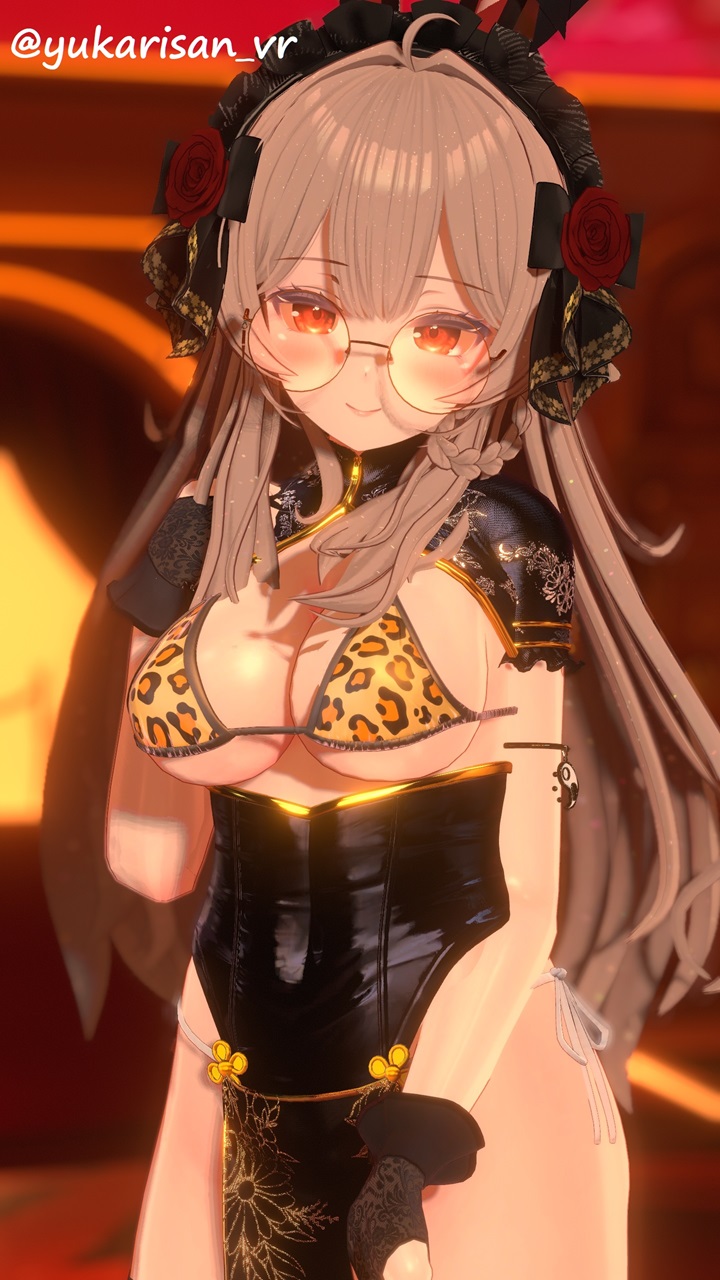
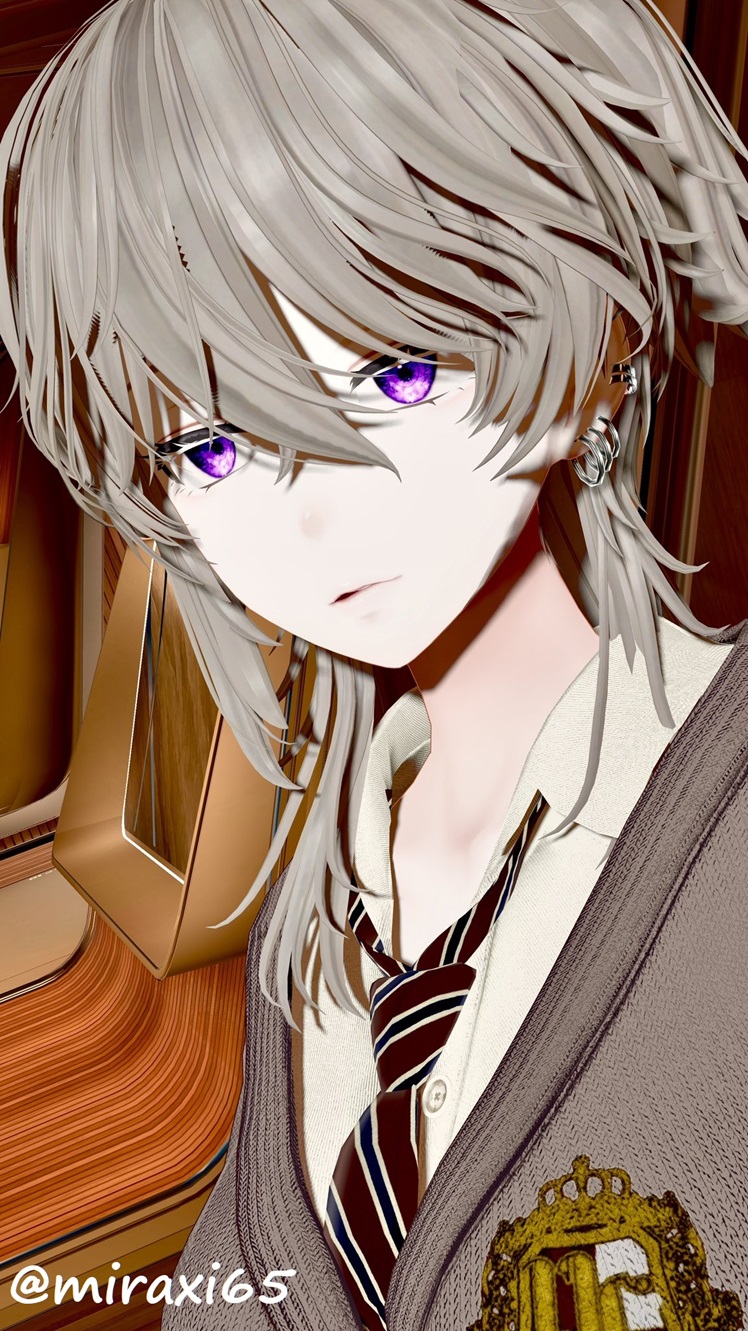
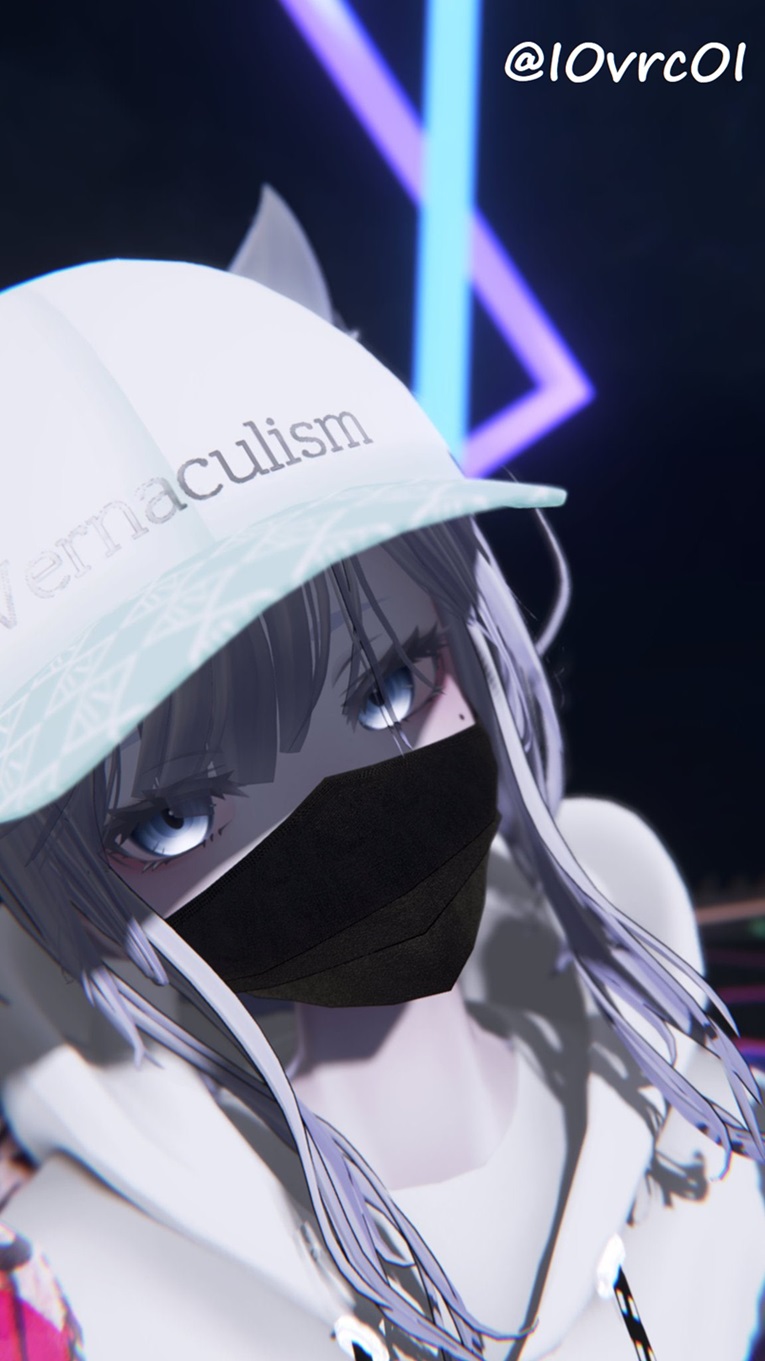
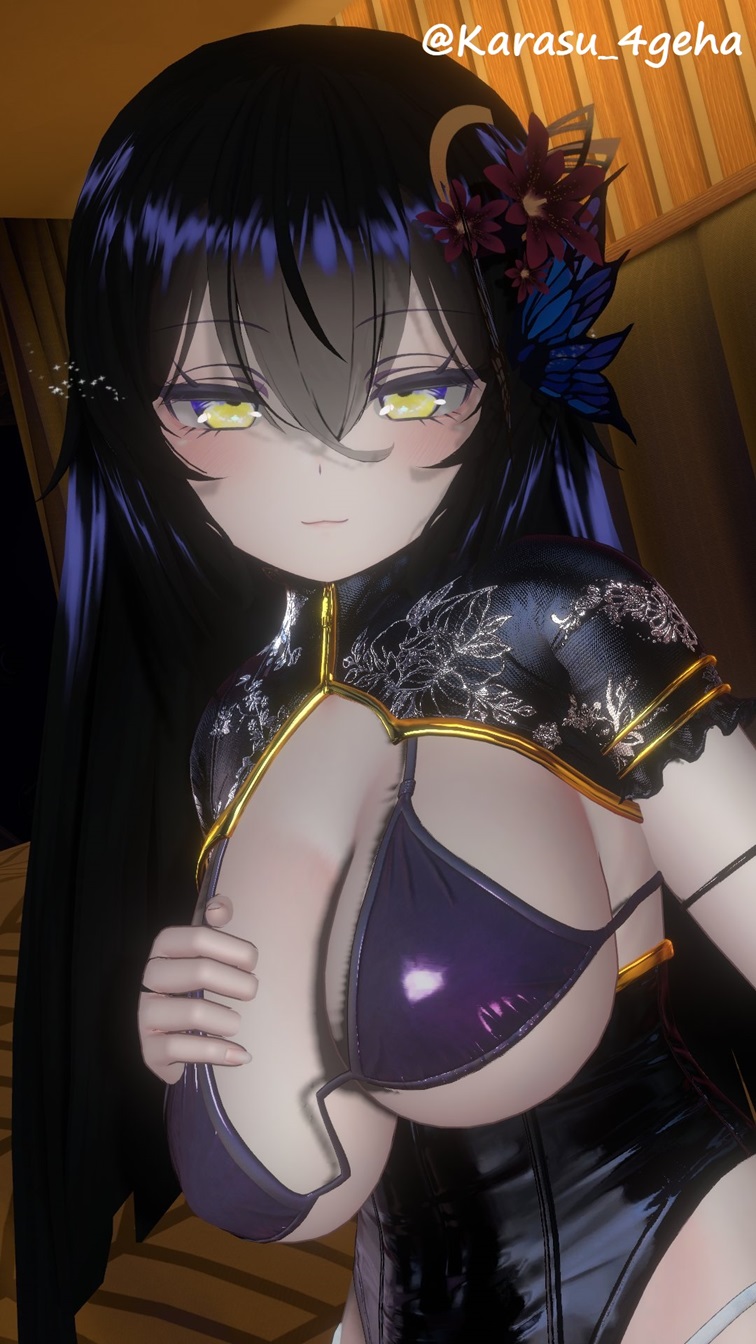
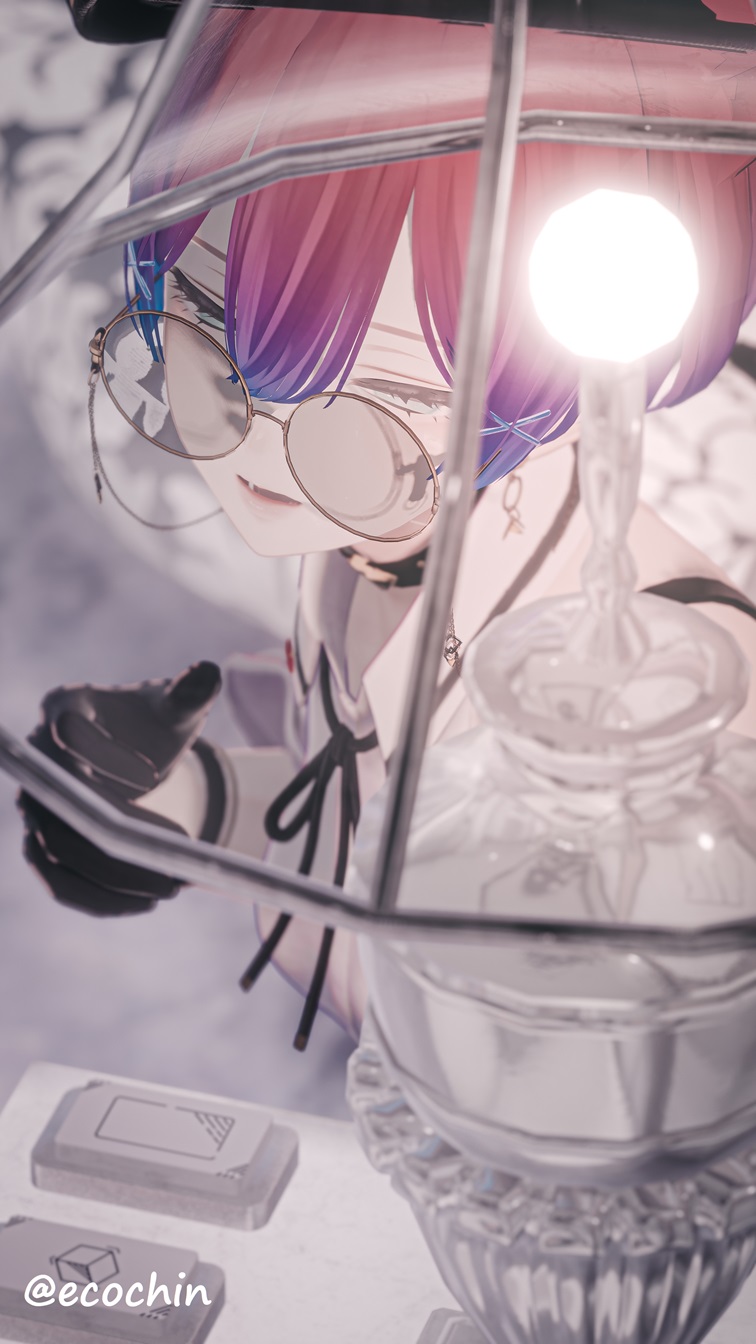
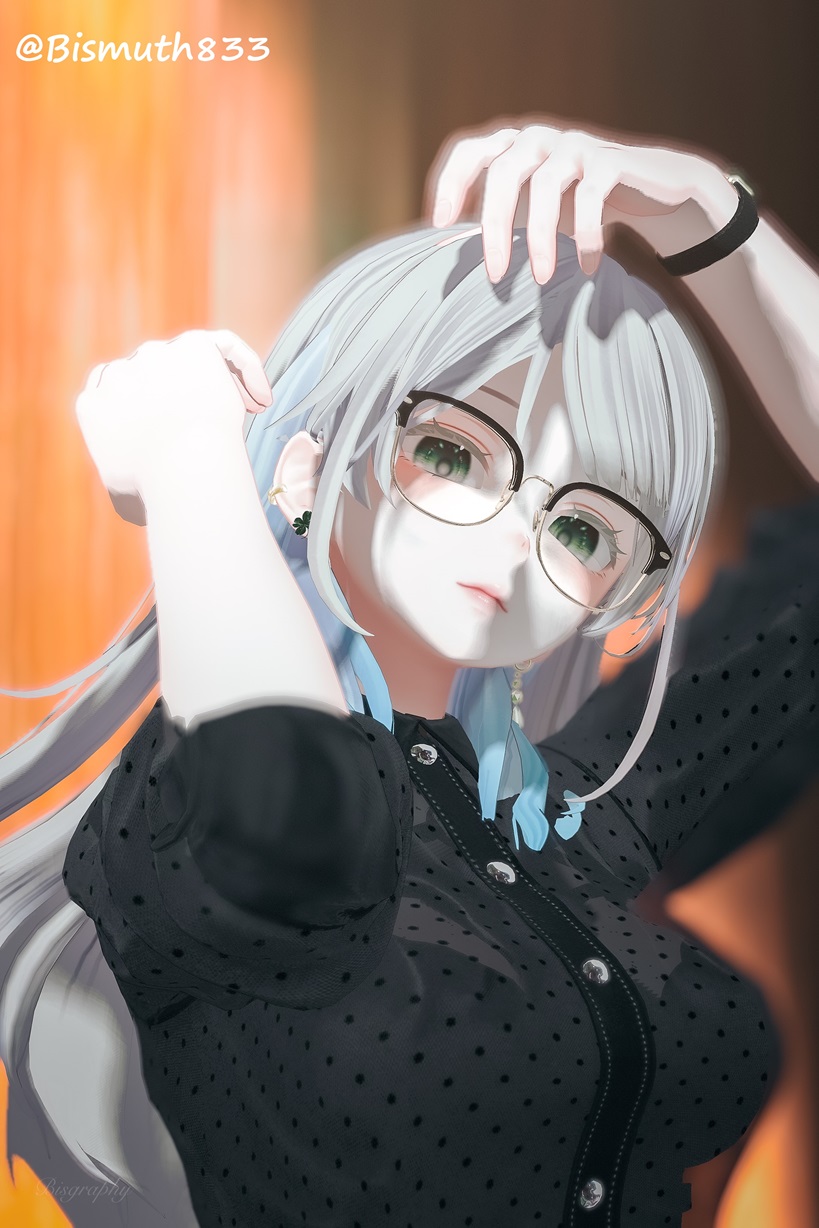
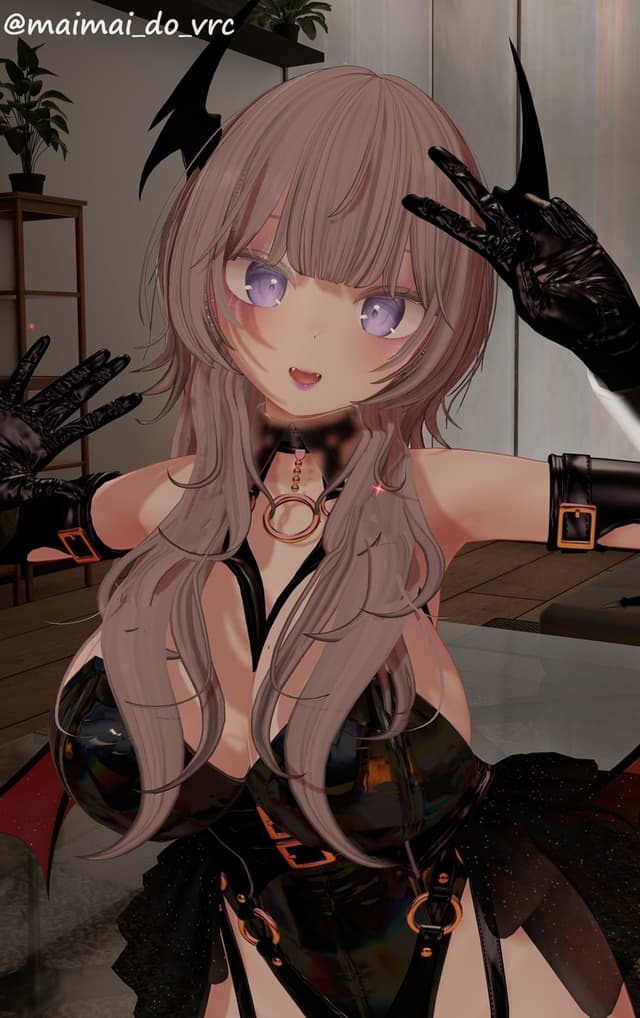
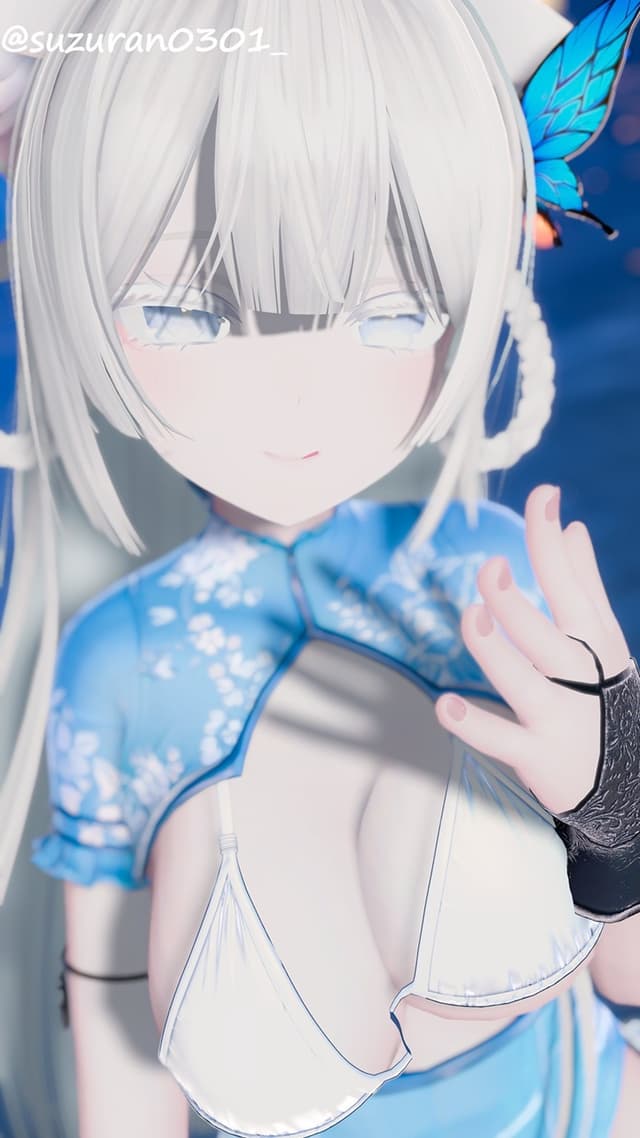
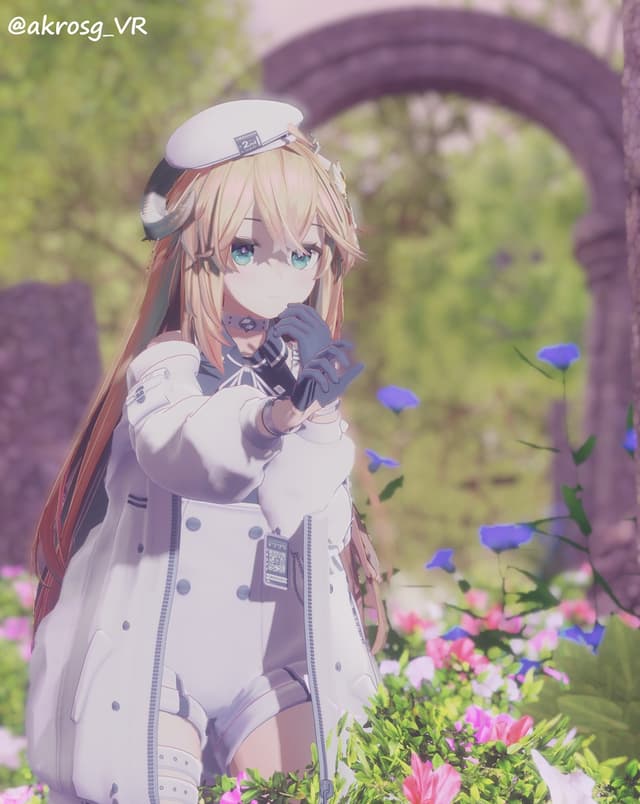
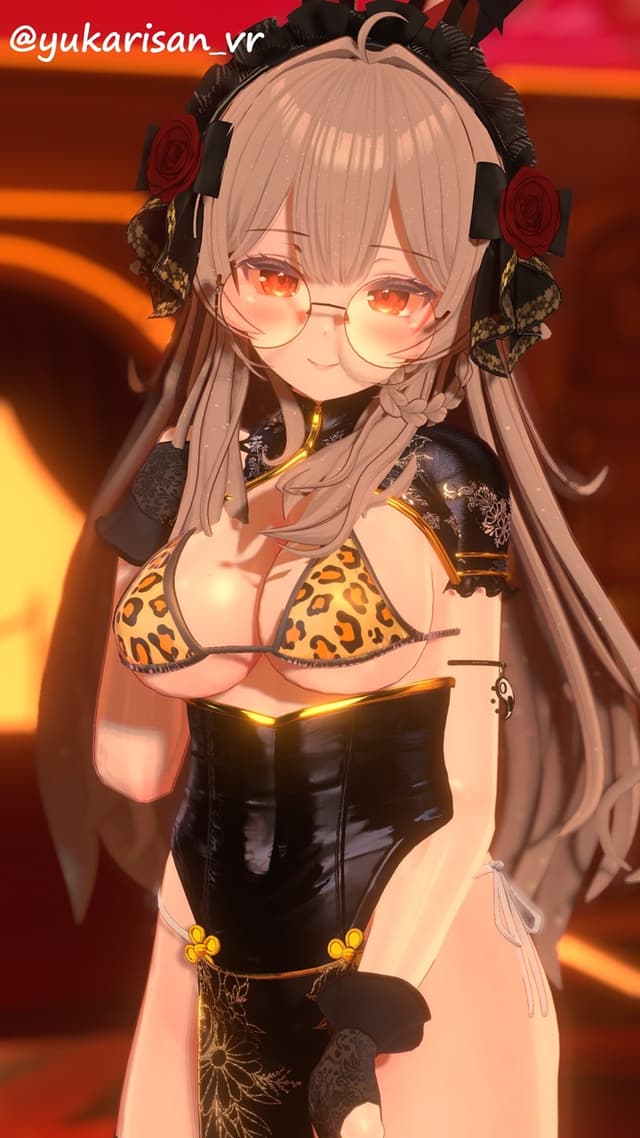
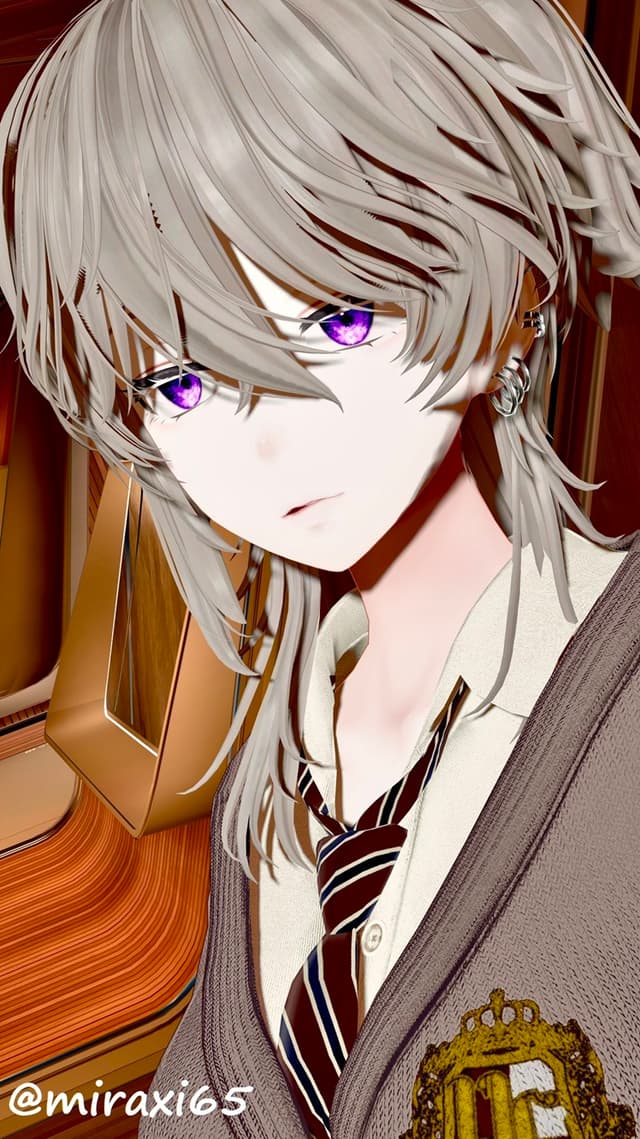
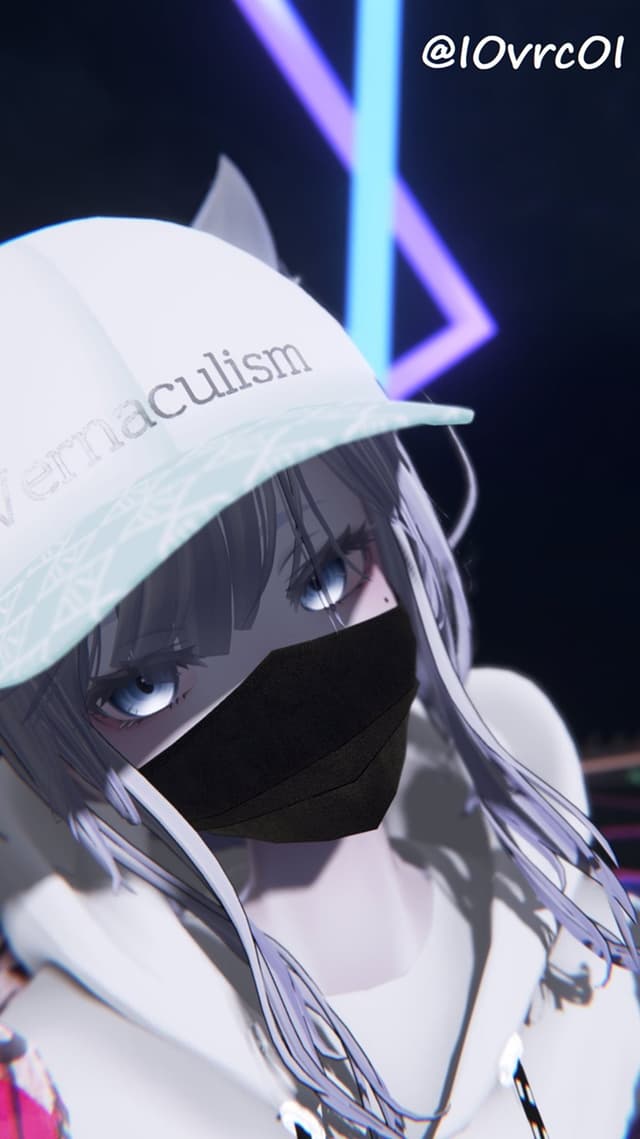
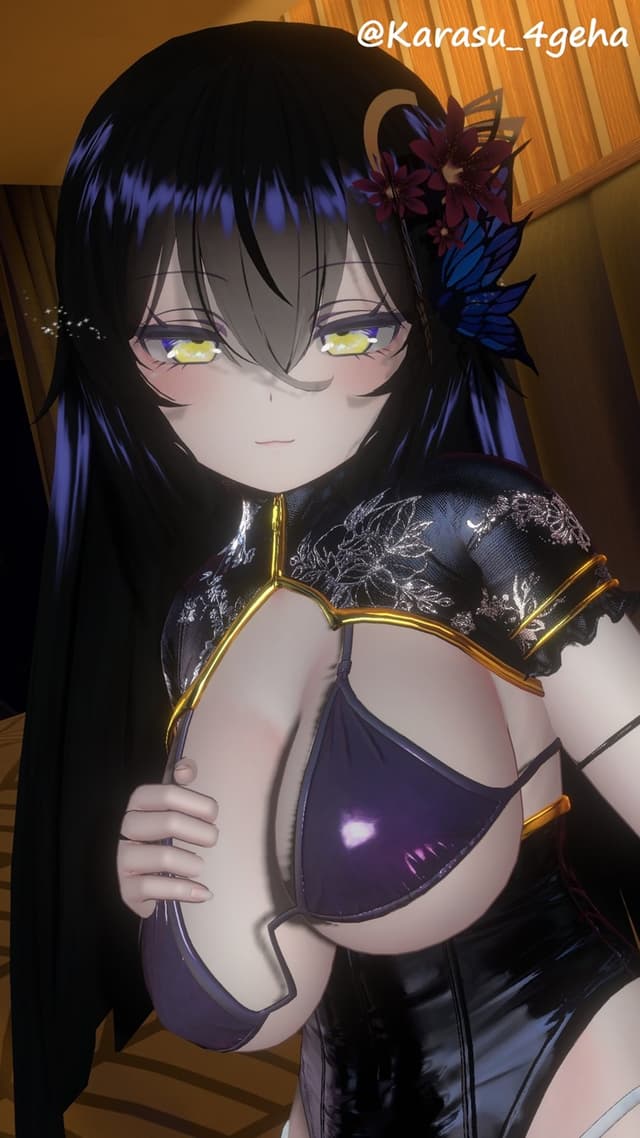
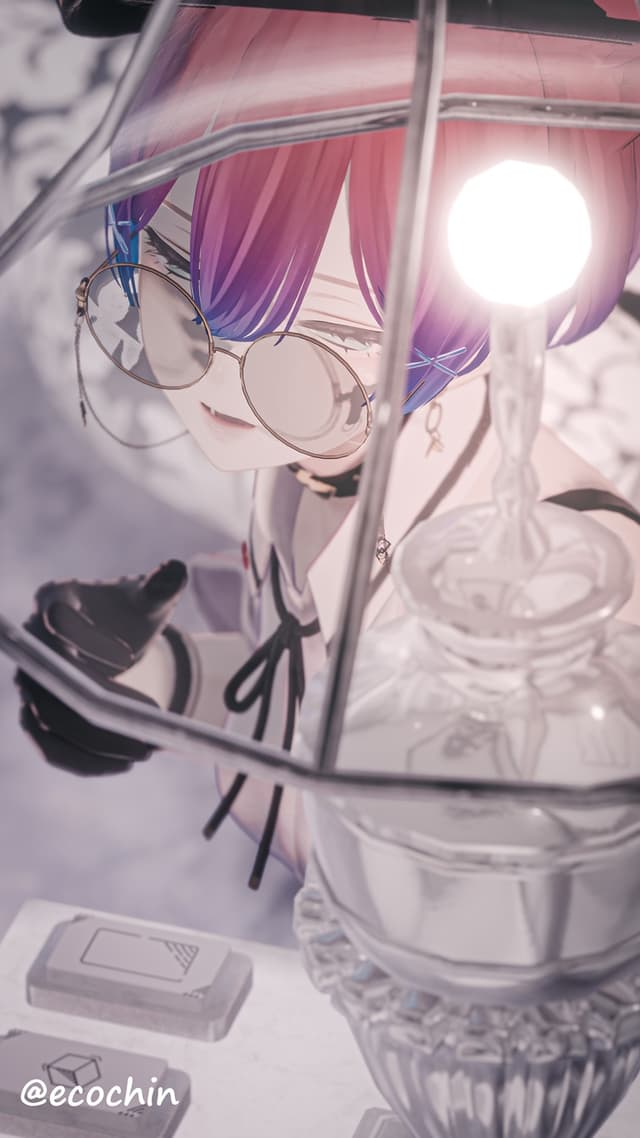
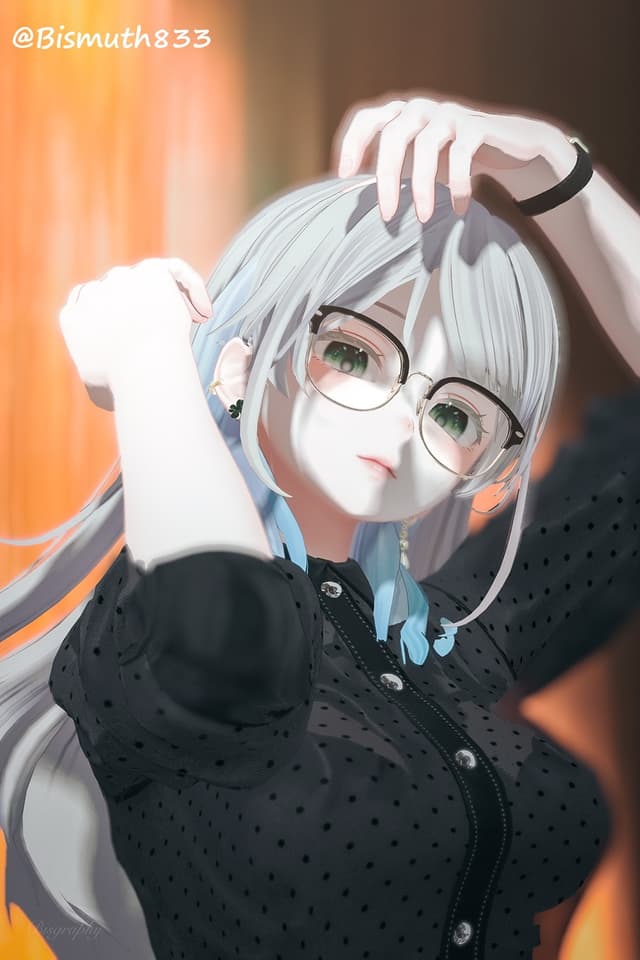
リアルタイムに高解像度な影を比較的低負荷で落とすアバターギミックです。
前髪や、顎、胸といった様々な部位の影がつくことで、圧倒的な立体感・存在感が表現できます。
ワールドのライトの影響を抑え、同梱されているアバターに追従するライトを主として照らすように設定されているので、ワールドライトに依存せず、そのため特定のワールドで真っ暗になってしまったりすることがありません。 また、ライトは本システムのみに影響するように設定されているので、他プレイヤーやワールドオブジェクトに影響して余計な負荷をかけることもありません。 さらに、一定以上(デフォルト10m)離れると、自動で影が無効になります。
セットアップツールが付属しており、ワンクリックでセットアップが可能です。
本システムは有償アセットの利用有無で2系統の利用方法がございます。
①NGSS版:下記アセットを利用します。影の柔らかさ、距離減衰等々細かい調整が可能です。
[Next-Gen Soft-Shadows] https://assetstore.unity.com/packages/vfx/shaders/next-gen-soft-shadows-137380?locale=ja-JP
②SimplePCSS版:こちらは追加アセットの購入の必要はありませんが、影の柔らかさとマスク機能のみのシンプルなバージョンです。
導入手順
1. [オプション] NGSS(Next-Gen Soft-Shadows)をUnityAssetStoreで購入・インポートする。
2. lilToonVer1.5.1以上またはPoiyomi 8.1を導入する。
3. 本パッケージをインポートする。
4. メニューバー「nHaruka」→「PCSS For VRC」を押す。
5. 表示されたウインドウの「Avatar」欄にアバターをD&Dする。
6. 導入手順を確認の上Setupを押す。
利用規約
・Unitypackageそのものやそれに含まれるアセット、ソースコードの一部または全部の二次配布は禁止します。
・本ツールを使用してPCSS For VRCを組み込んだアバターのPublishは可ですが、unitypackage等アセットを取り出し可能な形での再配布は不可とします。
・NGSSを利用しない場合のSimplePCSSの影シェーダーは下記オープンソースプロジェクトのコードを参考にしています。 https://github.com/TheMasonX/UnityPCSS
バグ報告・サポートについて
バグ報告やサポート依頼については、下記Discordに一元化しております。
お困りの際は下記へお問い合わせください。
サポートガイドライン(抜粋)
・他ギミックとの複合的な問題やUnityのバグ、その他作者の知見を超える内容についてはご回答できない場合があります。
・リクエストの内容が不鮮明である場合、回答が困難な場合があります。
[English] Overview
This avatar gimmick casts high-resolution shadows in real time with a relatively low load.
Shadows are cast on various parts of the avatar, such as the forelock, chin, and chest, giving the avatar an overwhelming sense of three-dimensionality and presence.
The system is set up to suppress the influence of world lights and mainly illuminate the lights that follow the avatar, so it does not depend on world lights and therefore does not go completely dark in certain worlds.
There are two ways to use this system, depending on whether or not paid assets are used.
(1) NGSS version: Shadow softness, distance attenuation, etc. can be finely adjusted. The following assets are used:
[Next-Gen Soft-Shadows]. https://assetstore.unity.com/packages/vfx/shaders/next-gen-soft-shadows-137380?locale=ja-JP
(2) SimplePCSS version: This version does not require the purchase of additional assets, but is a simple version with only soft shadows and a mask function.
[English] Setup steps
1. [Optional] Purchase and import NGSS (Next-Gen Soft-Shadows) from UnityAssetStore.
2. Import lilToonVer1.5.1up or Poiyomi 8.1
3. Import this package.
4. Press the menu bar "nHaruka" -> "PCSS For VRC".
5. D&D your avatar in the "Avatar" field of the window that appears.
6. Confirm the setup guide and press "Setup" button.
[English] Terms of Use
Secondary distribution of the unitypackage itself, the assets included in it, or the source code, in whole or in part, is prohibited.
You may publish avatars that incorporate PCSS For VRC using this tool, but you may not redistribute them in a form that makes it possible to extract assets such as the unitypackage.
The shadow shader of SimplePCSS without NGSS is based on the code of the following open source project. https://github.com/TheMasonX/UnityPCSS
[English]About bug reports and support
Bug reports and support requests are centralized in the following Discord.
If you have any problems, please contact us at the following address.
https://discord.gg/zuaYSC5FHg
Support Guidelines (excerpt)
- I may not be able to respond to requests for problems that are compounded with other gimmicks, bugs in Unity, or other issues that are beyond the knowledge of the author.
- I may not be able to respond to requests that are unclear.


