
説明
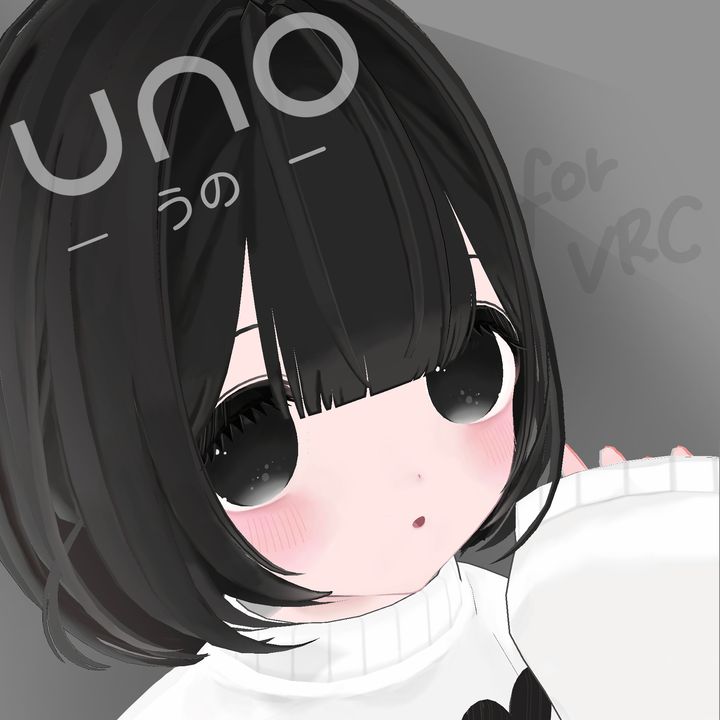
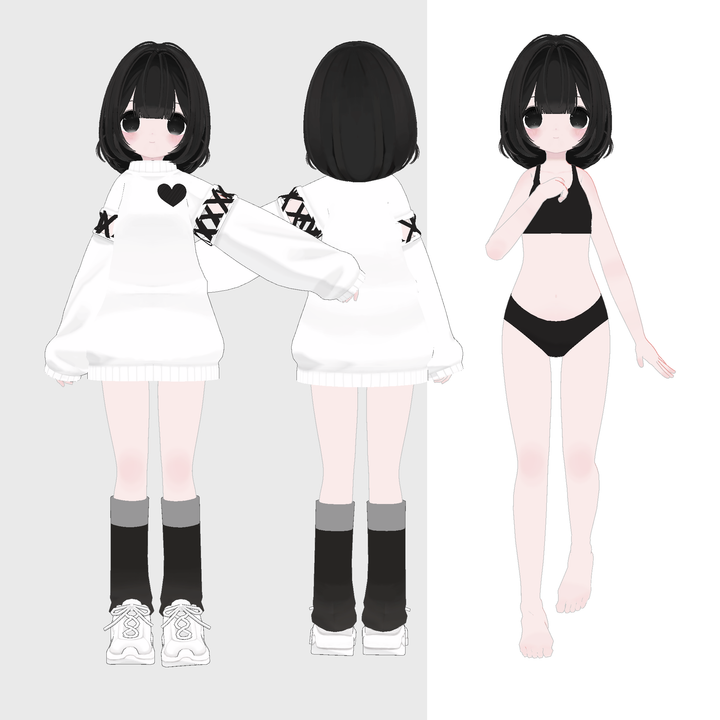
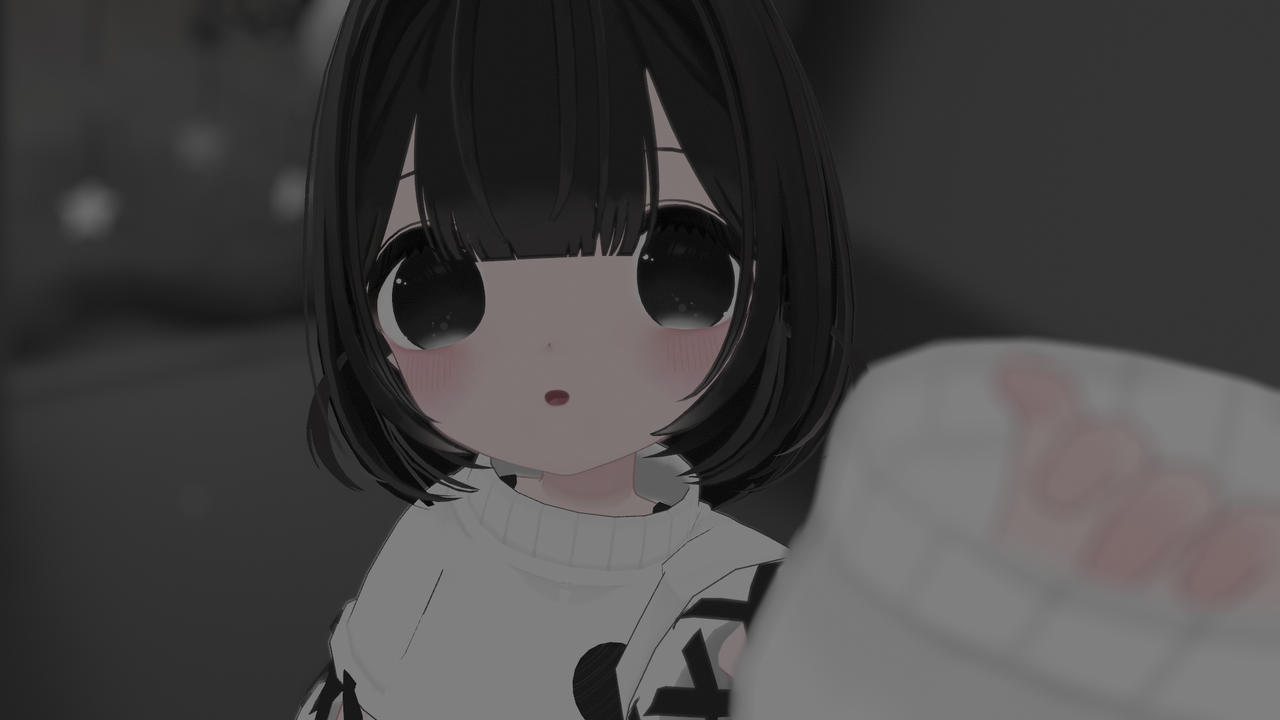
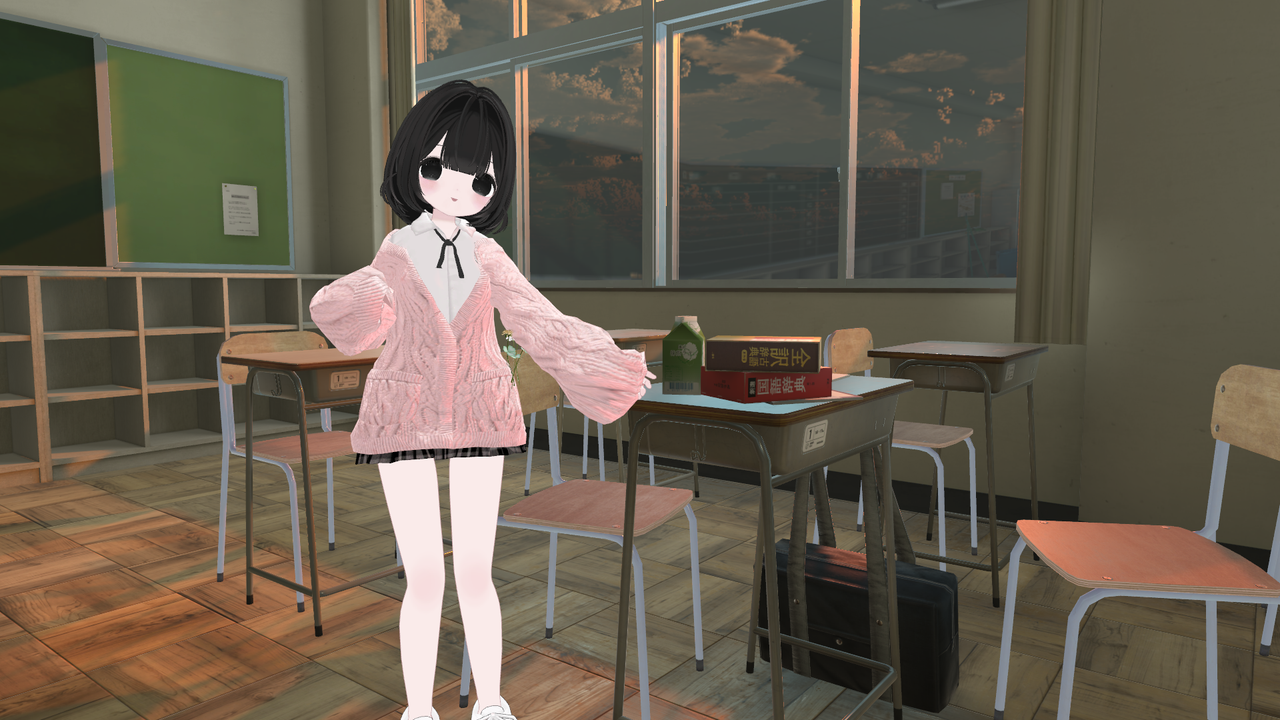
オリジナル3Dモデル「Uno(うの)」です。
VRChatでの使用を想定しています。
ふわっとした可愛い女の子です。
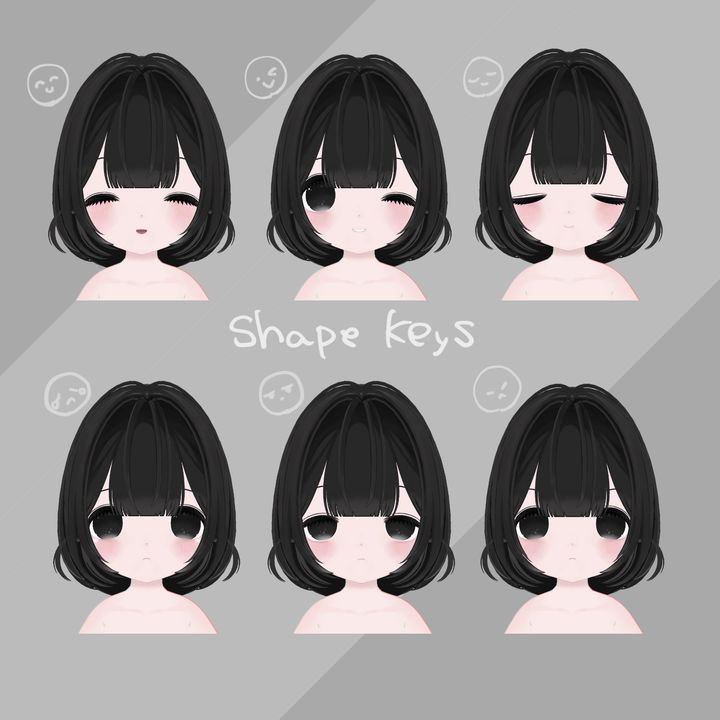
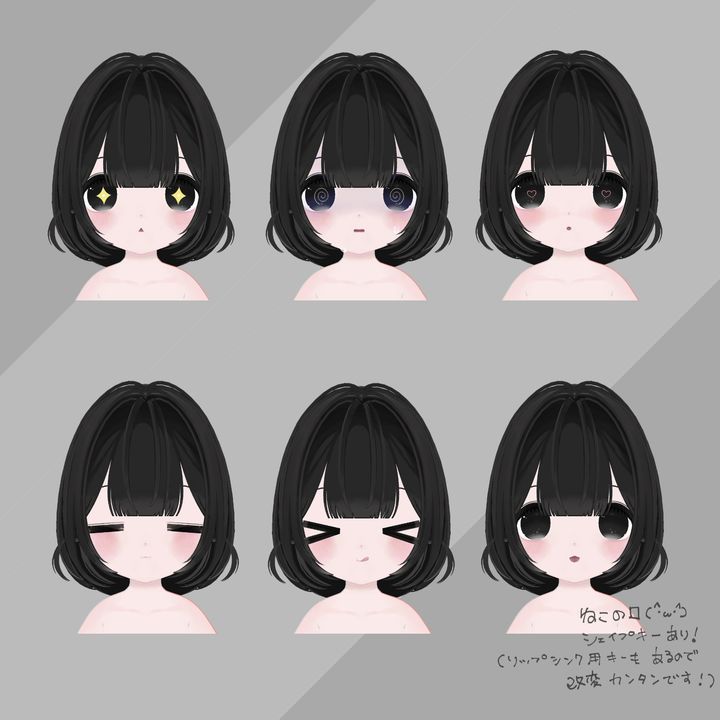
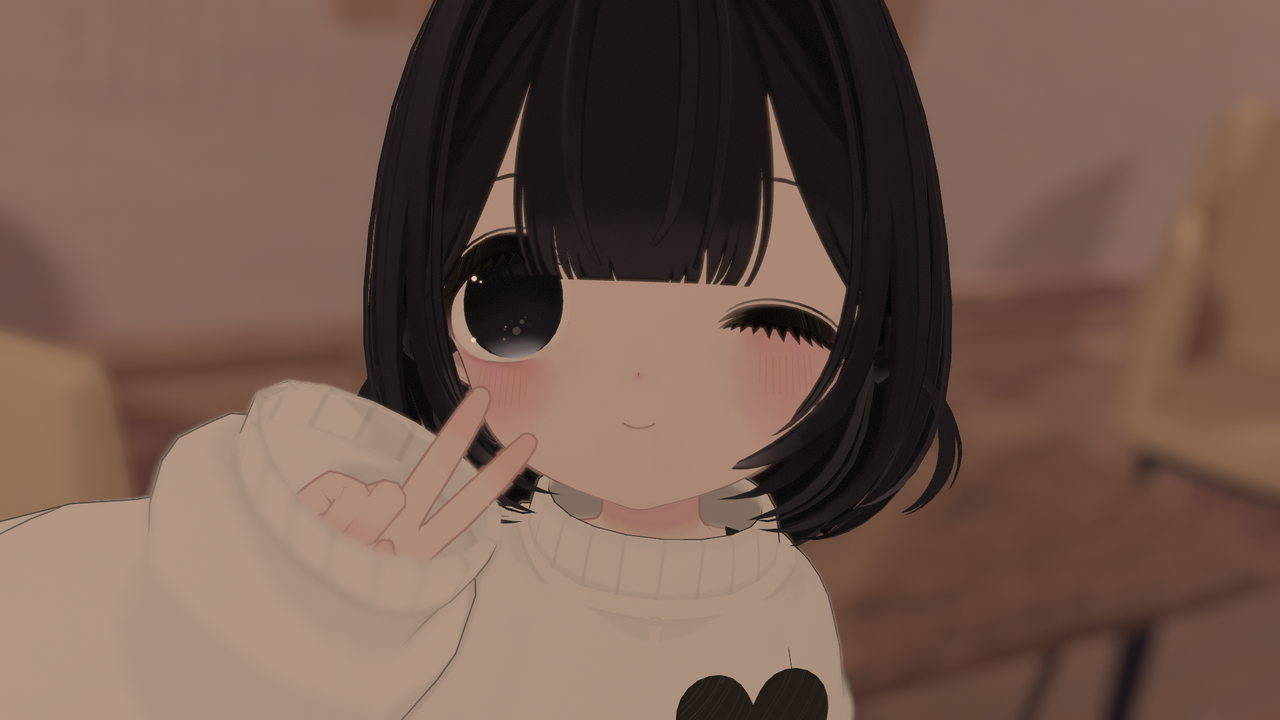
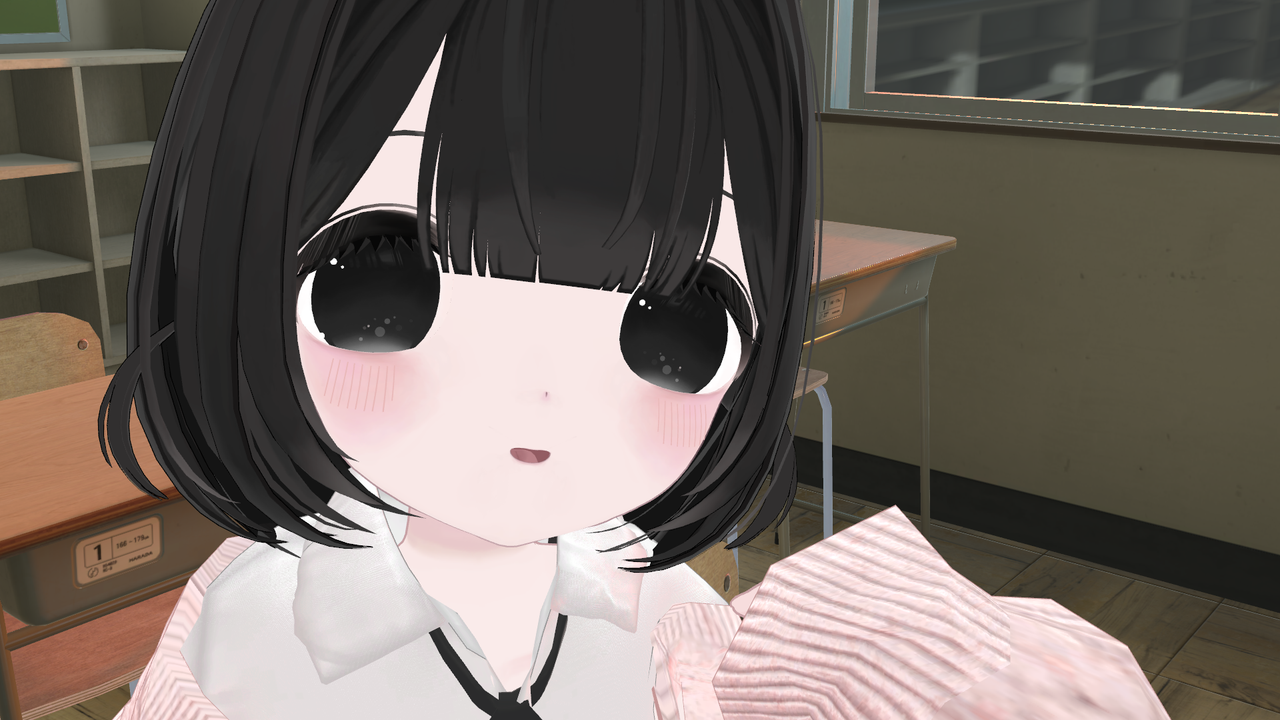
特に顔は細部にこだわっていて、
ばさばさのまつ毛と パーツの丸みを意識したデザインで、すこしドーリーな雰囲気を出しました。
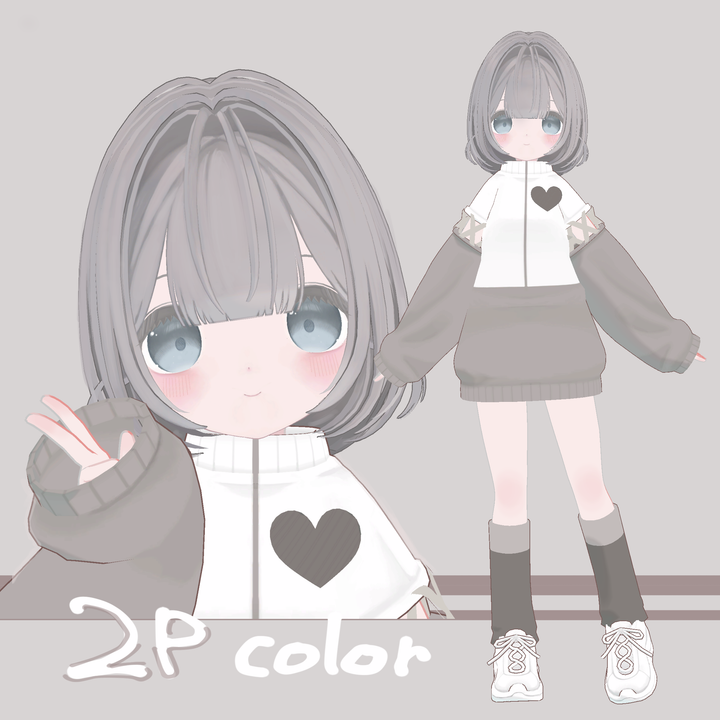
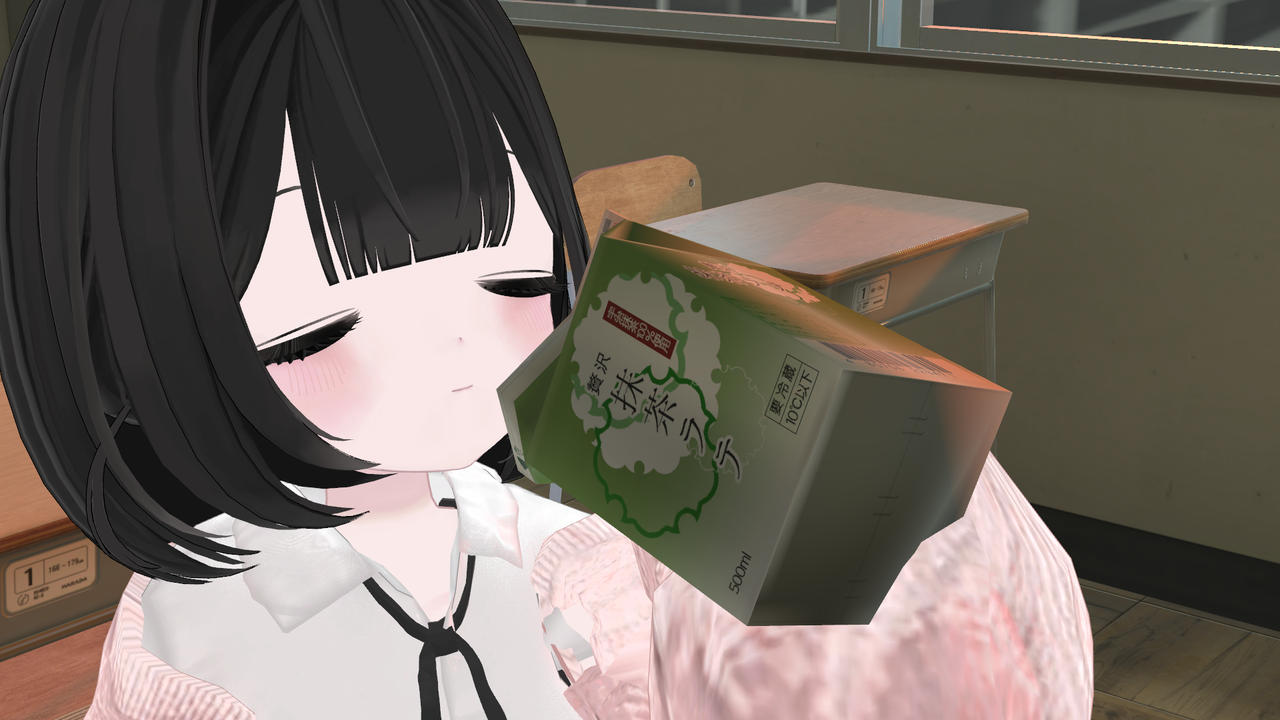
※最後の3枚は改変例です。
撮影に使用させていただいた衣装→Ever After (ショップ名:ALICE)
#更新情報
05/01 ver1.01
設定漏れ、ウェイトやメッシュの調整など
05/10 ver1.02
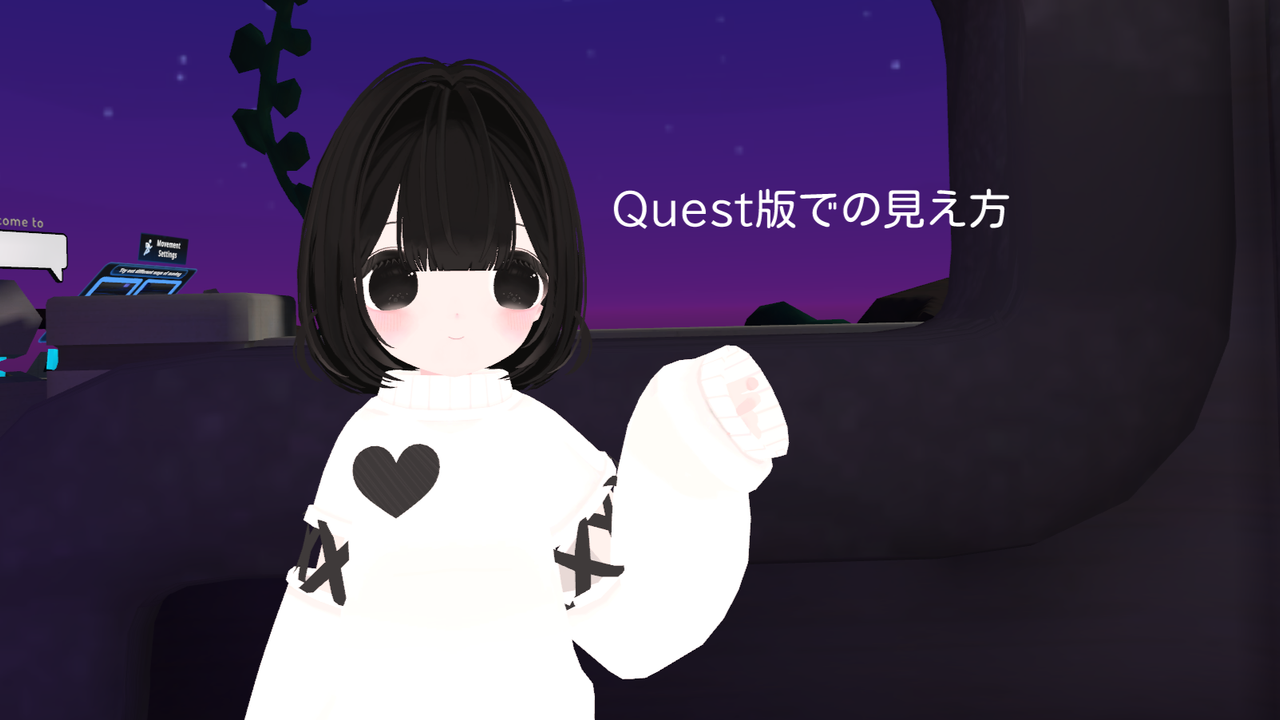
Quest版追加
physbone設定の修正、パイメニューに表情を追加、テクスチャをきれいにしました。
05/27 ver1.03
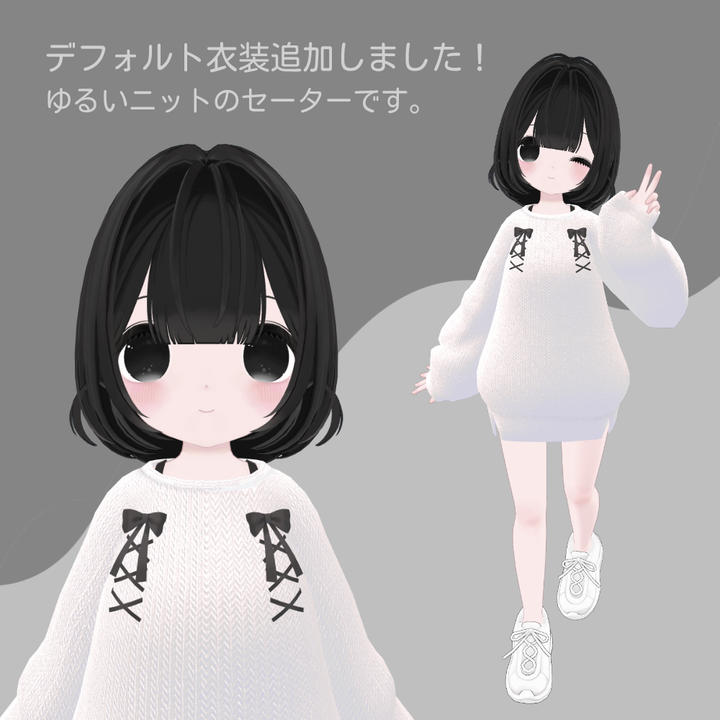
新しいデフォルト服を追加(商品画像3枚目参照、PCのみ)
顔のバランス(口を少し下げました)・UV・テクスチャ修正、体・服のウェイト修正、輪郭を小さくするシェイプキー追加、パイメニュー見やすいように編集、physbon設定の修正(輪郭周り少し浮いてしまっていたのを修正)、素体のBlenderファイル・プレファブ等を追加
モデル情報
【PC版】
ポリゴン数
衣装1:39632(服のみでなく着用時の総数)
衣装2:37154
素体のみ:34568
ランク:Poor
シェイプキー:100+
使用シェーダー:liltoon 1.7.3
Avatars 3.0
PhysBone設定済み
リップシンク対応
【Quest版】
ポリゴン数:19768
ランク:Poor
※サンプルアバターの方はわずかなデータの差でVeryPoorになっております
※画像欄にQuest版の見え方の見本あります。
アウトラインがないのと、ワールドにより陰影などの色が飛びがちです。
アクションメニューからぺたん座り、椅子座り、仰向け、腹這いポーズが出来ます。
内容物
・FBX
・UnityPackage
・Texture(PNG、改変用PSD)
・利用規約_terms
・Blenderファイル(素体)
試着
5/12〜JPT (JPTutorialWorld)にて試着できます。
「VRで着て、近くで見て、動いた時に一番かわいい」ように作ったので、ぜひ着てみてほしいです!
#ハッシュタグ
Xで写真をポストする際は #Uno_3D でタグ付けして下さると、作者がとても喜んで見に行きます!
VRCへの導入方法
Unity(バージョン2022.3.6f1)をインストール
↓
Liltoon 1.7.3(シェーダー)、
VRChat SDKをインポート
(モデルより先にこの2つをインポートして下さい)
↓
モデルのUnity packageをインポート、
prefabをヒエラルキーへドラッグ&ドロップ
↓
SDKでVRChatへアップロード
利用規約
VN3ライセンス( https://www.vn3.org )に従い利用規約を作成しています。
ダウンロード商品の性質上、キャンセル・交換等は承っておりません。
本データを購入した時点で本規約に同意いただいたものとみなします。
また、他言語版規約と日本語規約の間で差異がある場合は日本語規約が適用されます。
問い合わせ
初のアバター販売のため、至らぬ点多いと思います。
エラーの報告、ご質問、また気になる点などあれば、お気軽にご連絡お願いします。
#English
Model Information
- Polygon Count: 44,881 (Poor)
- Shape Keys: 100+
- Shader Used: liltoon 1.7.3
- Compatible with Avatars 3.0
- PhysBone Setup
- Lip Sync Compatible
[Quest]
- Polygon Count: 19768(Poor)
Action Menu Features
You can perform sitting on the ground, sitting on a chair, lying back, and prone poses from the action menu.
Contents
- FBX
- UnityPackage
- Textures (PNG, PSD)
- Terms of Use
Try On
Available for trial at JPT (JPTutorialWorld) from 5/13 onwards.
This avatar was designed to look its cutest when worn in VR, up close, and in motion. Please try it out!
Instructions for VRC Integration
1. Install Unity (Version 2022.3.6f1).
2. Import Liltoon 1.7.3 Shader and VRChat SDK (Import these before the model).
3. Import the model's Unity package and drag & drop the prefab into the hierarchy.
4. Upload to VRChat using the SDK.
Terms of Use
I have created terms of use following the VN3 License (https://www.vn3.org). Due to the nature of downloadable goods, cancellations or exchanges are not accepted.
By purchasing this data, you agree to these terms of use. In case of any discrepancies between translated versions and the Japanese version, the Japanese version shall prevail.
Inquiries
For error reports, questions, or communications, please contact my e-mail:



